
Body-shop estimators upload repair packets from browsers to a storage site the company is allowed to decrypt. Firewall logs show only the destination port. Which control can see the file contents?
Select an answer to reveal the explanation.
Short Explanation
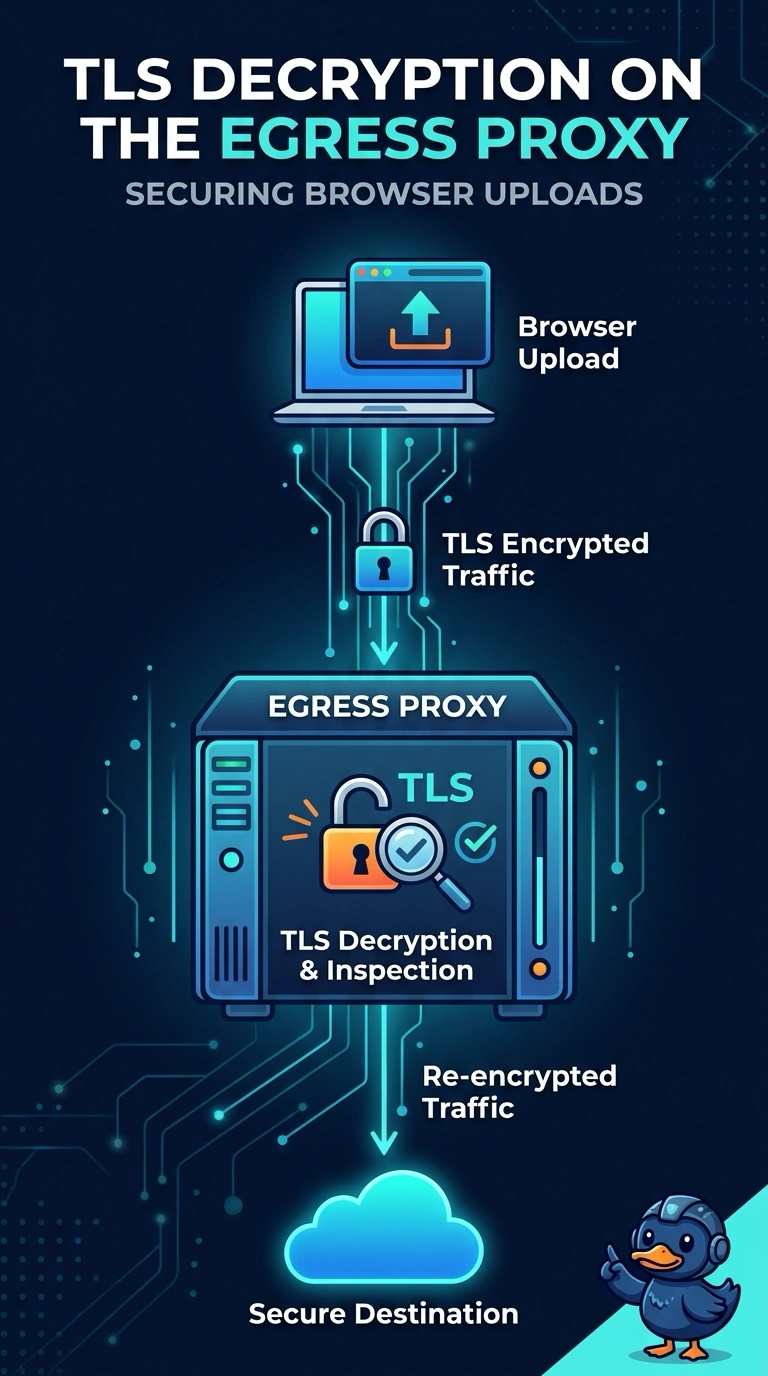
The guard who only writes down the truck color has not looked in the crate. You decrypt on the proxy that already carries the browser uploads so the file can be inspected. A port filter, website offload, or an agent you cannot install never opens that crate.
Full Explanation
The firewall can see a port and a destination, which is not the file. The company is allowed to decrypt this storage site, and the egress proxy already sits on the browser path, so decryption there reveals the repair packet for inspection. Offload on the public website, a port-only filter, and an agent the shop cannot install are not on this content path. TLS decryption on the egress proxy that already carries those browser uploads is the design that meets this requirement. A port filter on the firewall that already logs the storage destination and nothing inside is the wrong fit because a port filter records where the session went and does not open the file inside the encrypted session. TLS offload on the company's public website, a flow these estimator uploads do not use is the wrong fit because offload on the public website terminates a different flow and never sees the estimator uploads. An endpoint agent on shop kiosks that the company does not manage and cannot install is the wrong fit because an agent cannot be installed on kiosks the company does not manage, so it never sees the upload. Exam caveat: Decryption here is allowed because the site is not pinned. A later pin on that storage site would hide the file again and the control would have to move. Operational check: Upload a lab packet through a test browser and confirm the proxy log shows the file name, while the firewall log still shows only the destination port.