
An airline analyst wants to invent a brand-new AI Guardrails data identifier for an internal booking code that the built-in identifiers do not name. What is the analyst able to do in Secure Access instead?
Select an answer to reveal the explanation.
Short Explanation
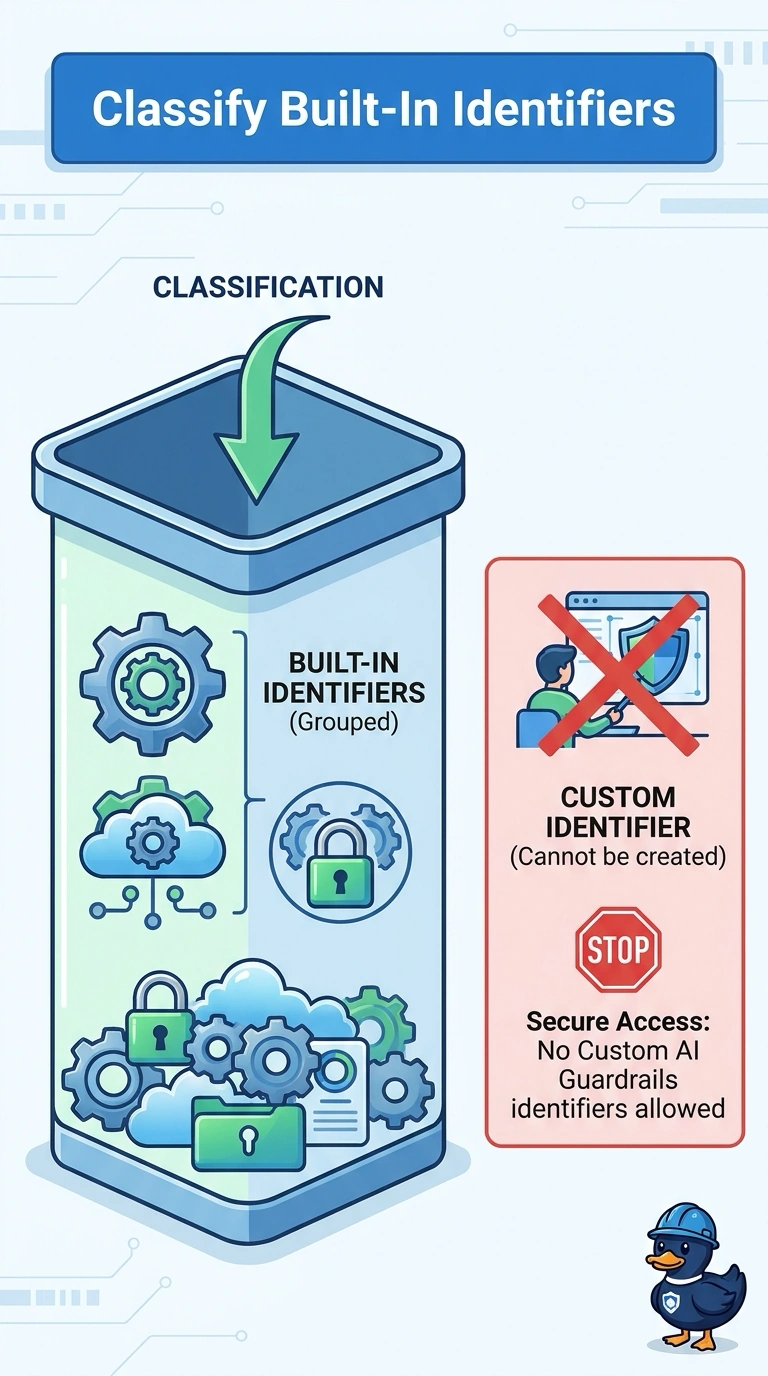
You can sort the tools already on the bench, but you cannot mill a brand-new tool the shop does not sell. You group the built-in AI Guardrails identifiers into a classification. The trap is trying to create a custom data identifier for the booking code.
Full Explanation
Secure Access does not let you create a custom AI Guardrails data identifier. The action that is available is to group the built-in identifiers into a classification and use that grouping in the rule. That is a way to organize identifiers the product already has, not a way to mint a new one for an internal booking code. Creating that custom data identifier and attaching it to a privacy classification is the step the product refuses. A real-time web upload rule is a different rule type and still does not define a custom AI Guardrails identifier for text typed into prompts. Adding the booking code as a new safety identifier is the same forbidden creation, and calling the content operational does not make a custom identifier accepted. Exam caveat: if no built-in identifier describes the booking code, grouping will not invent that match. The tested limit is that custom AI Guardrails identifiers cannot be created. Operational check: in the guardrail classification editor, confirm you can combine built-in identifiers and that there is no control for adding a new data identifier.