
A utility has an inline cloud access control set to block a risky upload, but the session stays encrypted end to end and the control never sees the activity. What lets that inline control judge the upload?
Select an answer to reveal the explanation.
Short Explanation
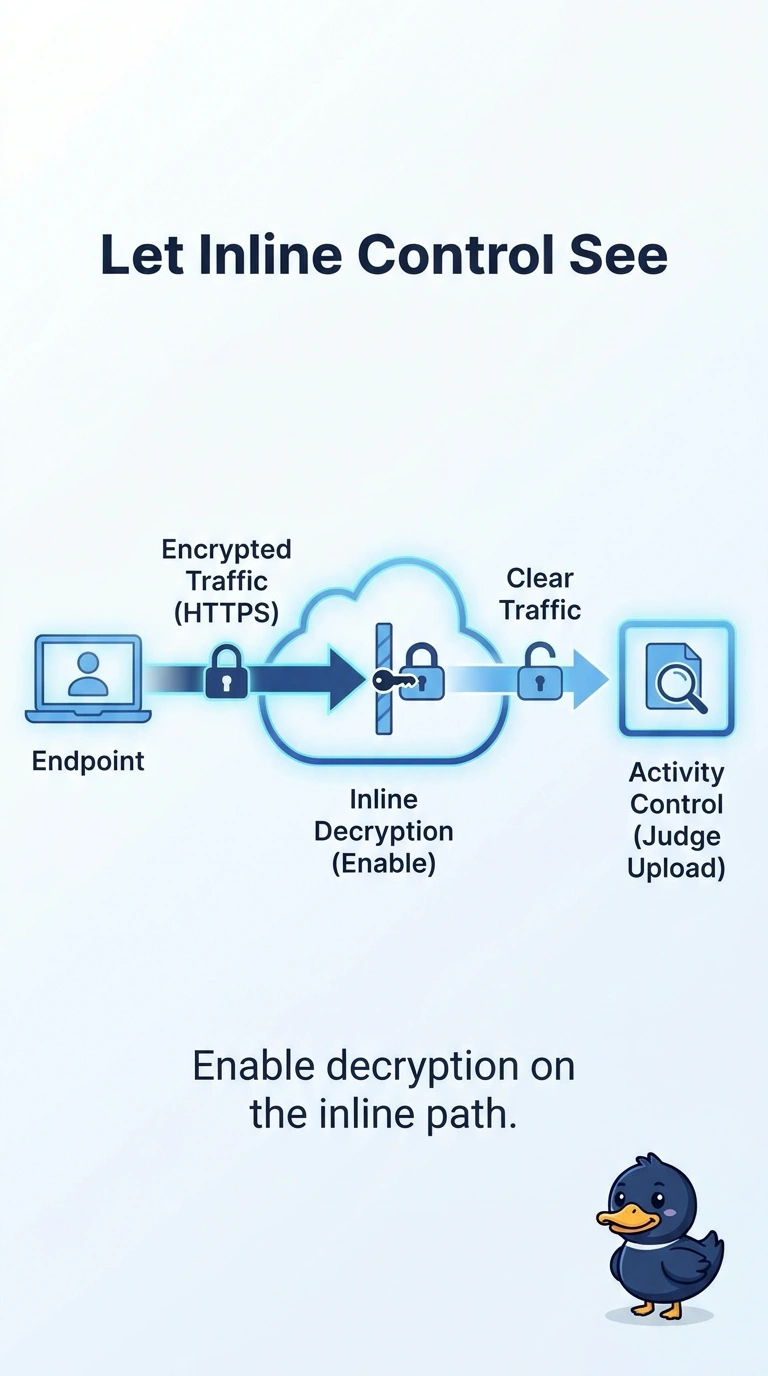
You can’t judge an upload that stays sealed inside an encrypted session. Enable decryption on the inline path so the activity control can see and evaluate the upload. A stored-file cleanup, DNS block, or inspection bypass won’t reveal it.
Full Explanation
An inline activity control can judge the upload only when the session is decrypted, so enable decryption on the inline path and let the control inspect the activity it is already set to block. An API control that removes public links acts on files already stored in a tenant; it does not decrypt or inspect this live upload. Blocking the destination name in DNS may stop a lookup, but it does not reveal the URL path or file body in an encrypted session. A category bypass that leaves the sanctioned application encrypted keeps inspection off, so the upload remains invisible to the control. Exam caveat: a control configured to block an activity still needs visibility into that activity; a bypass that withholds inspection cannot provide it. Practical check: repeat the upload after enabling decryption for the identity and confirm the inline log records the activity and block, rather than showing only an encrypted session. If the log still shows only ciphertext, inspection is not enabled for that identity.