
A clinic already matches patient identifiers on web uploads. The same identifiers must now be checked on messages people send from the cloud mail system. Which control performs that mail scan?
Select an answer to reveal the explanation.
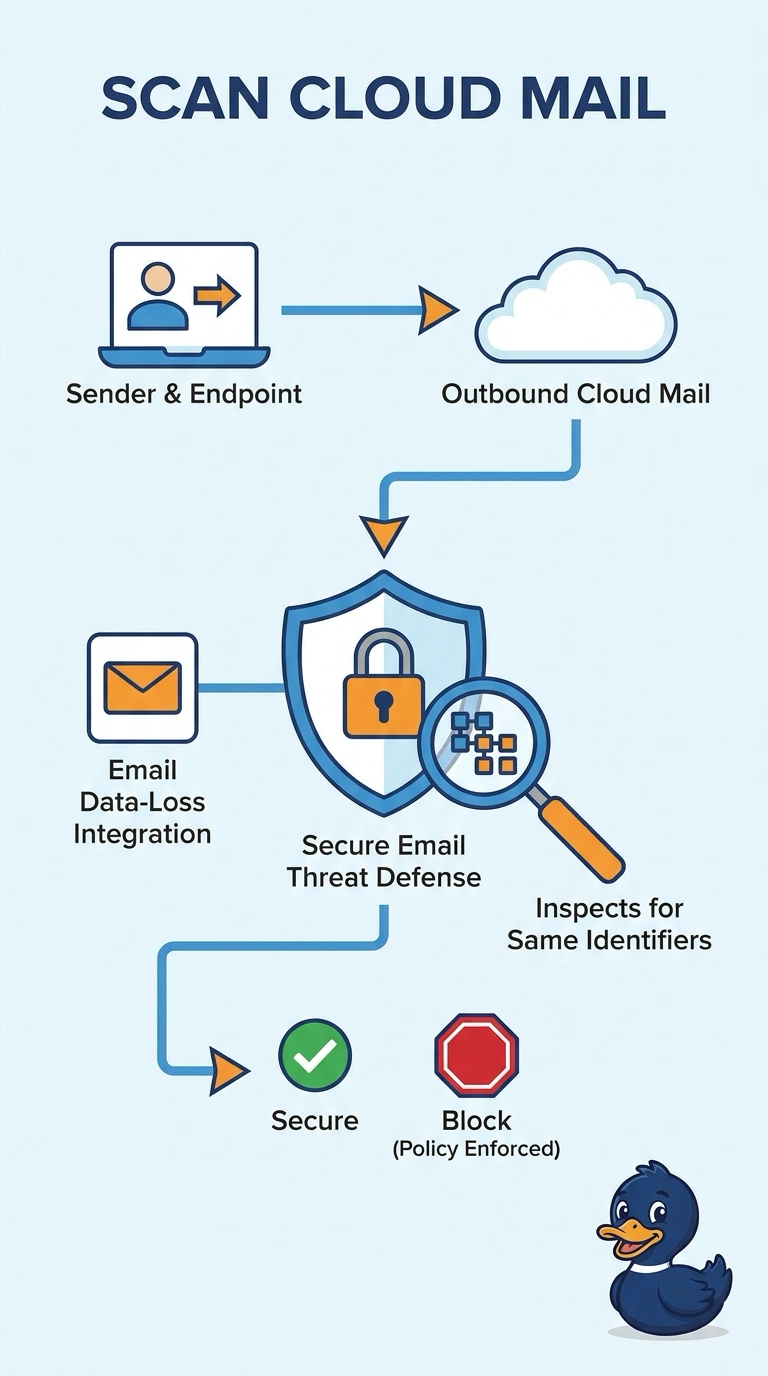
Short Explanation
Checking boxes on the loading dock does not read the letters that leave on the mail truck. You need the email data-loss integration for messages sent from the cloud mail system. The trap is pointing a web upload rule at the mailbox and calling that the same scan.
Full Explanation
Real-time web rules see uploads through the proxy. Outbound mail from the cloud mail system is a different channel, and the integration that scans it for the same identifiers is email data-loss prevention with Secure Email Threat Defense. That path inspects the message itself rather than hoping a browser post looks like mail. A real-time web upload rule pointed at the cloud mail site still only understands web uploads, so sending a message is not covered just because the mailbox has a website. A SaaS API rule that inventories files already stored in the mail tenant looks at data at rest and does not replace the mail scan, and blocking the next spreadsheet upload is a web action. An AI Guardrails privacy rule on prompts evaluates generative prompts and responses, not clinic mail. Exam caveat: email data-loss prevention stays a separate integration from proxy rules and from guardrails. Operational check: send a test message containing a patient identifier from the cloud mailbox and confirm the email integration, not the web upload log, records the match.