
A telecom NOC gives contractors TACACS+ access to core routers through ISE. Policy requires each session to start at privilege level 1, after which a command set permits only show commands, yet sessions still begin at privilege 15. Which ISE device administration component controls the session's initial privilege level?
Select an answer to reveal the explanation.
Short Explanation
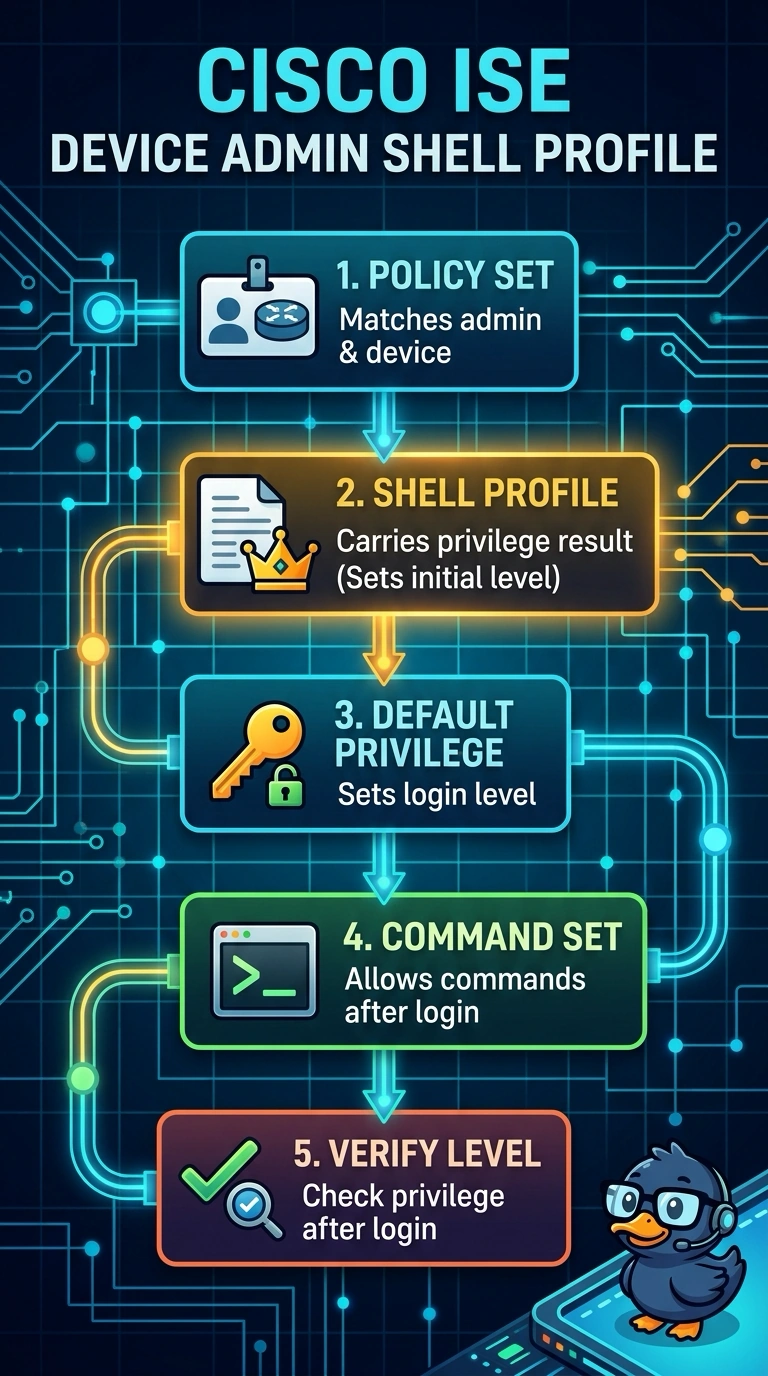
You get two results back from a device admin policy set, but only one of them carries a privilege number. Your shell profile is where the default privilege for the login session is defined, while the command set filters which commands are allowed once you're in. Since sessions still land at 15, the shell profile is the field to correct.
Full Explanation
In device administration a TACACS+ policy set evaluates its conditions and then returns authorization results made up of a shell profile and a command set. The shell profile is the object that carries the session's default privilege level, so it alone decides whether an administrator lands at privilege 1 or privilege 15 at login; only after that value is assigned does the command set begin filtering individual commands by name. If sessions still start at 15, the shell profile attached to the matched rule still declares a default privilege of 15, which is why careful work on the command set changes nothing about the starting level. Using the command set to fix the privilege confuses a per-command filter with a session-level property. Reaching for an authorization profile from a network access policy set applies the wrong policy engine entirely, because 802.1X policy sets return network authorization results and are never evaluated for TACACS+ sessions. Relying on directory group membership by itself mistakes a match condition for a result: groups tell ISE which rule to select, not what privilege to grant. Exam caveat: confirm the router speaks TACACS+ to ISE, since RADIUS device access behaves differently. A practical check is to log in and check the privilege level you actually receive.