
A regional hospital sponsors outside contractors through the ISE guest portal. Each account must expire seven days after the contractor’s first login, network access is limited to weekdays between 07:00 and 19:00, and each guest may hold only one active session at a time. Which guest type configuration satisfies all three rules?
Select an answer to reveal the explanation.
Short Explanation
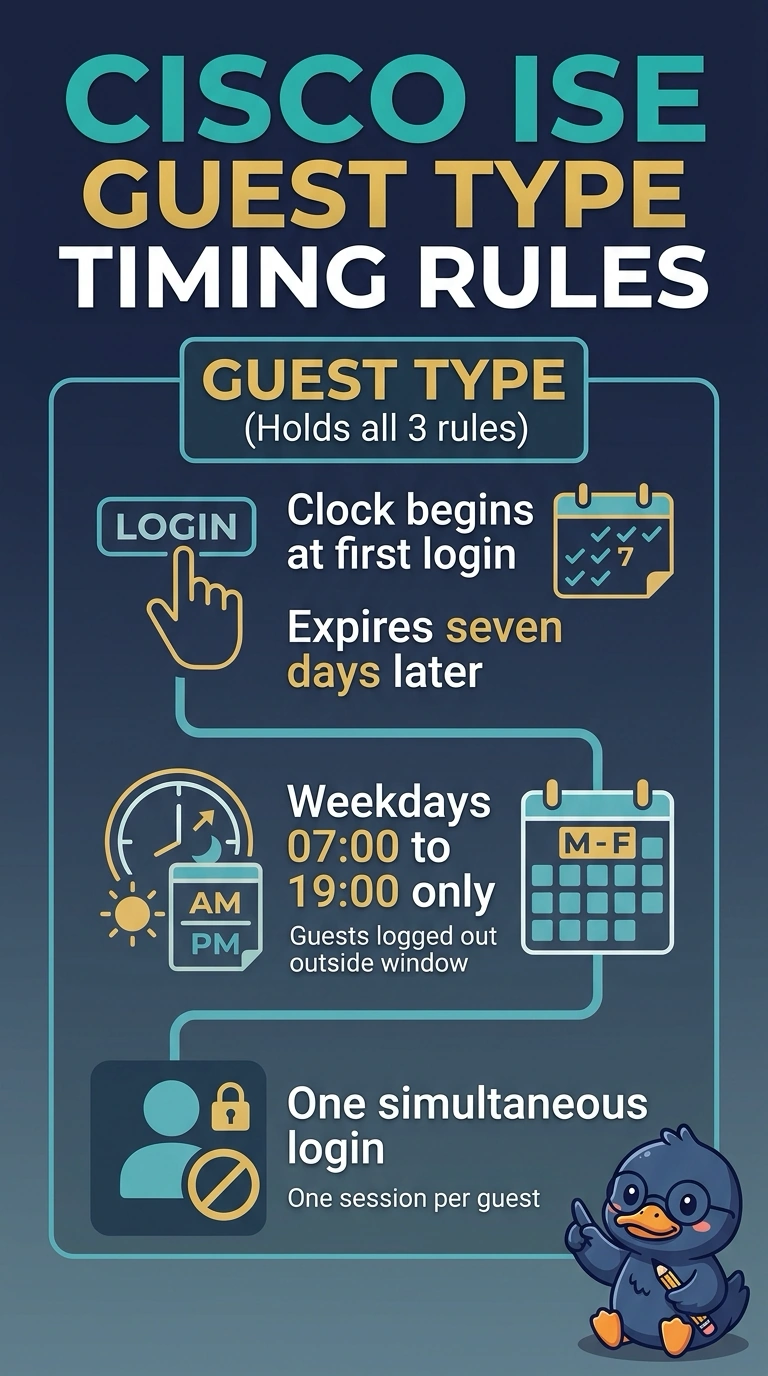
All three of those rules live in one place: the guest type your sponsors pick when they create an account. The maximum access time starts its seven-day clock at the first login, the days-and-times window logs guests out at 19:00, and the login limit keeps each person to one session. Once they're all set there, the account behaves the way your policy describes.
Full Explanation
Cisco ISE keeps guest timing controls on the guest type, and every account created with that type inherits them. Maximum Access Time can be set to start From First Login with a duration expressed in days, hours or minutes, so the seven-day clock begins the moment the contractor first signs in instead of when the sponsor created the record. Allow access only on these days and times adds the weekday window, and ISE is explicit that a guest who stays connected outside those parameters is logged out. Under Login Options, maximum simultaneous logins caps how many sessions one guest can run at once, so a value of one blocks a shared credential from opening a second session. Starting the duration from the sponsor-specified date fails the first rule, because the clock runs from account creation and the pass can expire before anyone logs in. Swapping the day-and-time window for an expiration notice fails the second rule, since a reminder sent in advance does not disconnect anybody at 19:00. Limiting registered devices instead of logins fails the third rule, because device enrollment counts endpoints rather than concurrent sessions. Exam caveat: later edits to a guest type do not rewrite accounts that were already issued. A practical check is to create a test account, sign in from two browsers at once, and watch ISE drop the second session.