
A university's first authorization rule in its 802.1X policy set matches every authenticated identity and returns Campus-Access, while a later rule in the same set returns Lab-Spec-42 with its own SGT for the engineering lab group. Lab users still land in Campus-Access. Which change gives the lab group its own authorization result?
Select an answer to reveal the explanation.
Short Explanation
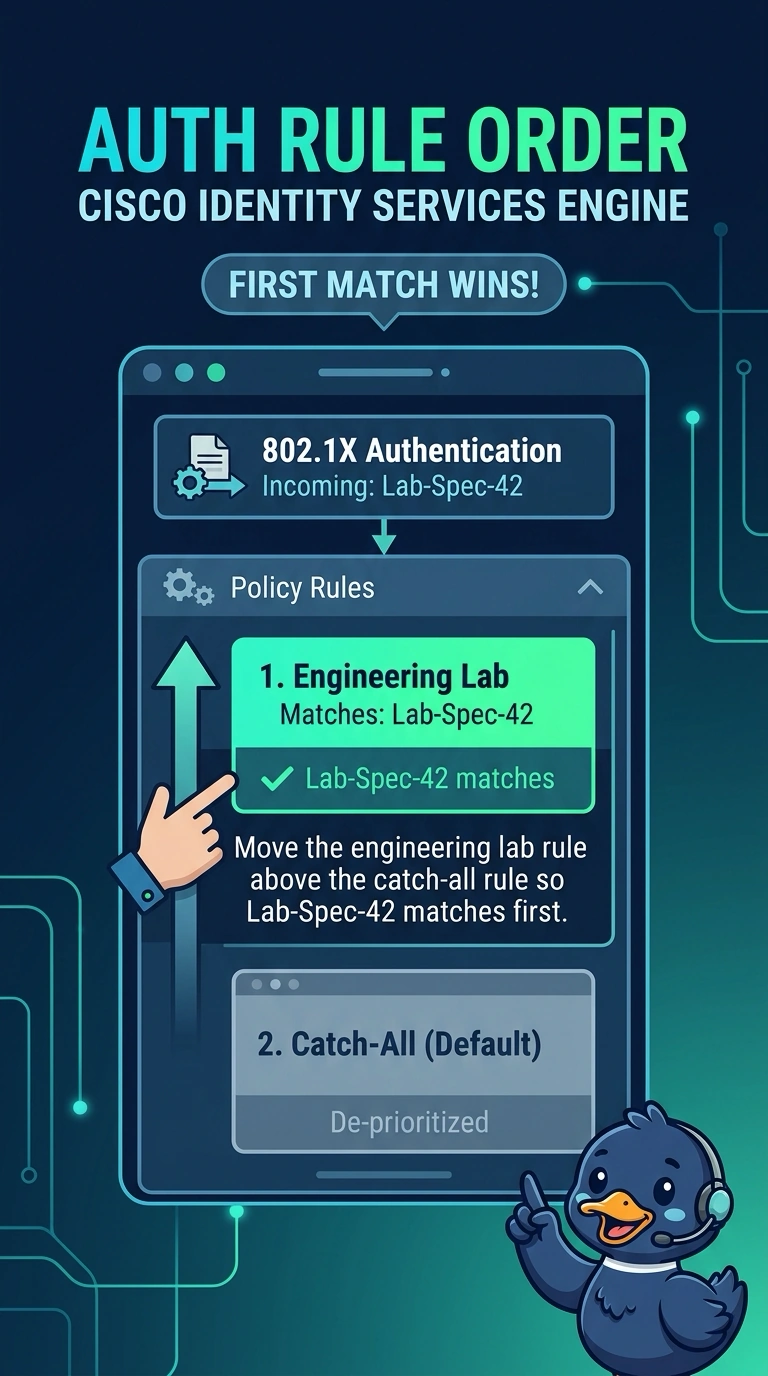
You can see why the lab users get Campus-Access: ISE stops at the first matching authorization rule, and the catch-all rule comes first. Move the engineering lab rule above it so Lab-Spec-42 is selected for the lab group.
Full Explanation
Move the engineering lab rule above the catch-all rule. In a first-match authorization policy, processing stops when a rule matches; because the catch-all matches every authenticated identity, lab users receive Campus-Access before the later lab rule can be evaluated. Assigning Lab-Spec-42 a dedicated VLAN and downloadable ACL alongside its existing SGT changes the result’s attributes, but cannot help while that result is never selected. Creating a lab-specific authorization profile with the required VLAN, ACL, and SGT, then binding it to the lab rule, is a standard way to keep lab-specific settings together; the profile still will not be selected if the earlier catch-all matches first. Adding a precise engineering-group condition to the lab rule makes its match more specific, but precision does not overcome the earlier catch-all match. These changes address result contents or rule specificity, while moving the lab rule above the catch-all fixes the decisive ordering problem. Exam caveat: confirm whether the platform uses first-match processing and whether a rule can explicitly continue evaluation, since policy engines differ. Practical check: inspect the live authorization trace for a lab login and verify that the engineering lab rule matched and returned Lab-Spec-42 with its intended SGT.