
A utilities company runs ISE for campus wireless and for router and switch CLI access. Auditors require per-command authorization plus full command accounting on the routers, and the wireless controllers must keep serving 802.1X clients without interruption. Which AAA protocol assignment for network access and device administration meets both the audit and wireless requirements?
Select an answer to reveal the explanation.
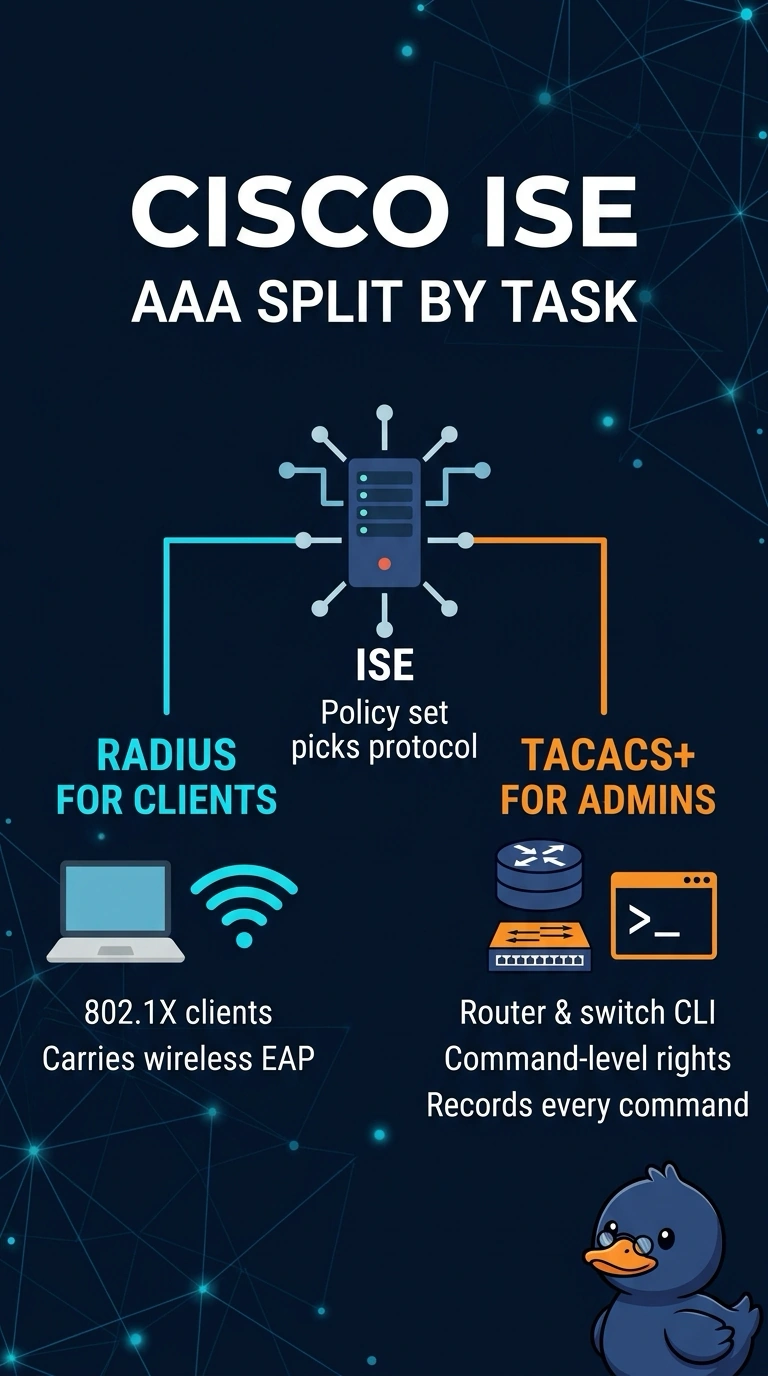
Short Explanation
Spot on — TACACS+ owns the admin side because it can allow or deny each command individually, while RADIUS stays where EAP sessions live. Splitting the two is like giving your engineers a key for each tool while wireless users get a badge for the front door, so you keep the per-command trail the auditors want and the wireless path stays untouched.
Full Explanation
TACACS+ is the protocol built for device administration because it separates authentication, authorization, and accounting, which lets ISE evaluate CLI commands against a command set and record commands through command accounting. RADIUS carries the network access job instead: the controller and switches act as RADIUS clients, EAP runs inside the RADIUS exchange, and ISE returns connection parameters such as a VLAN rather than a command list. Running everything on RADIUS fails the audit requirement, because RADIUS authorization is connection-level rather than per-command. Running everything on TACACS+ fails the wireless requirement, because wireless supplicants negotiate EAP through a RADIUS path the controller already expects and a controller does not act as a TACACS+ client for client sessions. Enabling TACACS+ with authorization switched off fails the audit requirement as well, since accounting only records what happened and never decides who may run what. Exam caveat: ISE device administration lives in its own service and policy set, and your routers must be listed there as TACACS+ devices. Practical check: block one harmless command from a lab router and confirm both the rejection and the accounting entry appear in the ISE logs.