
A telecom's field engineers each carry a company phone and a personal laptop, both onboarded through BYOD and listed under their internal user record. One laptop is reported stolen, and policy requires that only that laptop stops authenticating, the phone keeps working, the laptop must re-enroll before rejoining, and a replacement can still be registered. Which ISE action satisfies all four requirements?
Select an answer to reveal the explanation.
Short Explanation
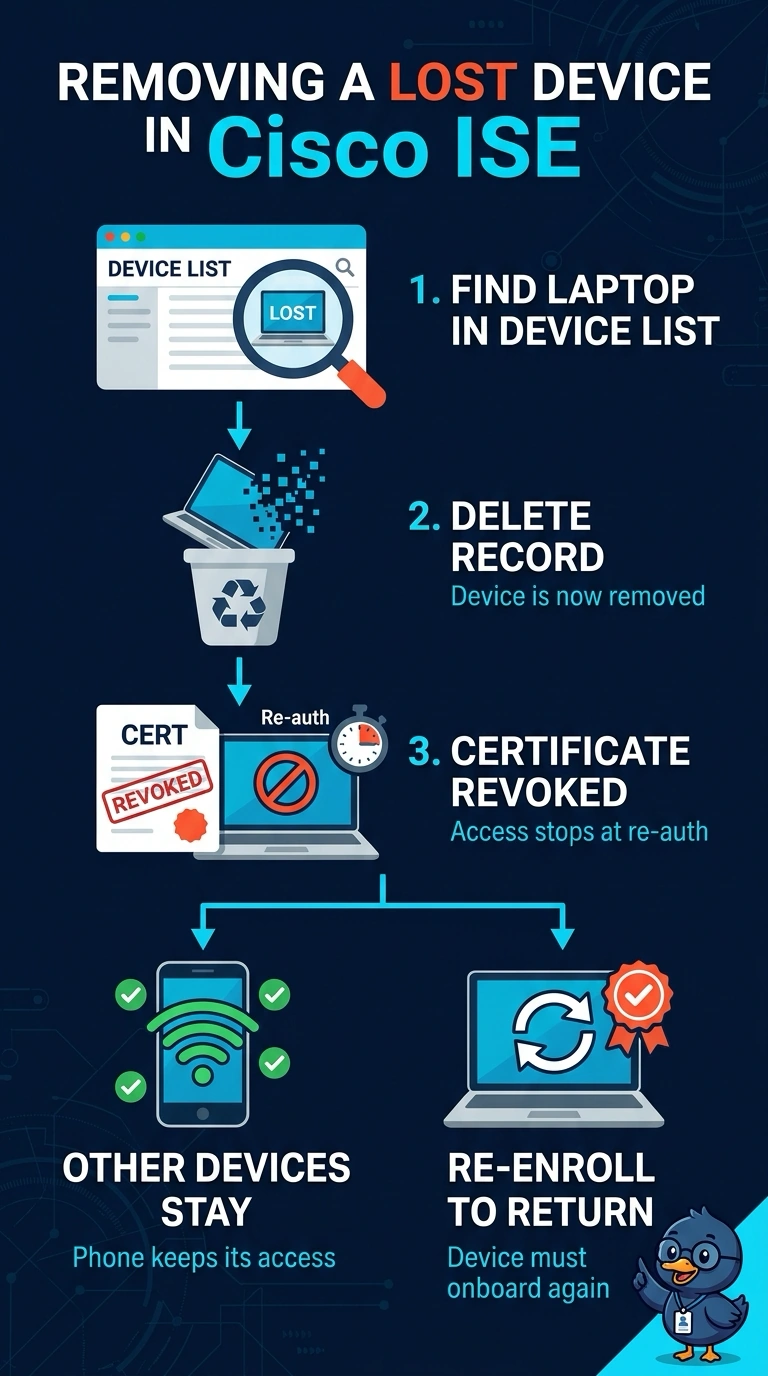
You can remove just the stolen laptop by deleting it from its registered device list, which revokes its identity certificate. Your phone’s registration stays intact, and you can register a replacement; disabling the endpoint preserves the old registration, while an authorization denial or MAC block does not require fresh enrollment.
Full Explanation
Deleting the stolen laptop from its registered BYOD device list is the device-specific action: ISE revokes the identity certificate associated with that registration, while leaving the engineer’s account and phone registration intact. The stolen laptop must complete a new registration and obtain a new certificate before it can authenticate again, and removing its entry leaves room to register a replacement. Disabling the laptop’s endpoint record is a common containment measure, but it preserves the BYOD registration and certificate; if the record is re-enabled, the laptop may authenticate without fresh enrollment. A targeted authorization policy can deny the laptop network access without affecting the phone, but authorization is evaluated after authentication, so it does not itself stop authentication or require certificate re-enrollment. Blocking the laptop’s MAC address is a network control based on a link-layer identifier, not revocation of its BYOD identity certificate; it does not enforce re-enrollment. Exam caveat: distinguish authentication failure from an authorization decision that denies access after successful authentication. Practical check: confirm that ISE shows the stolen laptop’s certificate as revoked, then verify that the phone still connects and that a replacement laptop can complete BYOD enrollment.