
A 300-person company onboards devices using ISE and its WLAN controller only, and wants employees to register personal phones, receive the wireless settings automatically, and have the endpoint record tied to the person who registered it. Which ISE BYOD use case should be configured?
Select an answer to reveal the explanation.
Short Explanation
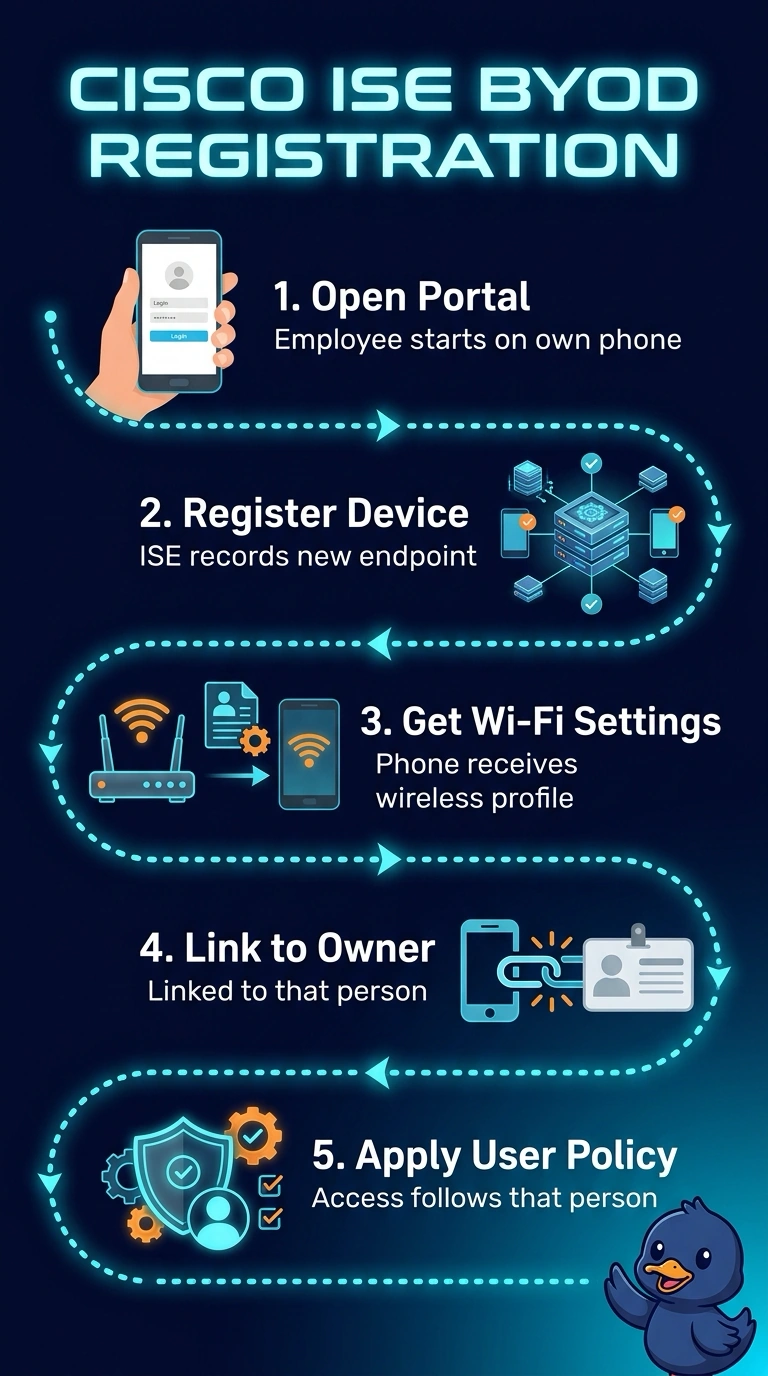
You want the BYOD registration portal: it’s like a single check-in desk that installs the Wi‑Fi profile and ties the phone’s endpoint record to the person registering it. Since your setup doesn’t use an MDM server, an MDM flow won’t fit, and skipping either step misses a requirement.
Full Explanation
ISE's employee-owned device flow is the plain BYOD registration portal: the person opens it from their own phone, ISE records the endpoint, a wireless profile is delivered so the device joins without anyone typing the SSID or its passphrase, and ISE links the endpoint record to the user who finished registration, so later policy and the My Devices view both know whose phone it is. Because this company runs only ISE and its WLAN controller, the MDM variant cannot run at all, and MDM is anyway aimed at devices the organization manages rather than personal phones. Hand-typing the SSID removes the automatic profile step, which is what keeps SSID and credential handling consistent across hundreds of personal devices. Leaving the endpoint with no owner link hides who registered it, so authorization and profiling rules cannot tell whose device they are judging. Caveat: the link only forms when registration completes, so a user who abandons the flow keeps an unassigned record. Check it by opening the endpoint in Context and confirming the registered user is shown, then verifying the wireless profile on the phone.