
A retail chain is starting BYOD across 120 stores. Laptops enroll at the ISE BYOD portal, the corporate CA signs each device certificate through SCEP, and ISE's EAP server certificate comes from that same corporate CA. Each issued certificate must carry the signed-in employee's identity, and both sides must validate the certificate the other presents. Which certificate template and trust configuration covers every check?
Select an answer to reveal the explanation.
Short Explanation
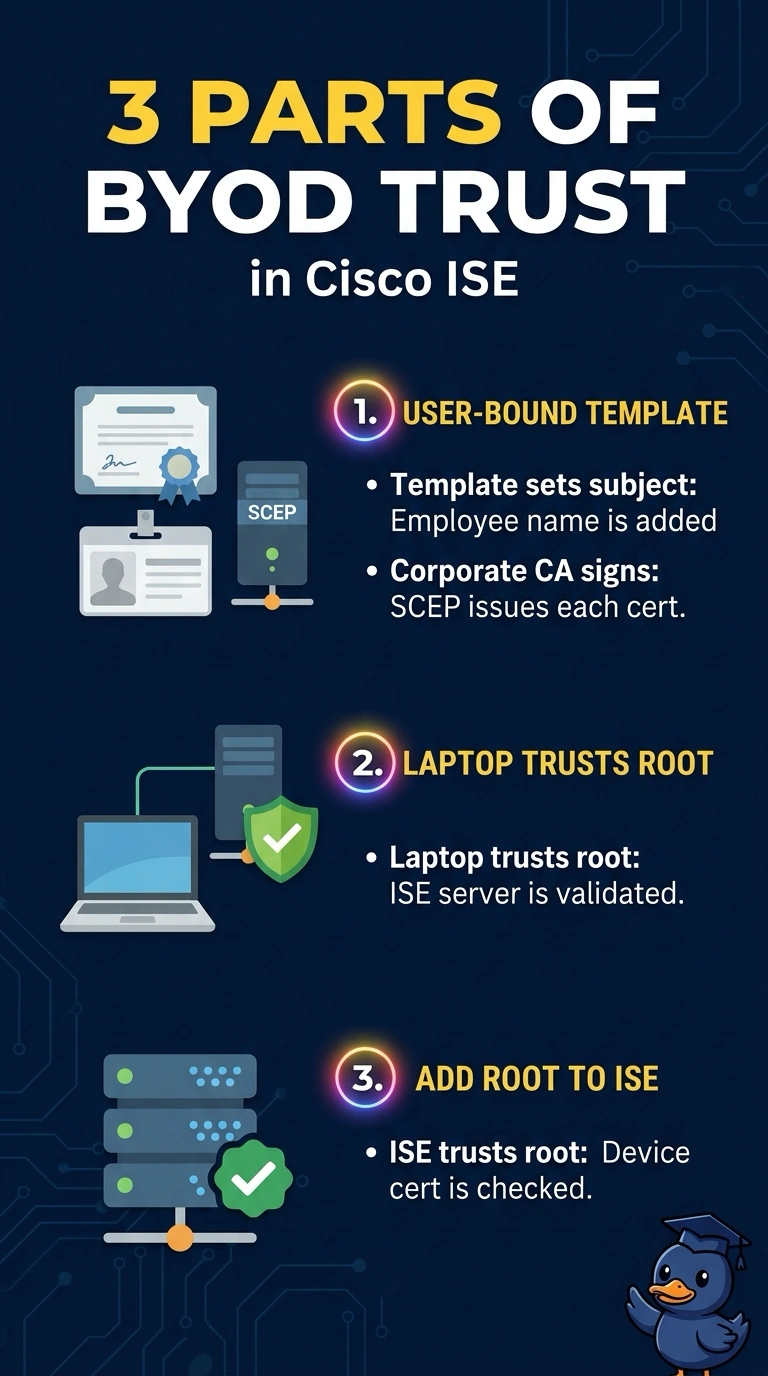
Certificate checks run in both directions: your laptop validates ISE's server and ISE validates the certificate your laptop sends. The template is what puts the employee's identity on the issued certificate, while each side's trust list decides whether it believes the chain. It's a two-way ID check where both guards need the same rulebook and their own guest list.
Full Explanation
Three separate controls cover three separate checks, and the template is what shapes the certificate the corporate CA issues through SCEP: a template bound to the authenticated user builds the subject from that user's identity, so the certificate the laptop receives says who enrolled it. Trust then has to exist on both sides of the handshake. The laptop must hold the corporate root so it can validate the chain behind ISE's EAP server certificate during EAP-TLS, and ISE must hold the same root in its trusted certificate list so it accepts the certificate the laptop presents. Skipping the endpoint trust fails the laptop-side server validation, so the handshake stops before authorization ever runs. Skipping ISE's trust of the issuing CA fails the client-side validation, and ISE rejects the certificate as coming from an unknown issuer. Skipping the user-bound template leaves a certificate that is perfectly valid but generic, identifying the device instead of the employee, which breaks the identity requirement. Caveat: ISE trusts its own internal CA automatically, so this import only becomes visible work when an external or corporate CA signs the certificates. Practical check: open the issued certificate on a laptop and confirm the employee identity is in the subject, then watch the RADIUS live session show an EAP-TLS success with no issuer errors in ISE's log.