
A manufacturing plant hosts a different contractor crew each week, none of whom have corporate accounts, and each crew must be approved by the employee who booked the visit and be limited to the booked shift. Which guest type should reception configure to handle these contractor check-ins?
Select an answer to reveal the explanation.
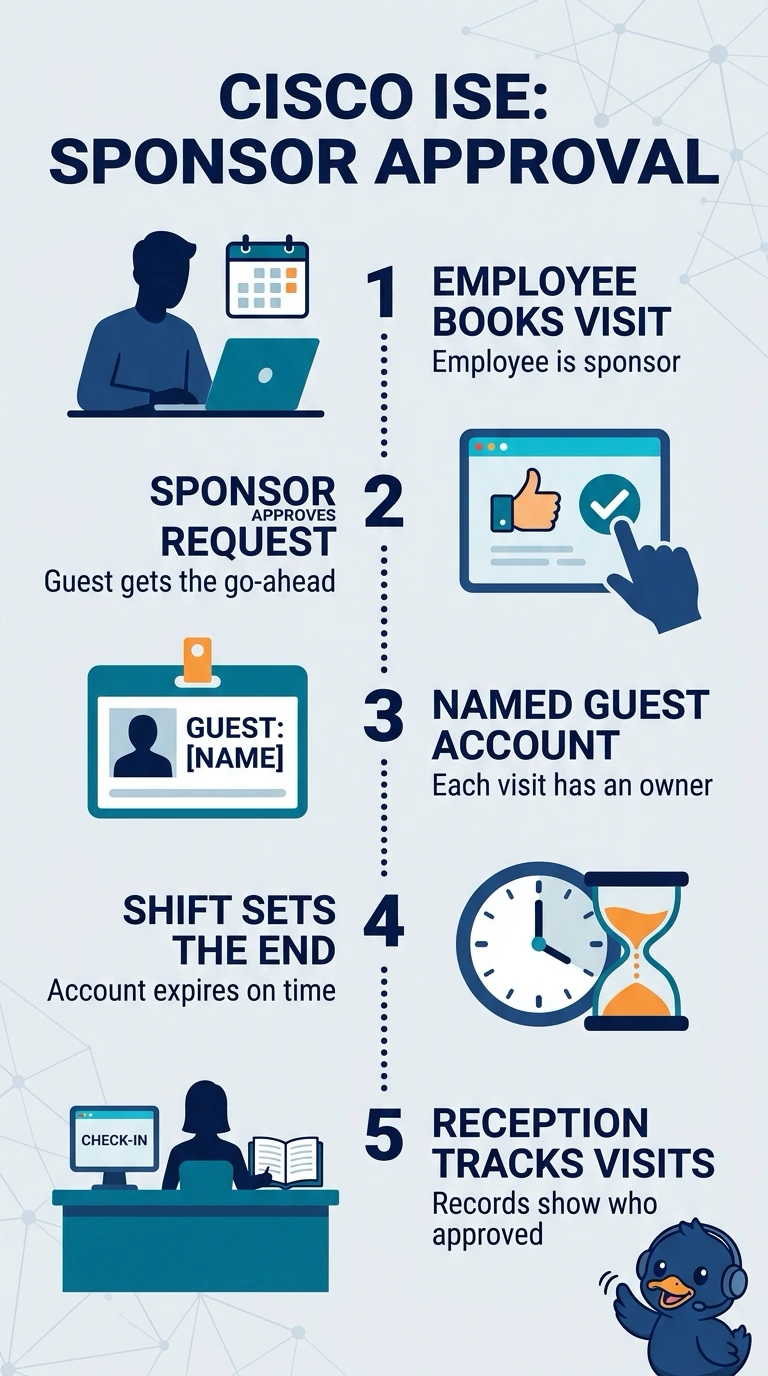
Short Explanation
You can use self-registration so each contractor checks in without a corporate account, while the employee who booked the visit approves them. Set the account to expire at the end of the booked shift, like a temporary pass that stops working when the visit is over.
Full Explanation
Self-registration suits a rotating contractor population because visitors can provide their details without needing corporate accounts. Requiring the employee who booked the visit to approve each registration establishes the stated sponsorship, and expiring the account at the end of the booked shift enforces the required time limit. A 24-hour lifetime retains self-registration and the correct approver, but can leave access active beyond a shorter booked shift; expiration should match the visit’s actual end, not a general interval after approval. Individual visitor passes limited to the shift can fit a reception workflow, but approval by any on-duty employee does not establish that the employee who booked the visit authorized the crew. A standing contractor roster with reusable guest accounts can support recurring visits and shift-based access windows, but those accounts remain active rather than expiring after each booked shift. A time-limited access window is not the same as account expiration. Exam caveat: Guest-account labels and lifecycle controls vary by platform, so distinguish identity creation, approval, access scheduling, and account deletion rather than relying on a feature name alone. Practical check: Test a sample booking and confirm the designated employee receives the approval request and the guest account becomes unusable immediately after the booked shift.