
A convention center issues sponsor-created guest accounts for a three-day trade show. Visitors arrive at unpredictable times, and every account must stop working at the end of the day it is first used. Which guest account validity setting should the sponsor select when creating the account?
Select an answer to reveal the explanation.
Short Explanation
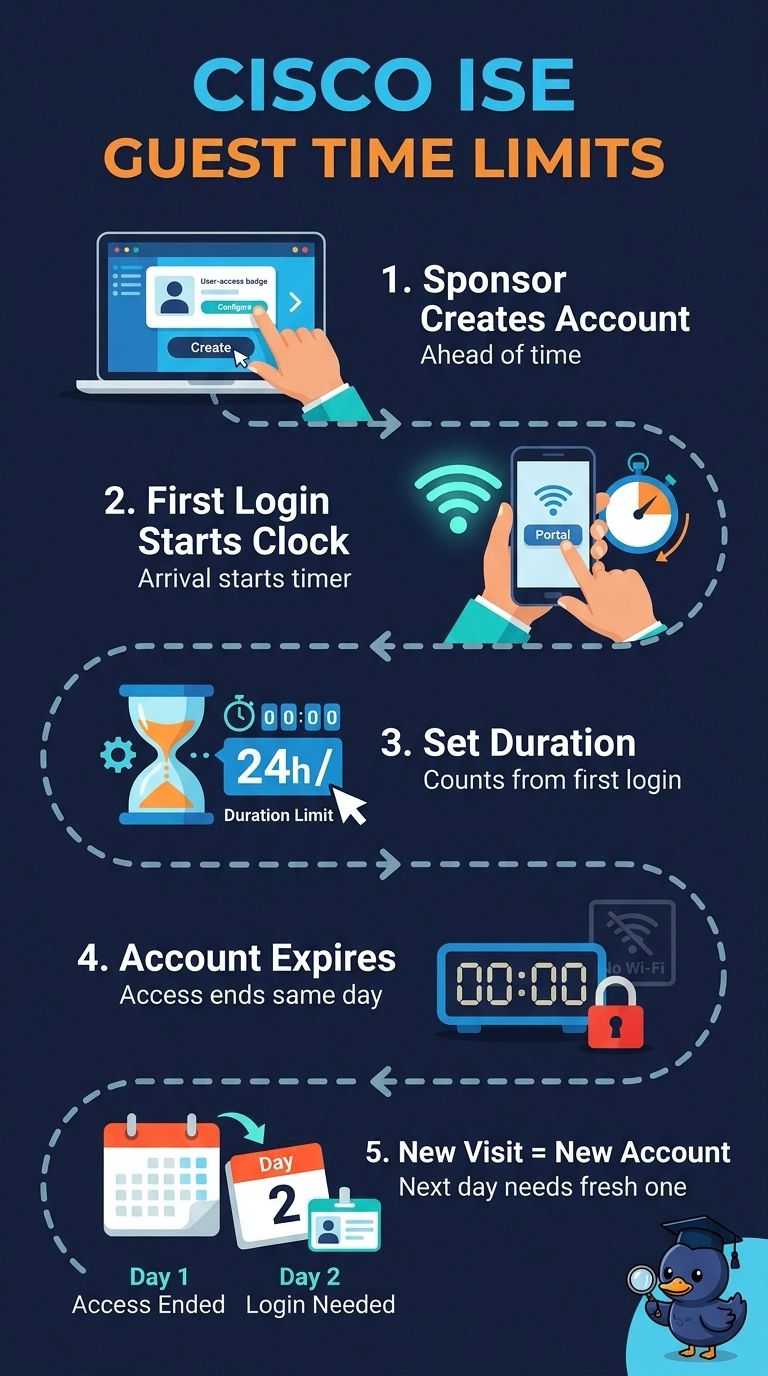
The trick is making the timer hinge on the visit itself. When you choose first login as the start, the duration you set runs from arrival and it'll expire that day on its own.
Full Explanation
ISE guest accounts separate two ideas: when validity begins and how long it lasts. Setting the start trigger to first login anchors the countdown to the moment the visitor actually arrives, so the duration you choose becomes a real time limit that counts from arrival, and the account shuts off at the end of that day on its own even if nobody remembers to cancel it. A fixed calendar start and end date fails the first-use requirement, because show schedules slip and you end up with accounts live before anyone shows up or expiring in the middle of a visit. Starting validity at creation with an open-ended account misses the automatic expiry, since it relies on a sponsor coming back later to switch it off. Anchoring the start to a set calendar date and running the duration across the whole booking period satisfies the multi-day window but not the end-of-first-day rule. One exam caveat: the duration is always counted from the chosen start trigger, so confirm which trigger is selected before you trust the expiry time. A practical check: create a test sponsor account, log in as the guest, then confirm the start and expiry times in the account details.