
A regional hospital is onboarding 400 clinician iPads to BYOD. The devices sit outside the domain, keys must be generated on each iPad, the identity must come from the corporate Windows CA, and the tablet has to trust that CA before it accepts the profile. Which certificate template design supports this enrollment?
Select an answer to reveal the explanation.
Short Explanation
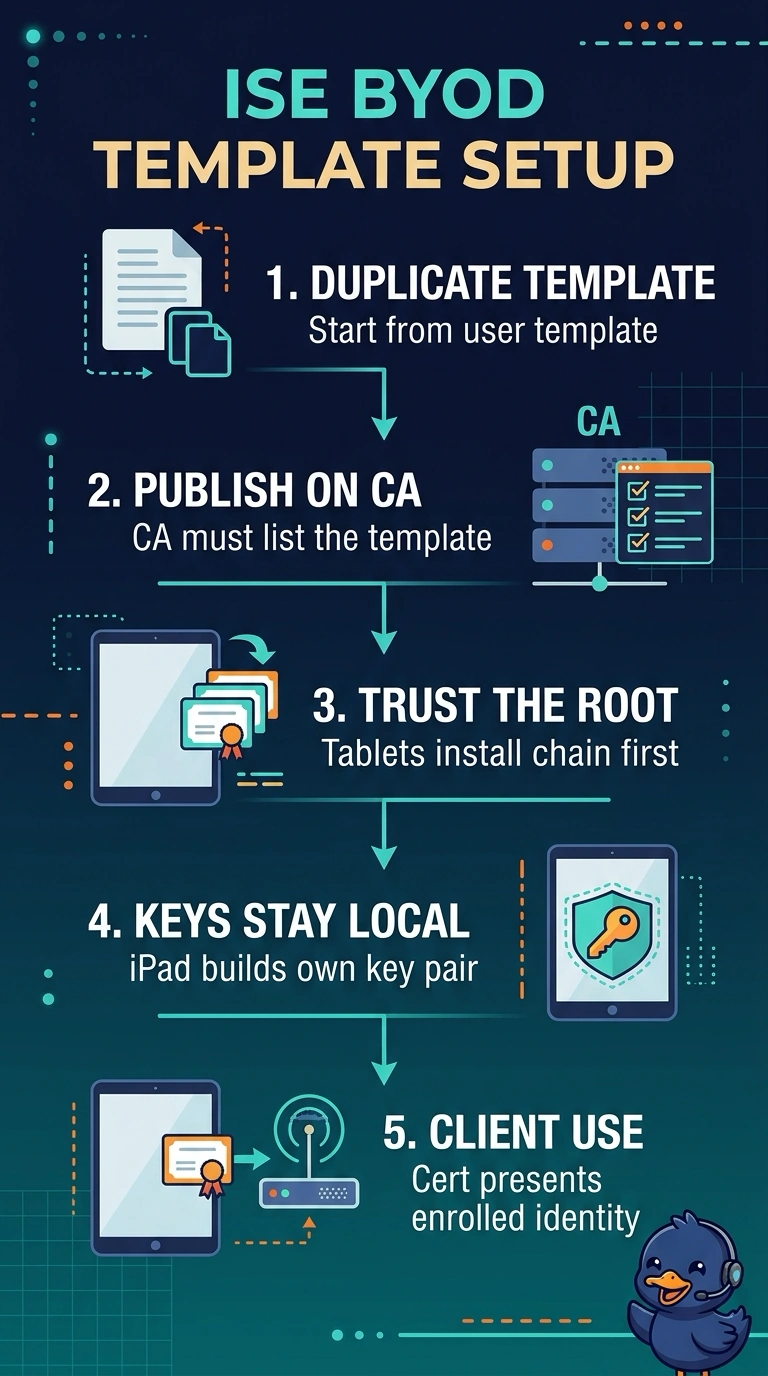
Because your iPad generates its own private key, you need to duplicate the corporate user template so the request can supply the subject, then publish it on the CA. The template is like a blank form that tells the CA which details your device can fill in.
Full Explanation
The user-template design is appropriate because the iPads are outside the domain, yet the corporate Windows CA must issue the identity. A duplicated user template can be configured to accept a subject supplied in the request and published for enrollment; the iPad can generate and retain its own private key rather than receiving a transported key. The CA chain must be provisioned and trusted before profile acceptance. Issuing a PKCS#12 certificate from a workstation is a familiar enrollment method, but the private key is created off-device and imported, violating the requirement that each iPad generate its key. A computer template can support locally generated keys and corporate-CA issuance, but retaining its domain-device-account enrollment requirement makes it unsuitable for tablets outside the domain; changing that requirement would change the proposed design. Installing the CA chain only after profile acceptance reverses the required trust sequence: the tablet cannot validate the issuing CA when it evaluates the profile. Exam caveat: “user template” alone does not guarantee this behavior—template subject-name, enrollment permissions, key, and issuance settings matter. Practical check: test enrollment on a non-domain iPad and confirm the key is generated on-device, the CA-issued identity is accepted, and CA trust is installed before profile evaluation.