
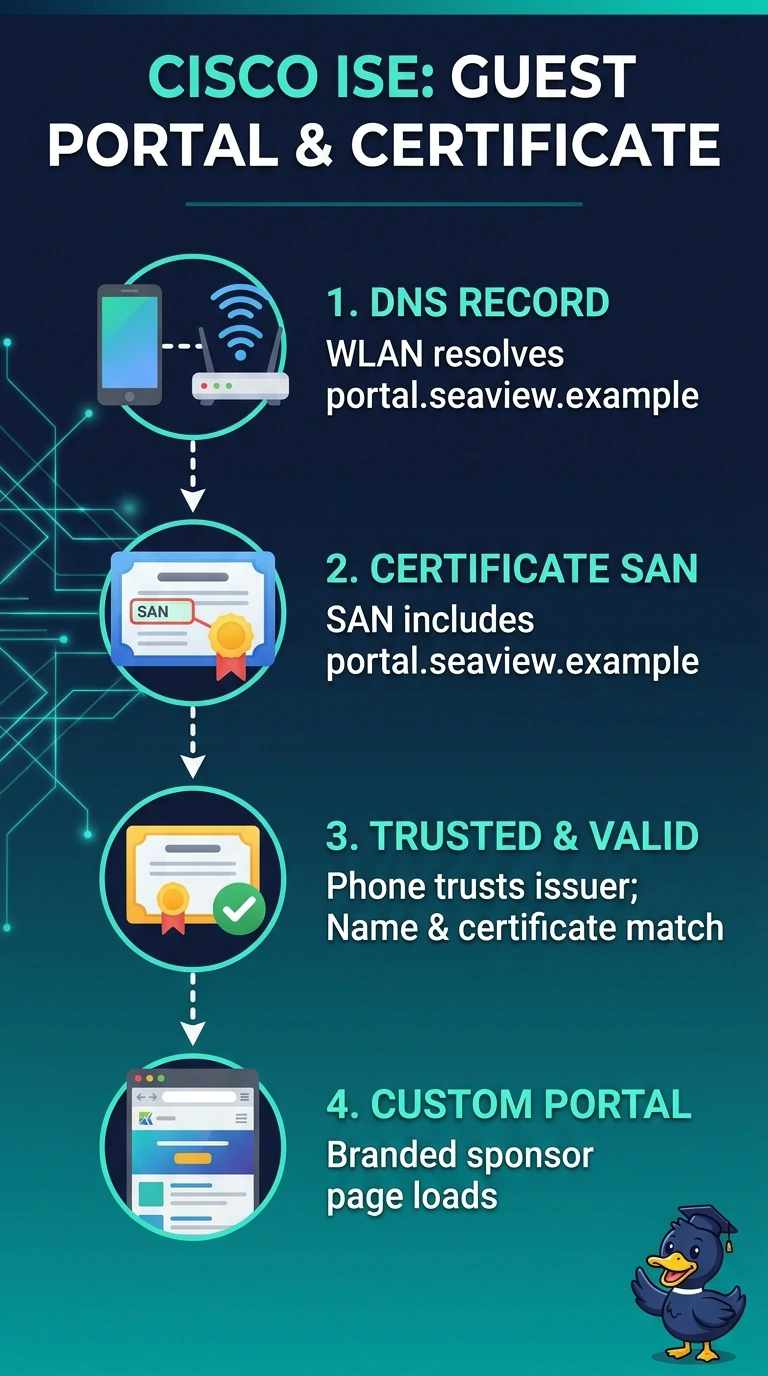
A boutique hotel wants a branded guest portal at portal.seaview.example, sponsored by the front desk. Guests arrive with their own phones, so the page must open without a certificate warning, the name must resolve on the guest WLAN, and the branded sponsorship page must load instead of the default ISE login. Which DNS, certificate and portal settings are required for the page to open on a guest phone?
Select an answer to reveal the explanation.
Short Explanation
Two things have to line up before a phone will show your page: the name resolves and the certificate covers it and is trusted. Miss either one and the browser may show a warning before your branding loads. Branded or not, it's just a poster if the page never opens.
Full Explanation
The guest phone needs three things to reach the intended page without a warning: guest-WLAN DNS must resolve portal.seaview.example to the ISE portal, the certificate presented for that name must be valid and trusted by the phone with the name covered in its SAN, and ISE must serve the customized sponsorship portal rather than its default login page. A certificate authenticates a server name; it does not create a DNS record or make a name resolvable. Publishing the record only in corporate DNS can work for staff devices but fails if guest clients cannot query that DNS view. A trusted certificate listing only the appliance hostname may have a valid chain, yet browsers still report a name mismatch when guests visit portal.seaview.example. Selecting the default login portal may provide working DNS and TLS, but it displays the standard page instead of the branded sponsorship experience. Exam caveat: the certificate must also be usable for the portal’s HTTPS service, and guest DNS behavior can depend on the WLAN’s resolver and any captive-portal design. Practical check: join the guest WLAN on a phone, resolve the portal name using that network’s DNS, then open the URL and verify the certificate name and the rendered sponsorship page.