
Your controller runs an employee WLAN with EAP-TLS and a separate BYOD WLAN where laptops open the portal, enrol with the internal CA, then rejoin with a certificate. On the BYOD WLAN, DNS and DHCP must keep working during the wait, the HTTPS portal must be reachable, authorized devices must work without a second redirect, and the employee WLAN must stay untouched. How must the redirect ACL be scoped and what should it permit?
Select an answer to reveal the explanation.
Short Explanation
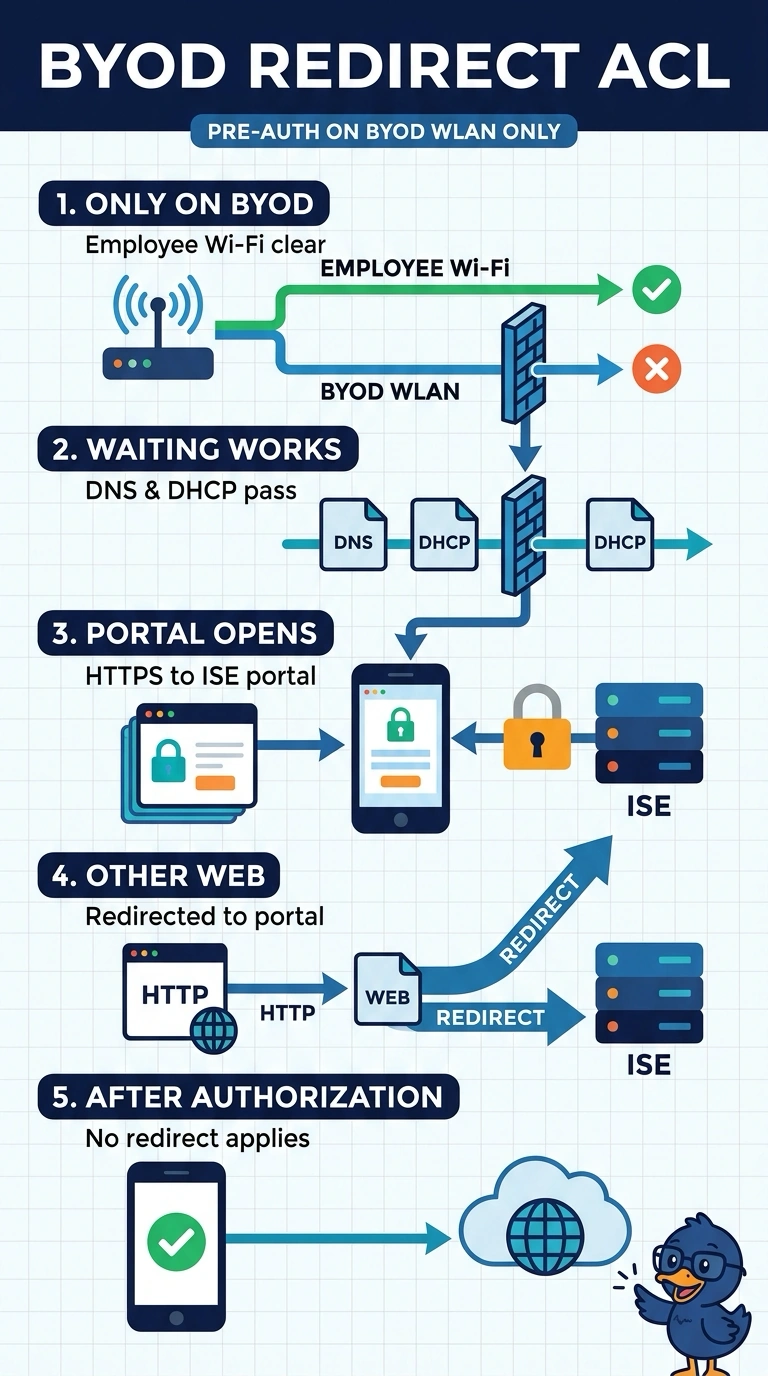
Keep DNS and DHCP working while your BYOD device waits, and allow HTTPS to the ISE portal so you can enroll—like keeping the front door open to the help desk. Apply this pre-authentication ACL only to the BYOD WLAN, so authorized devices can connect without another redirect and your employee WLAN stays untouched.
Full Explanation
The correct approach confines the pre-authentication ACL to the BYOD WLAN and permits the services needed to complete onboarding: DNS for name resolution, DHCP for address configuration, and HTTPS to the ISE portal. Applying it only before authorization allows an unenrolled device to reach the portal while avoiding changes to the employee WLAN; authorized BYOD devices should transition to their normal authorized policy without being redirected again. Applying the ACL to both WLANs may appear to standardize onboarding, but it changes the employee WLAN’s behavior, contrary to the requirement to leave it untouched. Permitting DHCP requests to a relay while omitting replies is a familiar directional-ACL mistake: the client’s request may reach the relay, yet the response cannot return, so DHCP will not reliably complete during onboarding. Retaining the redirect policy after authorization defeats the required state transition; authorized devices can continue to match the captive-portal redirect and encounter another redirect rather than normal access. Exam caveat: confirm whether the controller evaluates the ACL before or after its redirect decision, since vendor terminology and processing order vary. Practical check: test with an unenrolled BYOD client and an authorized one, verify DNS resolution and a complete DHCP lease, confirm portal HTTPS access, then ensure the employee WLAN configuration and behavior are unchanged.