
A three-node ISE deployment has one policy administration node and two policy service nodes in separate buildings. Only the PAN has been joined to corp.example.com, so the finance authorization rules never match for logins handled by the second PSN, and machine authentication must keep working exactly as it does at the first site. Which change restores Active Directory group matching on that node?
Select an answer to reveal the explanation.
Short Explanation
The join lives on each node, so you'll need to join the second PSN before it can read anyone's group membership. Internal groups only mirror ISE's own records, and a distinguished name shows where a user sits in the tree, never the security group they belong to.
Full Explanation
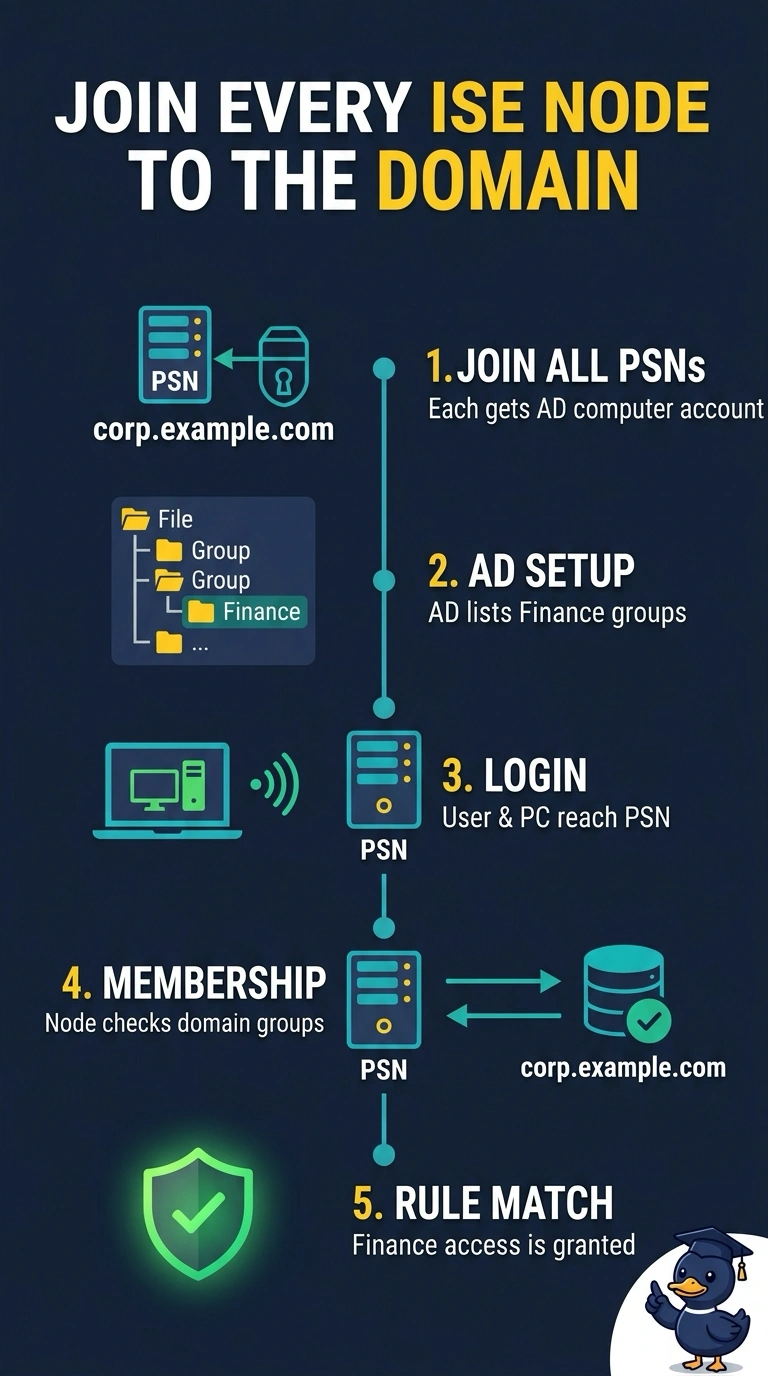
Active Directory integration in ISE keeps the join state on each node: joining creates that node's own domain computer account and its secure channel to a domain controller, so only a joined node can authenticate against the domain and read the groups attached to an account. The join point settings, including the finance groups you selected, are part of the replicated configuration, but they are inert on a policy service node that has never joined, which is why logins there fall outside the finance rules while the first site is fine. Machine authentication depends on that same relationship, so the domain computers keep working once the node is joined. Building the rule from internal ISE groups fails on concept, since an internal group is a local list you fill by hand and can never carry live domain membership. An LDAP external identity source suits a different directory, but here it bypasses the native join and gives your laptops no computer-account authentication path like the one at the first site. Matching on a distinguished name fails too, because a DN records a user's position in the directory tree and contains no group membership. Exam caveat: configuration objects replicate across the deployment, but join state does not. As a practical check, confirm the second PSN shows as joined under Active Directory, then test one login and read the identity group in the live log.