
A conference center publishes its branded ISE guest portal at wifi.riverfront-expo.com so visitors can self-register and sponsors can vouch for VIP attendees. Attendees carry personal phones with no enterprise root certificates installed, and organizers want the landing page to open with no browser certificate warning. Which portal configuration meets the certificate and FQDN requirement for the guest landing page?
Select an answer to reveal the explanation.
Short Explanation
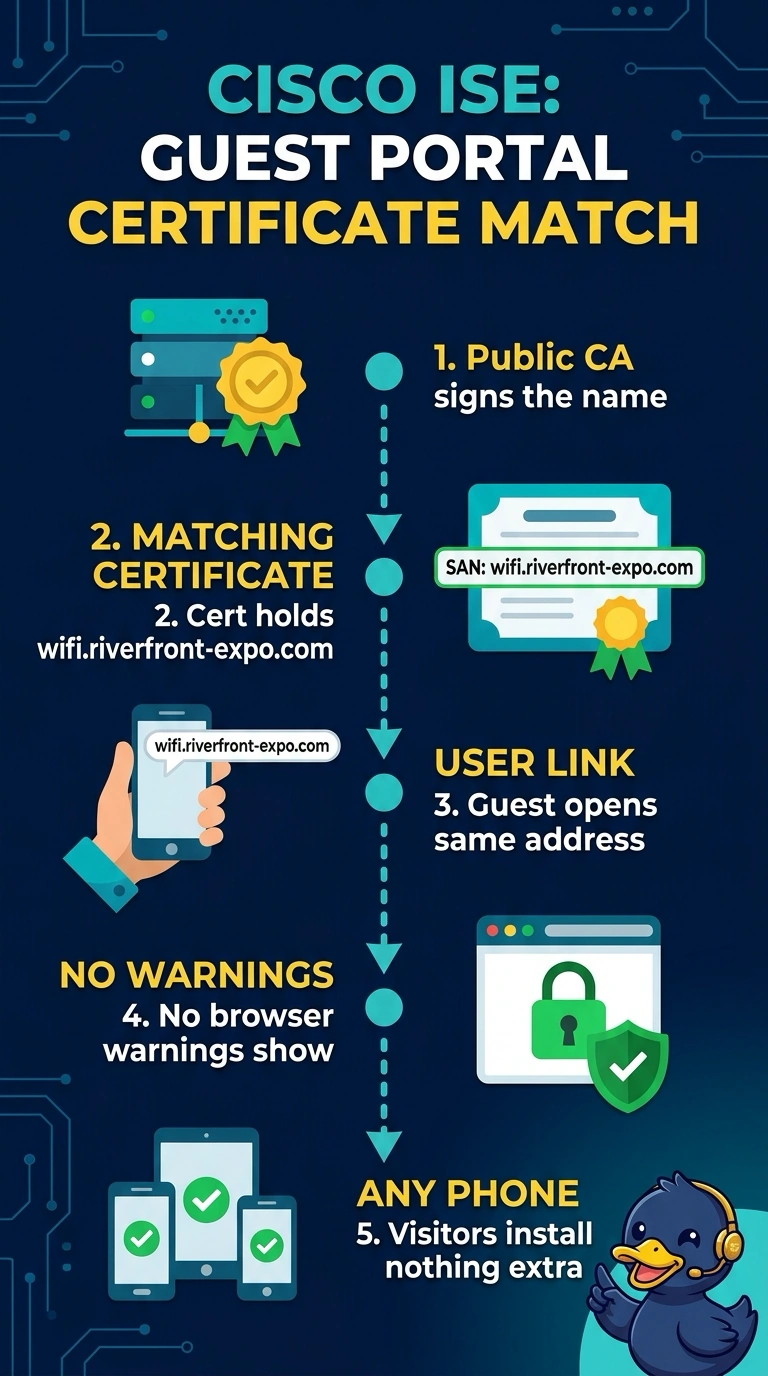
You’ll avoid a browser warning when the portal address matches a name in a certificate that your phone already trusts. The subject alternative name must include wifi.riverfront-expo.com, and the certificate must chain to a publicly trusted CA. Think of it like a name tag that still shows your old job.
Full Explanation
The portal certificate must be trusted by visitors’ devices and valid for the exact hostname they open. A publicly trusted certificate with wifi.riverfront-expo.com in its Subject Alternative Name, paired with that same FQDN in the portal link, satisfies both conditions and avoids a browser name or trust warning. A publicly trusted certificate for the ISE hostname does not cover the branded URL, so issuer trust cannot resolve the hostname mismatch. A certificate naming only riverfront-expo.com also fails: a parent-domain name does not automatically cover wifi.riverfront-expo.com. An internal-CA certificate with the correct SAN and branded link matches the hostname, but visitors’ personal phones do not have that CA root installed, so they cannot establish the required trusted chain and may show a warning. Exam caveat: a valid, trusted wildcard SAN such as *.riverfront-expo.com can cover this one-level subdomain, but the apex name alone cannot. Practical check: inspect the certificate assigned to the guest portal, verify its SAN and full chain, then open the exact published URL on an unmanaged phone and confirm that the browser shows no certificate warning.