
A university lets the central help desk create 7-day visitor accounts for anyone on campus, while departmental receptionists may only view, extend and cancel the accounts they created themselves. Both roles must work from the sponsor portal, and auditors need every action tied to a named sponsor. Which sponsor-group design meets these requirements?
Select an answer to reveal the explanation.
Short Explanation
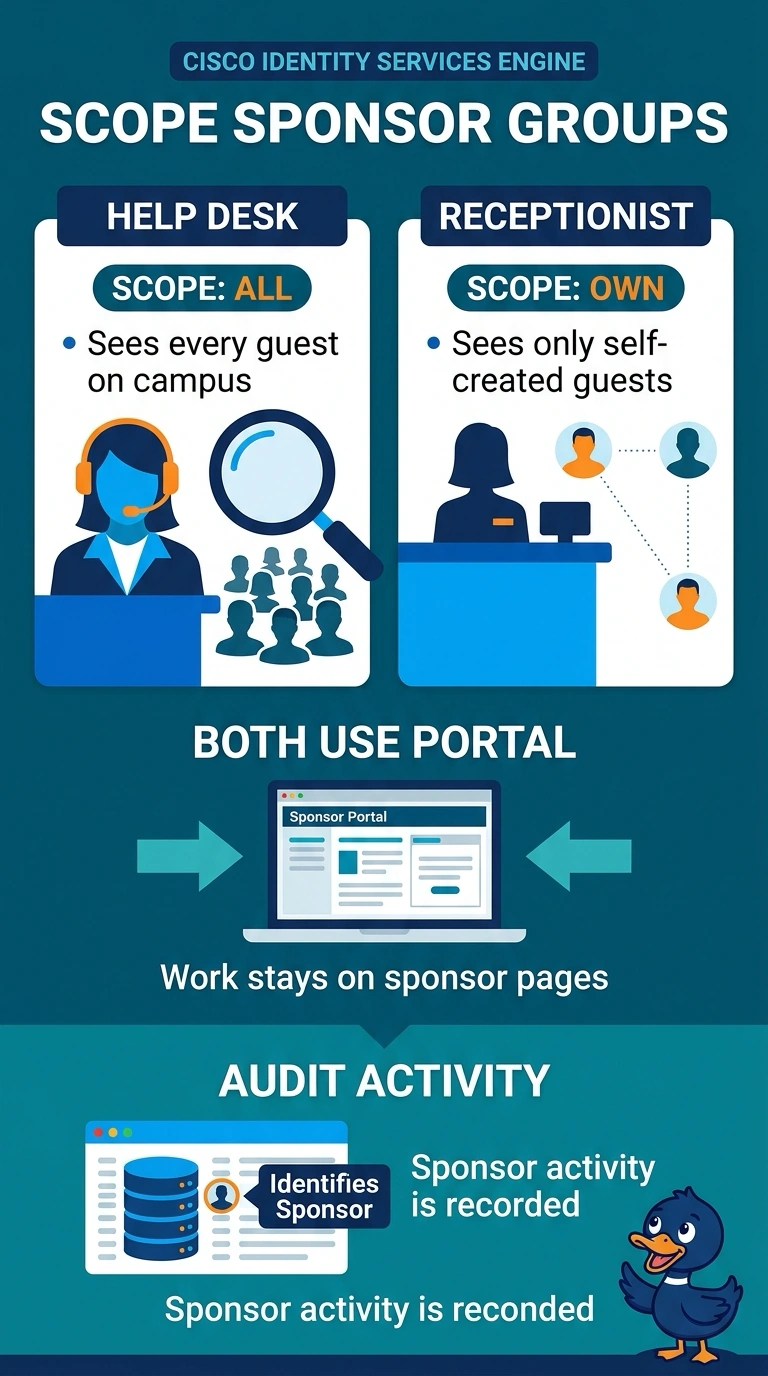
Set up separate sponsor groups—like different access lanes in the same portal: the help desk can access all guests, while receptionists can manage only visitors they created. You’ll keep everyone in the sponsor portal and tie each action to a named sponsor.
Full Explanation
Sponsor groups in ISE carry both the capability set and the visibility scope for a sponsor: which portal pages they may use, which guest attributes they can set, and which guest records they are allowed to read and change. Creating one group for the help desk with permission across all guest records satisfies the campus-wide requirement, while a second group whose scope is limited to accounts created by that sponsor keeps receptionists inside their own list. ISE records sponsor activity with the acting sponsor's identity. Collapsing both roles into a single fully privileged group still leaves an audit trail, but it exposes every department's visitors to every receptionist and lets one person extend or cancel a colleague's account. Granting ISE administrative permissions moves the work out of the sponsor portal entirely, breaks the stated requirement that both roles operate there, and hands over far more privilege than guest management needs. Scoping receptionists to a whole department widens visibility slightly, because peers can then read, extend and cancel each other's accounts instead of only their own. One exam caveat: sponsor group options and portal page names shift between ISE releases, so reason from scope and capability rather than from memorized labels. A practical check: log in as a receptionist and confirm a colleague's guest does not appear in the list.