
A hosting company's coordinator has the names of 14 auditors arriving next week. Policy requires a sponsored guest account that expires when the visit ends, and each auditor must be online in the meeting room on arrival with no kiosk stop or approval wait. Which guest access type should ISE use for them?
Select an answer to reveal the explanation.
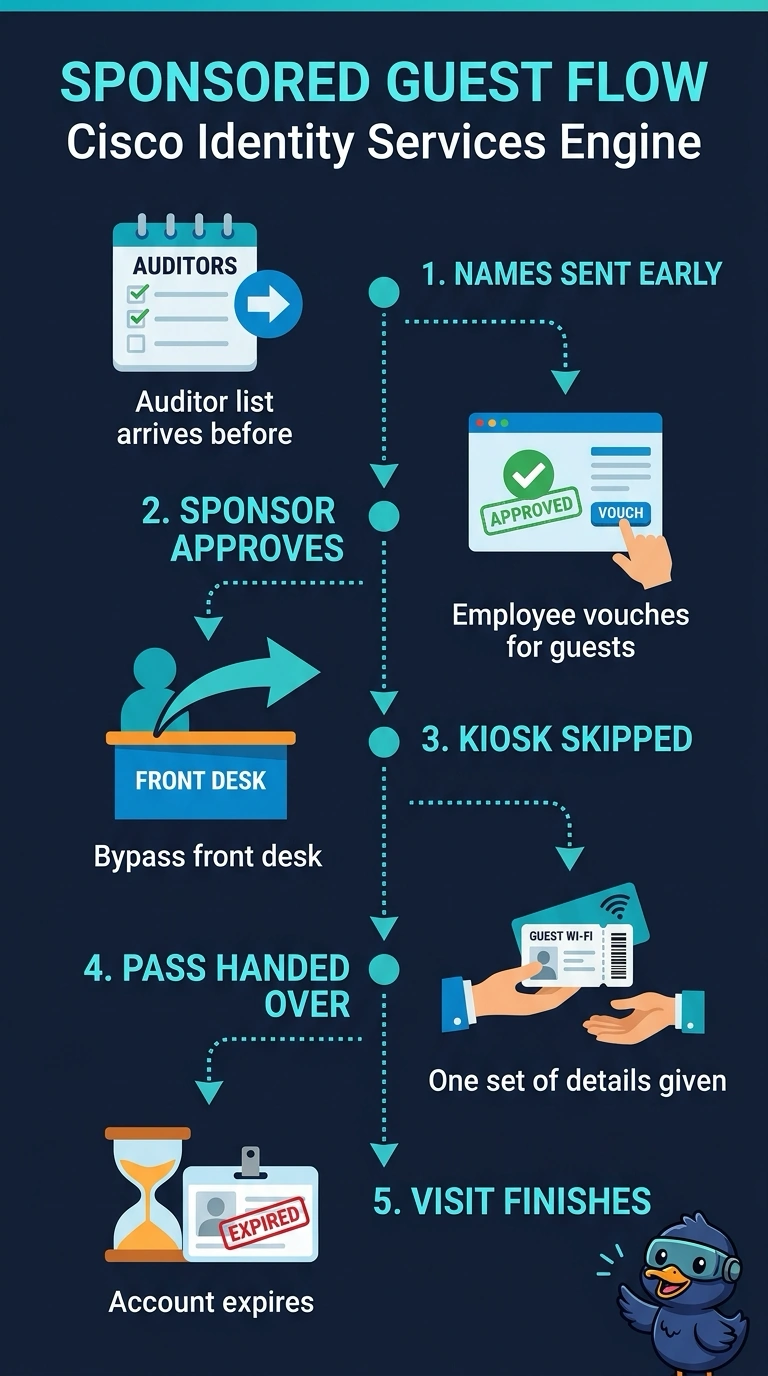
Short Explanation
With sponsored guest access, a named employee is responsible for each account. Since you have the auditor list already, you can create and approve each account ahead of time, then give the auditors credentials that expire when their visits end. You can have them ready to connect in the meeting room on arrival, without a kiosk stop or approval wait.
Full Explanation
Create sponsored guest accounts before the auditors arrive, have a sponsor approve each account in advance, and set its expiry to the end of that auditor’s visit. This meets the account-policy requirement while avoiding an arrival-time registration step and an approval delay, so the auditors can connect in the meeting room on arrival. Sponsored accounts that are precreated and approved but require portal sign-in still impose an arrival-time step, so the auditors will not be online immediately, even if they need not visit a separate kiosk. Accounts created before arrival but awaiting sponsor approval introduce the approval wait the scenario rules out. Accounts approved ahead of time but kept active through scheduled follow-up sessions remain active beyond the visit, contrary to the required expiry; follow-up sessions do not justify extending access under the stated policy. Exam caveat: ISE guest workflows and portal behavior depend on the configured guest type and policy, so do not assume every sponsored workflow has the same approval or sign-in sequence. Practical check: before arrival, verify each account’s sponsor-approval status, activation and expiry timestamps, and meeting-room access flow.