
A coworking space issues sponsor-created guest passes to visitors meeting on site. Each pass must stay valid for seven days from creation, allow at most four hours of connected time, and free the seat after twenty minutes of inactivity. Which combination of guest time limits meets all three requirements?
Select an answer to reveal the explanation.
Short Explanation
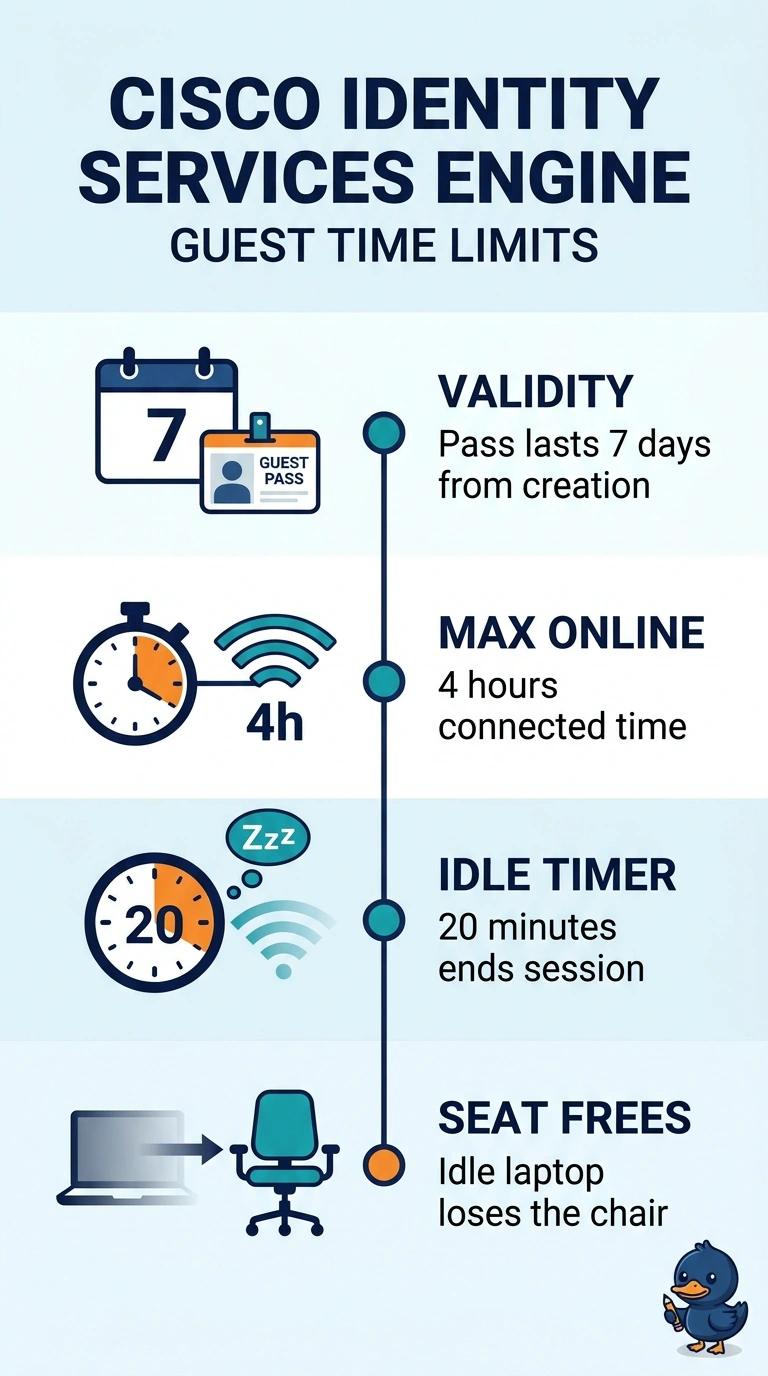
Set the pass to expire seven days after creation, cap connected time at four hours, and end sessions after twenty minutes idle. You can think of these as three separate timers—a ticket’s expiration date, a usage cap, and an automatic seat-release trigger—so matching each limit to its job prevents access ending too soon or a seat staying occupied.
Full Explanation
The correct configuration uses three separate controls because each governs a different aspect of access. Seven-day validity, measured from pass creation, keeps the credentials usable throughout the required calendar period. A maximum connected time of four hours caps the guest’s total network access, and a twenty-minute idle timeout ends an inactive session so the seat can be freed. The absolute-session-timeout approach is incorrect because it ends a session after a fixed duration regardless of activity; it is not an inactivity timer and therefore does not meet the requirement to release the seat after twenty idle minutes. The unlimited-connected-time approach fails because an idle timeout only acts when the session is inactive; it does not cap connected time, so an active guest could remain connected beyond four hours. The four-hour-validity approach confuses credential lifetime with session duration: it would make the pass expire four hours after creation rather than remain valid for seven days, even though its connected-time and idle limits are otherwise appropriate. Exam caveat: validity, connected-time limits, and idle timeouts are distinct controls, and one cannot substitute for another. Practical check: verify where the idle timer is enforced in your deployment, since it may be configured on the network access device rather than in the guest portal.