
A manufacturer runs one policy set for its wired and Wi-Fi access ports. The authorization rule list reads in this order: a general rule granting the corporate VLAN to authenticated users, a rule granting lab privileges to members of AD group OT-Engineers, and a catch-all granting lab privileges to any authenticated endpoint. Which rule ordering limits lab access to OT-Engineers?
Select an answer to reveal the explanation.
Short Explanation
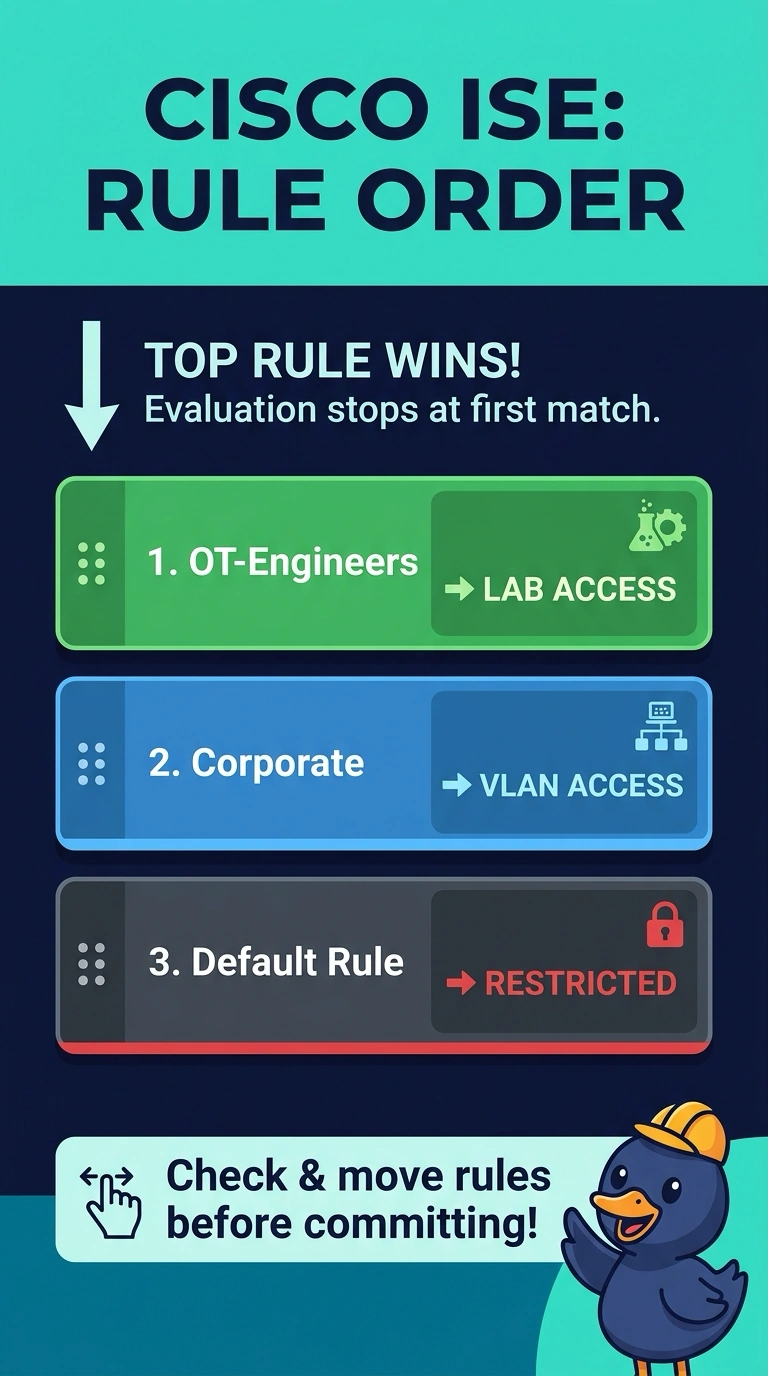
You should put the OT-Engineers lab rule first, the corporate VLAN rule second, and change the catch-all to grant restricted access. Rules are checked top to bottom, and first match wins—like a coat check stopping at the first ticket it recognizes—so only OT-Engineers get lab privileges.
Full Explanation
ISE evaluates authorization rules within a policy set from top to bottom and applies the first rule whose conditions match. Listing the OT-Engineers rule first means members of that group receive lab privileges; everyone else matches the corporate VLAN rule. Change the catch-all so it grants restricted access rather than lab privileges. Leading with the corporate rule means authenticated endpoints match it before the lab rule. Authentication policy handles authentication and identity-store selection; authorization policy determines access results. Matching on device class instead does not establish OT-Engineers group membership, so it cannot enforce the group-based requirement. Practical check: open the policy set, read the rule list top to bottom, and confirm the group rule sits above the general one before you save.