
An auditor raised three findings on a hospital's Secure Firewall deployment: the Management Center still serves its default browser certificate, device time and syslog must come from one shared policy, and every appliance needs a defined health policy. Which device management configuration closes all three findings?
Select an answer to reveal the explanation.
Short Explanation
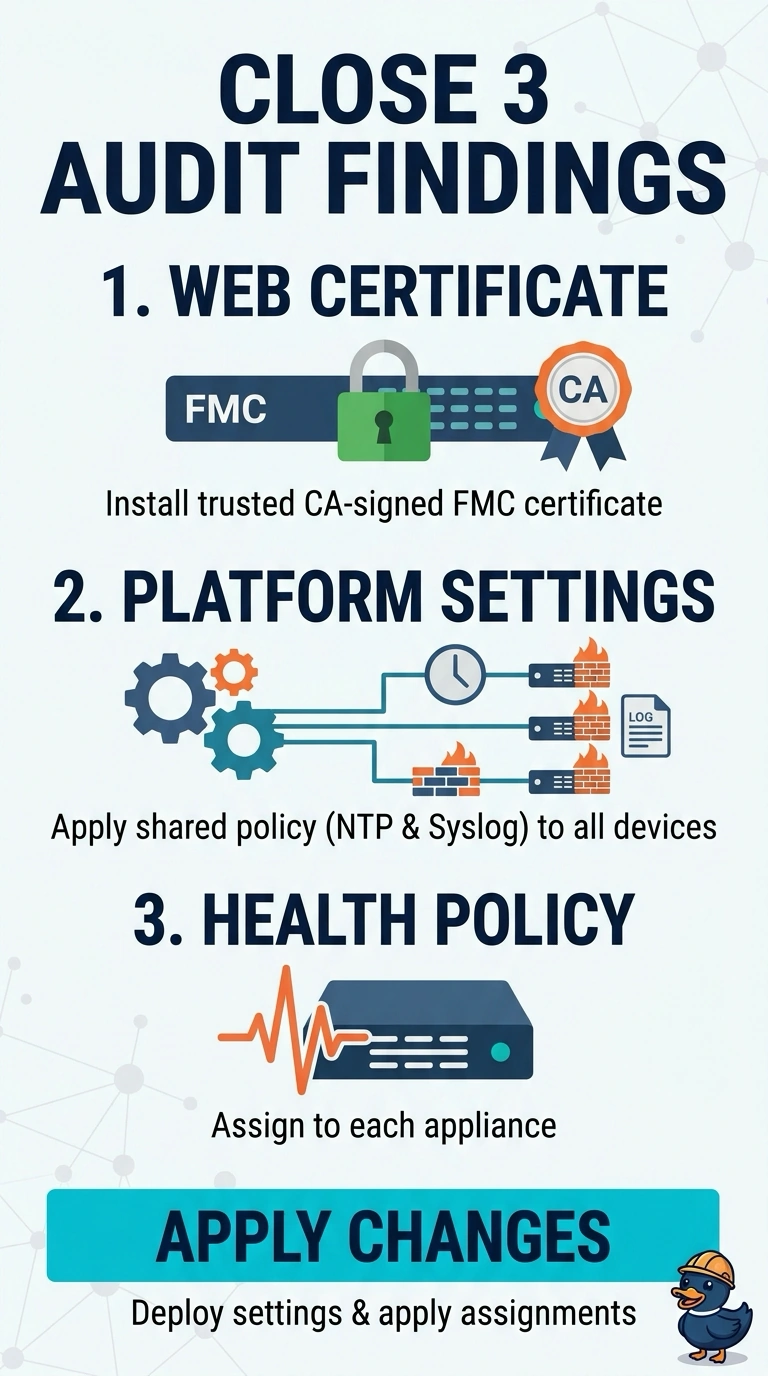
You close all three findings with three different controls. It’s a checklist where every line has its own form, so ticking two never closes the third. Missing the health assignment or leaving the default certificate keeps one line open; configuring each appliance separately also fails the shared-policy requirement.
Full Explanation
Each finding maps to its own control, and the controls are configured in different places. The Management Center serves its web interface with a default certificate until you install a replacement; a CA-signed certificate trusted by the browser for the FMC hostname avoids the certificate warning. Time sources and syslog servers are configured in a platform settings policy, which you assign to devices and deploy; one shared policy provides the required common configuration. A health policy defines which monitors run on an appliance and must be assigned to that appliance for those monitors to apply. Handling only the certificate and platform policy fails the health finding because no health policy is assigned. Creating a separate platform settings policy for each appliance fails the shared-policy finding. Leaving the default certificate fails the certificate finding. The management certificate is configured on the Management Center itself, while platform settings and health policies are assigned to managed devices. Deploy the platform settings changes and assign the health policy, then verify in a browser that the FMC certificate is trusted and valid for its hostname.