
A regional bank is deploying its first Secure Firewall Threat Defense Virtual on the on-premises VMware cluster and a second instance in Azure for a branch workload. Both must be configured and monitored from one console with identical policy objects. Which management arrangement lets the team run one policy across both virtual appliances?
Select an answer to reveal the explanation.
Short Explanation
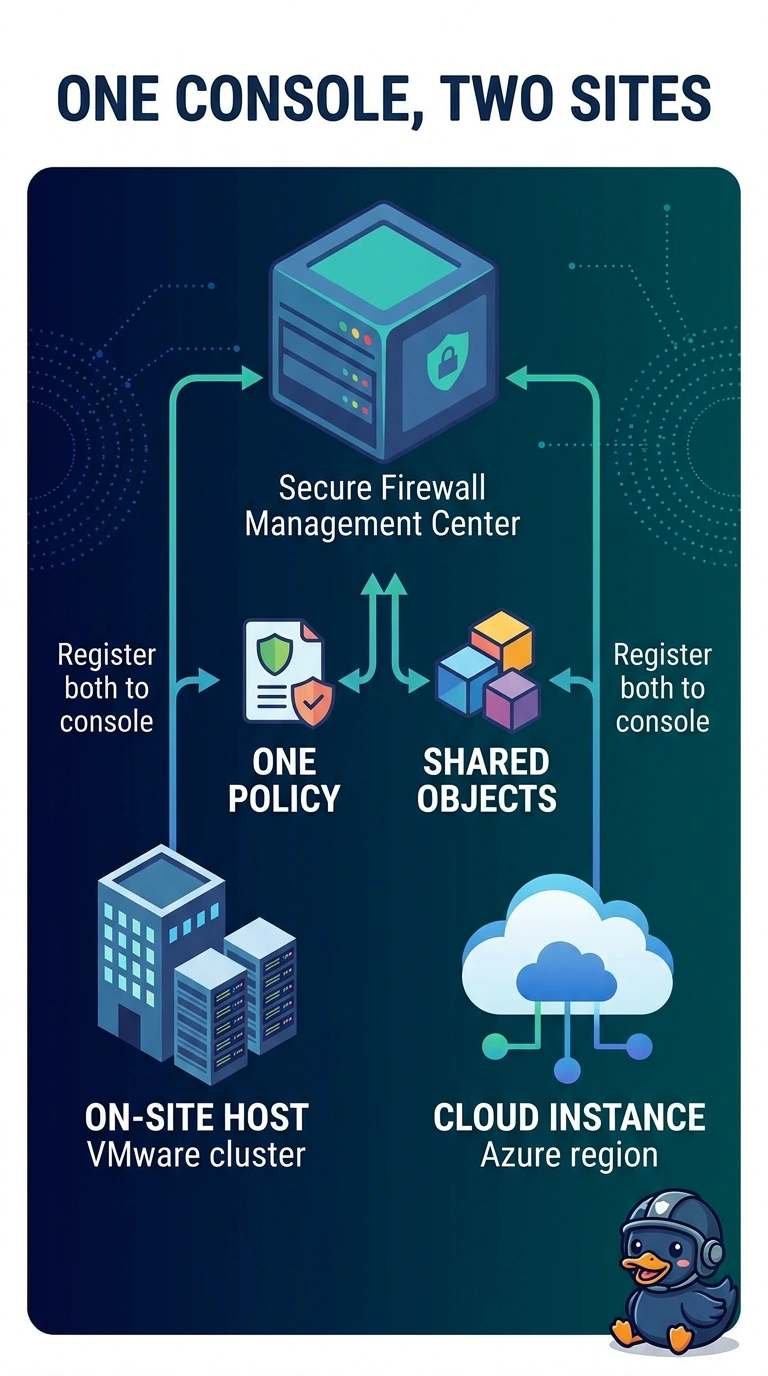
When you register both appliances to one Secure Firewall Management Center, you can assign the same policy to each and manage them from one console. It’s like one thermostat controlling two rooms: set the policy once, and both appliances follow it.
Full Explanation
Registering both Secure Firewall Threat Defense Virtual appliances to one Secure Firewall Management Center and assigning them the same policy gives you one place to configure and monitor both deployments while applying a consistent policy. Shared objects help keep referenced network and service definitions consistent. Registering both appliances to one Management Center but assigning separate access control policies still leaves you with two policies; matching their contents does not make them one policy, and changes can drift. Using separate Management Centers and configuration automation can reproduce common objects and policy baselines, but two consoles do not meet the requirement to configure and monitor both appliances from one console. Managing each appliance locally and forwarding events to a central logging platform can consolidate visibility, but the logging platform does not centrally configure the appliances or provide one management console for policy deployment. Exam caveat: shared objects, copied policies, and centralized logs are not equivalent to assigning one policy to both devices. In practice, verify in Management Center that both appliances are registered and healthy, then confirm the same policy is assigned to each and required objects resolve consistently before deployment.