
A campus team must inventory every host and application on the guest Wi-Fi VLAN and the data-center VLAN, profiling only those two segments. Privacy rules forbid identifying individual users on the guest network. Which discovery rule scope and detector settings should you configure?
Select an answer to reveal the explanation.
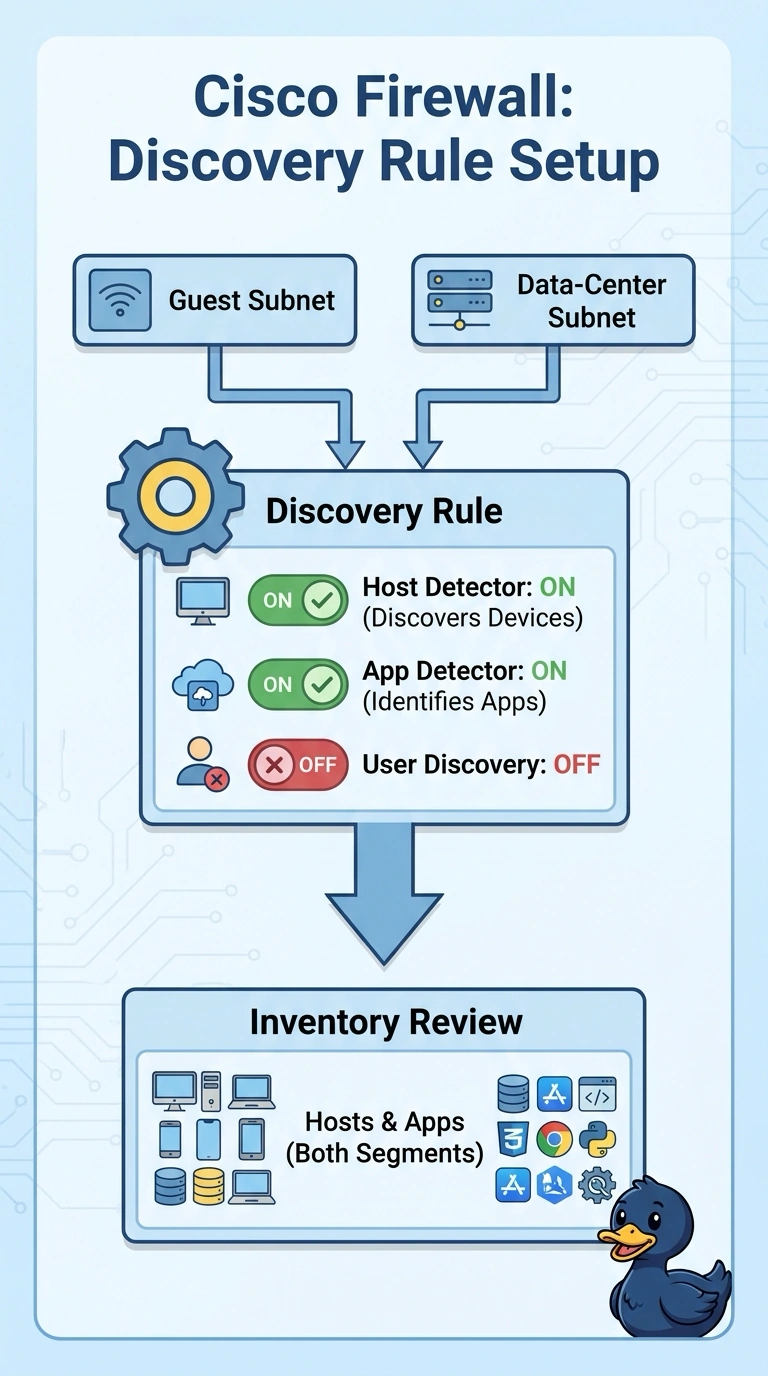
Short Explanation
You can scope the discovery rule to the guest and data-center subnets and enable both host and application detection to inventory everything required. Keep user discovery disabled to respect privacy on the guest network.
Full Explanation
The rule matching network objects for the guest and data-center subnets, with host and application detection enabled and user discovery disabled, meets the inventory and privacy requirements. Its scope is limited to the two specified segments, and both required asset types are detected without identifying guest users. A rule matching both subnet objects with host detection on but application detection off would protect privacy and use the right scope, but it would miss applications. Matching the campus aggregate and detecting hosts and applications with user identification off would include the adjacent staff VLAN, so it would profile more than the two permitted segments. Matching both subnet objects and detecting hosts and applications only on common service ports would leave some applications undetected if they use other ports, preventing a complete inventory. Exam caveat: application detection and user identification are separate settings; enabling application detection does not require identifying users. Practical check: review the rule’s resolved network-object membership, verify that host and application detection are enabled without a common-service-port restriction, and confirm that user discovery is disabled.