
A payment server behind Secure Firewall Threat Defense times out during business hours. The team needs to identify the access control rule for one flow without changing the running policy. Which method can show the rule match, with care taken to limit impact on a busy appliance?
Select an answer to reveal the explanation.
Short Explanation
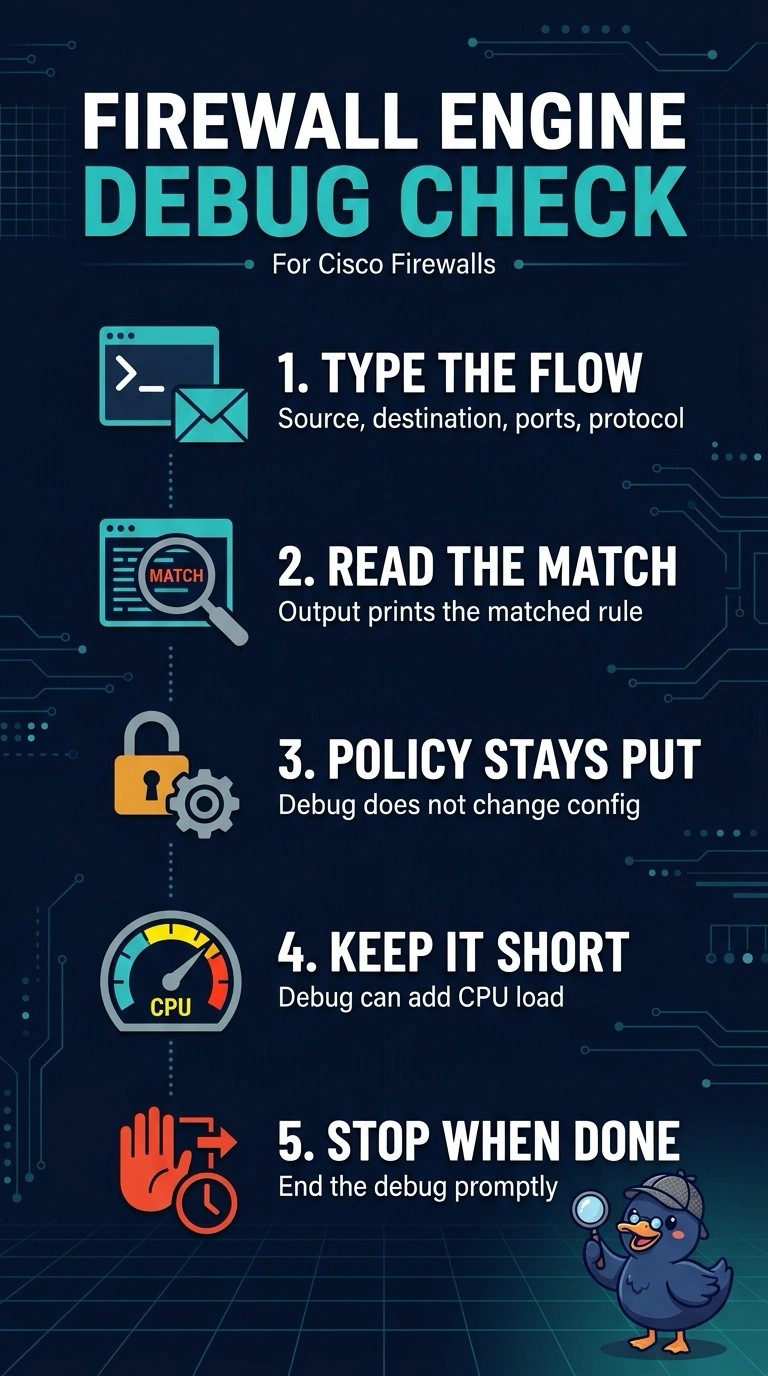
A short firewall engine debug checks your flow’s addresses and ports and prints the matching rule without changing policy—like tracing one package through a sorting line. Because it can add CPU load, keep the debug brief and stop it promptly.
Full Explanation
Firewall engine debug accepts flow details such as source and destination addresses, protocol, and ports, and reports the matching rule and action. It does not change the running configuration. However, debug processing can add load, so on a busy appliance use it cautiously and stop it as soon as you have the result; it cannot guarantee that traffic will be unaffected. A packet capture alone shows traffic on the interface, not the access control rule selected by the policy engine. Enabling logging on rules and redeploying changes the deployed policy, and connection events cannot reliably identify a rule when the relevant traffic produces no event. The debug reflects the policy currently running on the device, so check for pending deployments when interpreting the result.