
Three weeks after the gateway allowed a document, Secure Endpoint reports its hash as malicious on one workstation. With the Management Center integration in place, the responder must list every host the firewall has seen receive that same file this month. Which FMC capability should the responder open?
Select an answer to reveal the explanation.
Short Explanation
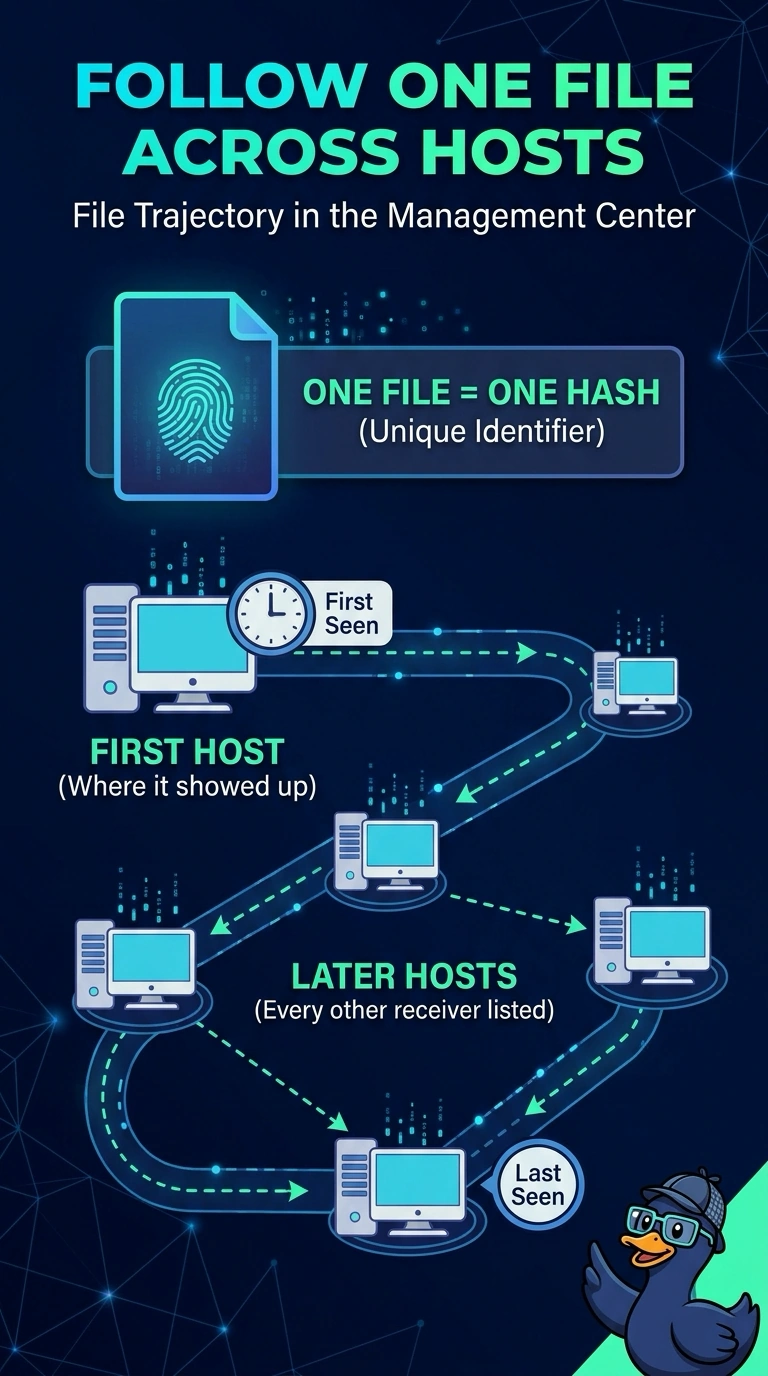
That spread question is what file trajectory is for: it follows one file hash across every host it reached. It lines up first and last seen times so you can see the path the document took. A retrospective event, by contrast, is a single late alarm on one machine.
Full Explanation
File trajectory is built from file events recorded by the managed firewall, aggregating events that share a hash into a timeline of hosts with first-seen and last-seen times. That aggregation answers a spread question because it lists machines the firewall observed receiving a copy, rather than only the machine that raised a later alarm. Secure Endpoint integration can send retrospective malware events to the Management Center when a file allowed earlier is identified as malicious later; those events report the affected endpoint but do not enumerate every machine that previously received the file. A malware summary dashboard counts files by disposition and does not list the hosts that received a given file. The Secure Endpoint quarantine list reports files quarantined on endpoints, so copies that were never quarantined remain invisible there. Exam caveat: trajectory only builds from file events the device logged, so the access control policy must include a file policy that inspects traffic for the path to populate it, and a copy that never crossed the firewall stays invisible. Practical check: send a test file, confirm a file event exists, then search that hash in file trajectory and verify each host appears.