
During an incident review, a SOC analyst needs a single chronological table for one server that mixes its connection events, triggered intrusion events, and file or malware events, instead of three separate event screens. Which FMC event view should the analyst open to review those event types in one table?
Select an answer to reveal the explanation.
Short Explanation
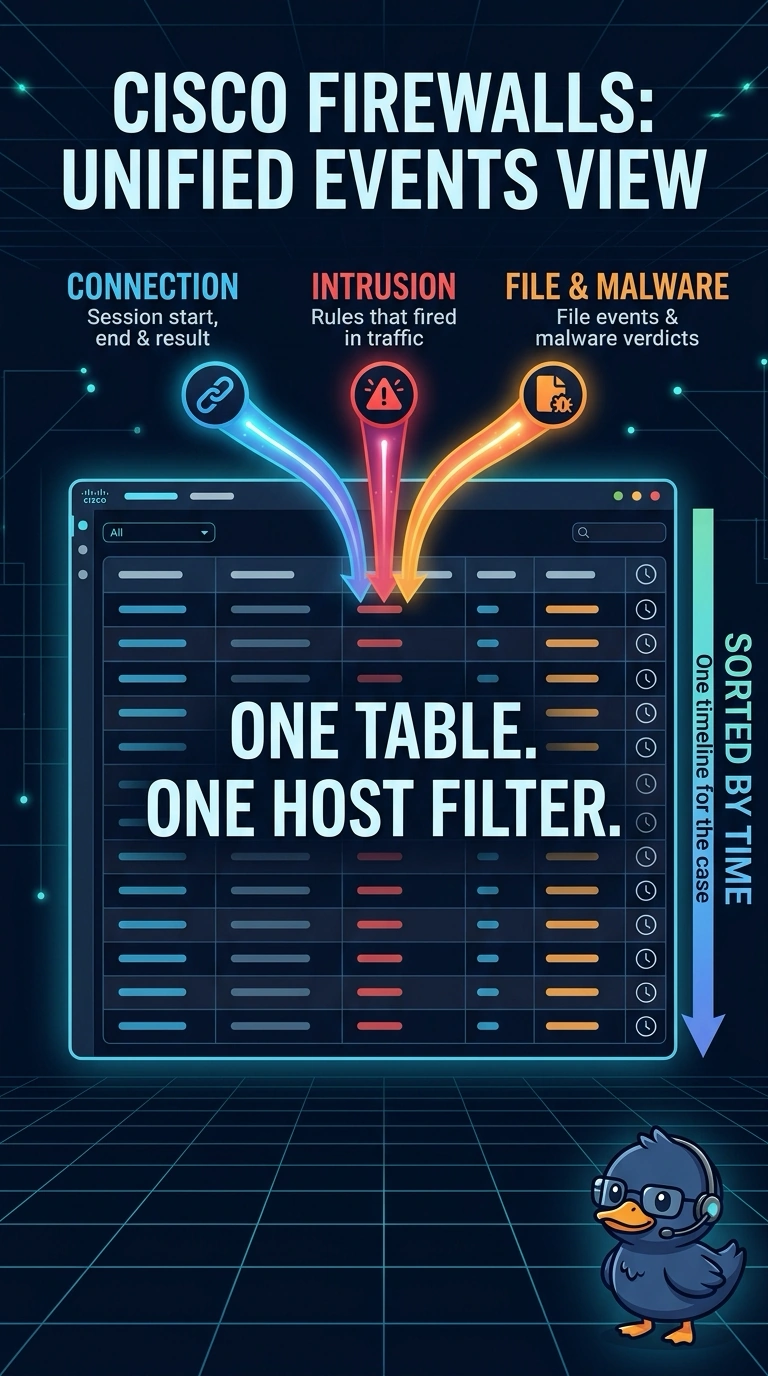
You need a single timeline, and the Unified Events view is built for exactly that. It brings connection, intrusion, file, and malware records into one sortable table, so you stop flipping menus mid-incident. It reads like one shared mission timeline instead of several separate notebooks.
Full Explanation
The Management Center's Unified Events view presents multiple event types in one table, so filtering by a host and time range can show connection, intrusion, file, and malware records together. That matters during an incident because session activity, rule matches, and file events can be reviewed on the same timeline. The connection events view is useful for session details, but it does not show intrusion or file records. The network map and host discovery views center on detected devices and related discovery information, such as services and users, rather than security events in a single table. The intrusion events view is useful for reviewing intrusion policy matches, but it does not show connection or file events. Confirm the event types available in your FMC release. A practical check is to generate a connection, trigger a test rule, and send a harmless file from one host, then check whether those records appear in Unified Events under that host's filter.