
A payment processor must manage twelve FTD devices from inside its own data center, where firewall management sessions and FMC-to-device control traffic must stay in the building, and it needs shared objects, centralized events, and reports across the fleet. Which management tool should the team standardize on for this fleet?
Select an answer to reveal the explanation.
Short Explanation
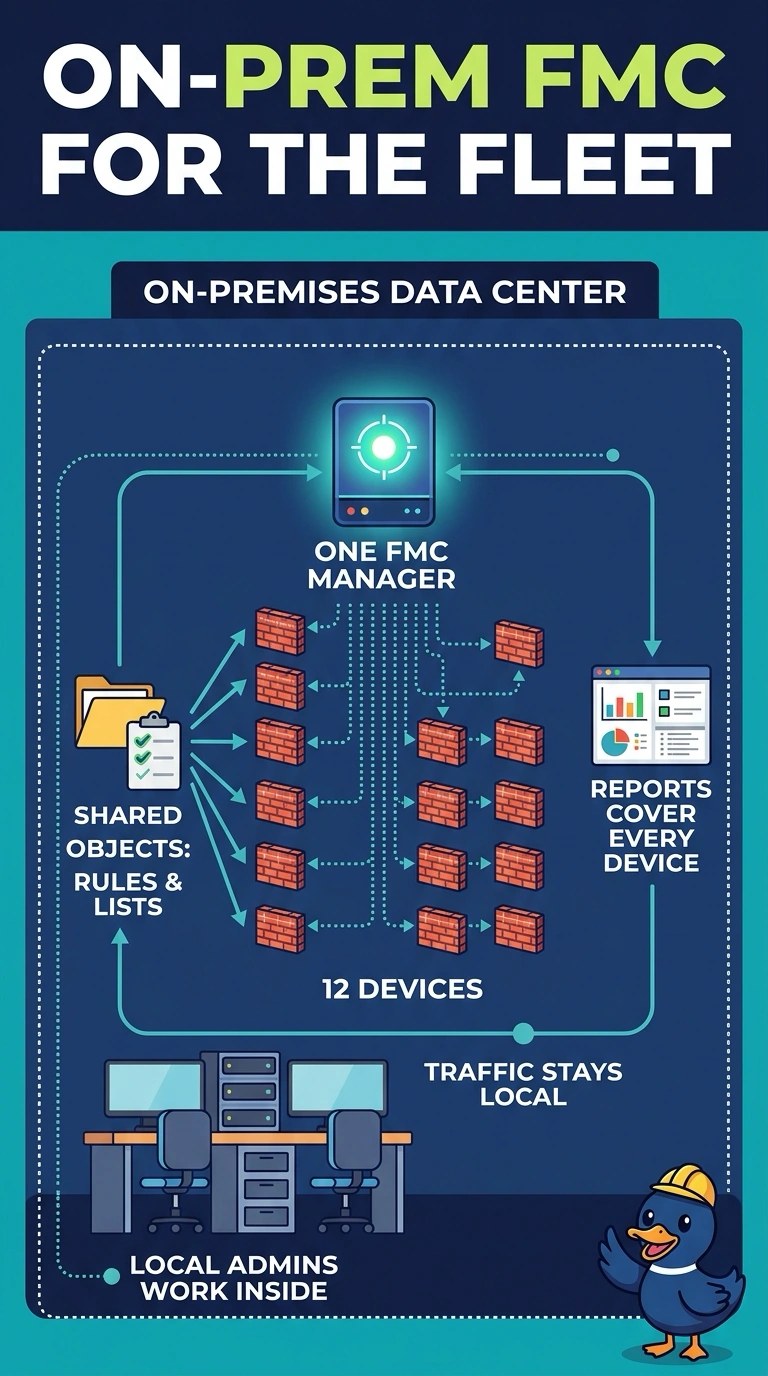
You can keep management sessions and FMC-to-device control traffic inside your data center with an on-premises FMC, while centralizing shared objects, events, and reports for all twelve devices. A local log archive does not make cloud-based management local, and separate Device Manager instances do not provide fleet-wide centralization.
Full Explanation
An on-premises Secure Firewall Management Center (FMC) is the right fit because one console can manage all twelve Threat Defense devices and provide shared objects, centralized event management, and reporting across the fleet. Deploying the FMC inside your data center lets firewall management sessions and FMC-to-device control traffic stay in the building. This does not guarantee that every ancillary service, such as licensing or software updates, remains local; assess those separately against your requirements. Security Cloud Control Firewall Management is cloud-based, so adding a local log archive keeps records local but does not bring the management path inside your data center. A separate Secure Firewall Device Manager on each appliance provides device-level configuration and analysis, but not the requested centralized fleet management, shared objects, and reporting. As an exam caveat, distinguish where the management system runs from where logs are stored: local log retention alone does not establish local management. As a practical check, confirm that the FMC is deployed on site and verify that firewall management sessions and FMC-to-device control traffic remain within the building.