
After a routine upgrade, one of twelve Secure Firewall devices stops applying its access control policy while the other eleven keep working. The device still appears in the FMC device list, and the team needs to tell a registration problem from a deployment problem before touching the policy itself. Where should the engineer look first to check device health, registration, and deployment status?
Select an answer to reveal the explanation.
Short Explanation
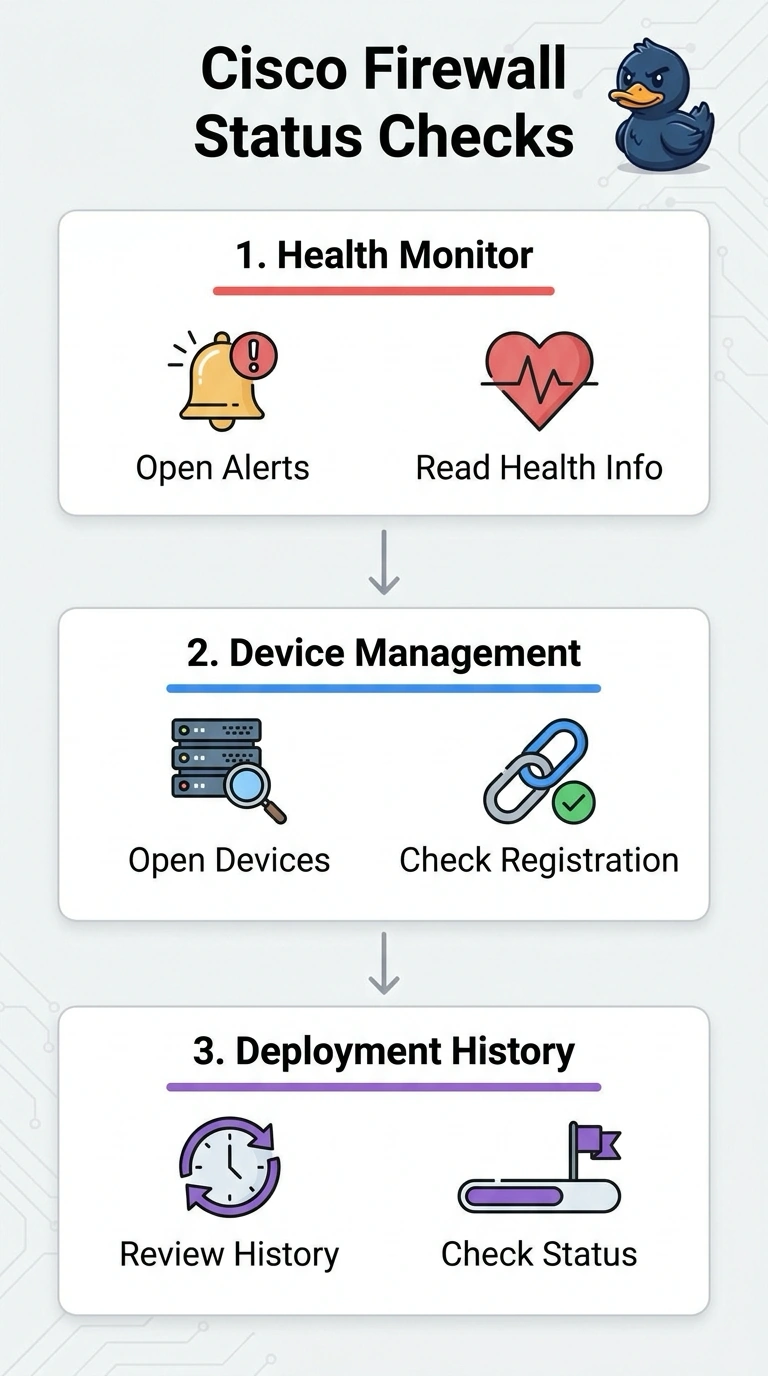
You can check Health Monitor for device health, Device Management for registration, and deployment history for the policy push result. These are three separate checkpoints that help you see what’s happening with your deployment.
Full Explanation
The right approach checks each condition in the FMC area intended to report it: Health Monitor provides device health information, Device Management shows registration status, and deployment history records deployment outcomes. Keeping these checks separate helps you distinguish a registered but unhealthy device from one whose policy deployment failed. FMC presence in the device list is not a substitute for checking registration status; a listed device may still need its registration state investigated. Recent connectivity is only a proxy for health and does not establish the device’s reported health state. An active policy does not confirm that the latest intended deployment succeeded, since an older policy may still be running. Exam caveat: a successful deployment record does not by itself prove that traffic is behaving as intended, so do not treat deployment status as a complete functional test. As a practical check, compare the affected device’s health and registration details with a working peer, then inspect its latest deployment record and timestamp before changing policy configuration.