
A fintech security team must send its auditors a weekly PDF of blocked connections and intrusion alerts across twelve FTD devices, using the same event filters each time, and the file must arrive on its own. Two weeks of dashboard screenshots were rejected as evidence. Which reporting setup in Secure Firewall Management Center should the team configure?
Select an answer to reveal the explanation.
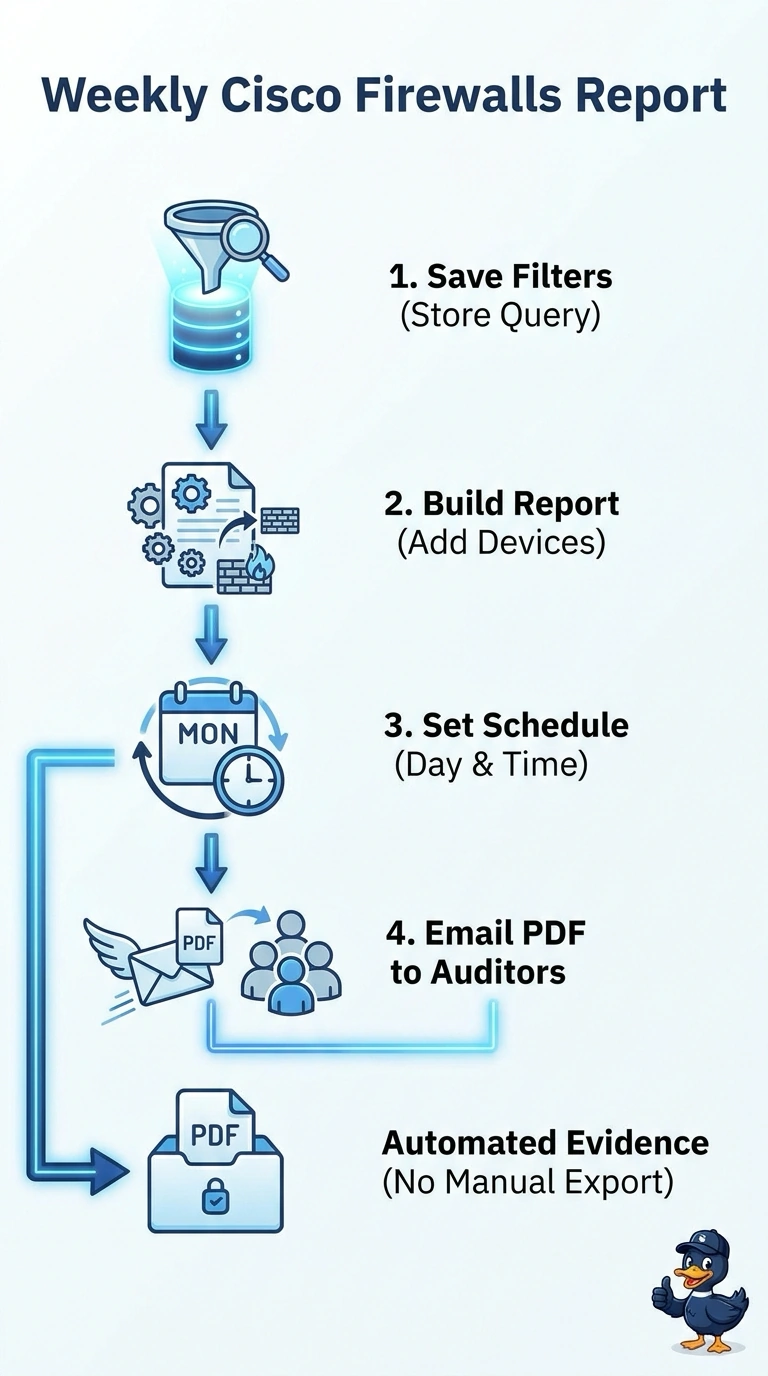
Short Explanation
You need the file to land in their inbox on its own, and a scheduled report is the piece built for that job. Dashboards, shared event views and hand-built reports still leave a person exporting and emailing every week. It's the difference between a calendar reminder and a sticky note.
Full Explanation
The correct setup is a scheduled report with the required event filters and weekly email delivery of its PDF to the audit group. Scheduling makes the report recur without someone manually assembling it, the saved filters keep successive reports comparable, and email delivery meets the requirement that the file arrive on its own. A dashboard widget screenshot is a manual, informal capture that auditors already rejected as evidence, and it still depends on an analyst sending it each week. A shared event view lets auditors look at live data, but it produces no fixed, dated PDF and nothing arrives automatically. Generating a standard report by hand yields the right document format, but a person must run, download and attach it every period, so it is not automatic or reliably repeatable. Exam caveat: report scheduling is done with the scheduler in the Management Center, and which fields and filters a report supports varies by version and report template. Practical check: run a test schedule and verify the PDF contains blocked connections and intrusion alerts from all twelve devices, uses the intended filters, and reaches the audit group automatically.