
A SOC analyst at an e-commerce firm investigates one host that raised an intrusion alert, then flagged a malware download, then opened a suspicious follow-up connection within a five-minute window. Paging through separate event lists slows the timeline work down. Which FMC view puts that host's connection, intrusion, file and malware entries on one screen?
Select an answer to reveal the explanation.
Short Explanation
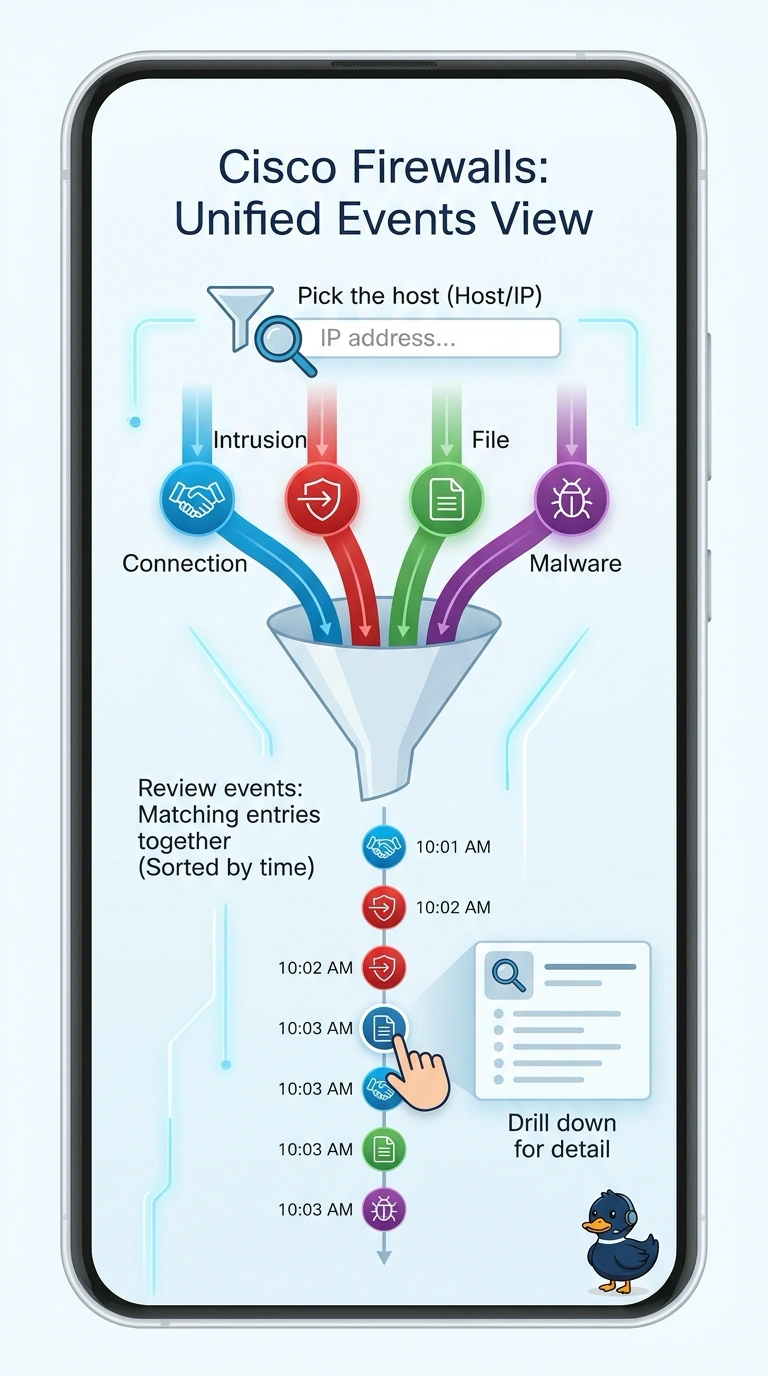
The unified events view brings connection, intrusion, file, and malware entries together so you can review a host's activity in one place.
Full Explanation
The unified events view is correct because it brings different event types into one filterable view, allowing the analyst to follow a host’s activity across connection, intrusion, file, and malware records without switching between separate lists. Filtering by the affected host address and the five-minute incident window puts the relevant entries together so their sequence can be reviewed. The connection-events approach is narrower: sorting by source host helps inspect flows sent by the machine, but that page does not provide the intrusion, file, and malware entries alongside them. A risk report is a high-level summary of security activity, not a host-specific, short-window event timeline. The correlation-events approach shows correlation rules that fired and the alerts they generated, rather than the underlying connection, intrusion, file, and malware records needed for this investigation. Exam caveat: the unified view can show only events that were actually logged and retained, so a missing entry does not by itself prove the activity did not occur. Practical check: apply the host-address and time-window filters, then confirm the results include the relevant event types and cover the full five-minute interval.