
A European bank must keep a searchable archive of traffic and intrusion events inside the country, and its analysts already query an on-premises Splunk cluster located in the country every day. The Management Center local event store serves live triage, but the archive has to outlive it. Which event-logging design satisfies both requirements?
Select an answer to reveal the explanation.
Short Explanation
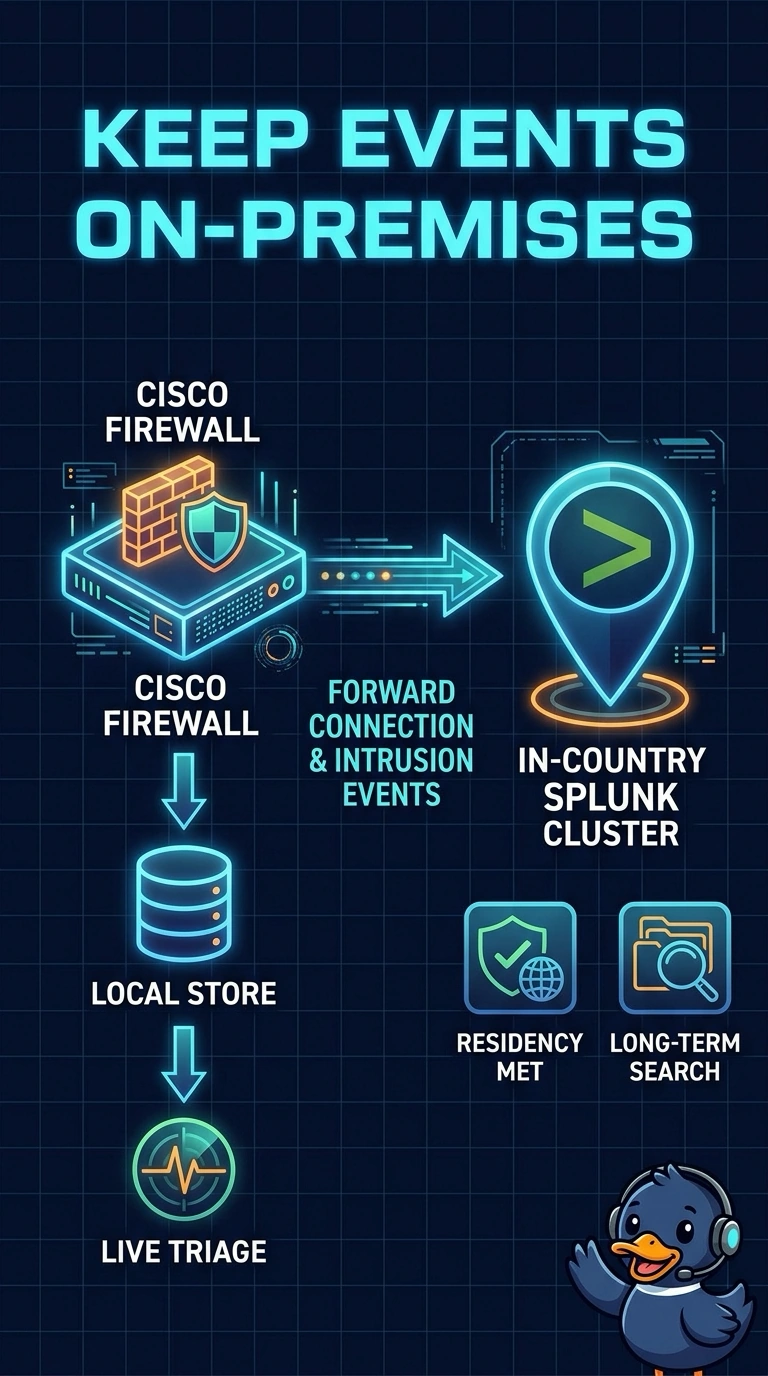
You meet both requirements by forwarding connection and intrusion events to the in-country Splunk cluster while keeping the local store for live triage; searchable retention then extends beyond triage in the system your analysts already query. An excluded index is unavailable to their daily search role, Elasticsearch creates a separate search workflow, and a metrics index keeps aggregates rather than raw events.
Full Explanation
Forwarding connection and intrusion events to the in-country Splunk cluster meets the archive’s location and event-coverage requirements. Retaining them there beyond the Management Center store’s lifetime ensures the archive outlasts live triage data, while analysts can search it through the on-premises Splunk cluster they already use. The option that excludes the in-country Splunk index from analysts’ daily search role meets the location and retention requirements, but the archive is not usable for their stated daily search purpose if their role cannot access it. The Elasticsearch archive provides in-country, long-term retention, but analysts would need a separate search workflow rather than using their existing Splunk cluster. The Splunk metrics index retains aggregates rather than raw events, so it cannot support investigation of individual traffic and intrusion records. Exam caveat: distinguish event-level retention and searchability from dashboards or summaries, which may preserve trends without preserving the events themselves. Practical check: verify the archive index’s location, retention policy, included event types, analyst-role permissions, and ability to retrieve raw events in Splunk.