
A regional bank must keep its firewall event history for one year with every record stored inside its own data center, and investigators need the analytics dashboards that correlate events across devices. The team is deciding between on-premises and cloud logging in Security Analytics and Logging. Which Security Analytics and Logging option meets the residency and analytics requirements?
Select an answer to reveal the explanation.
Short Explanation
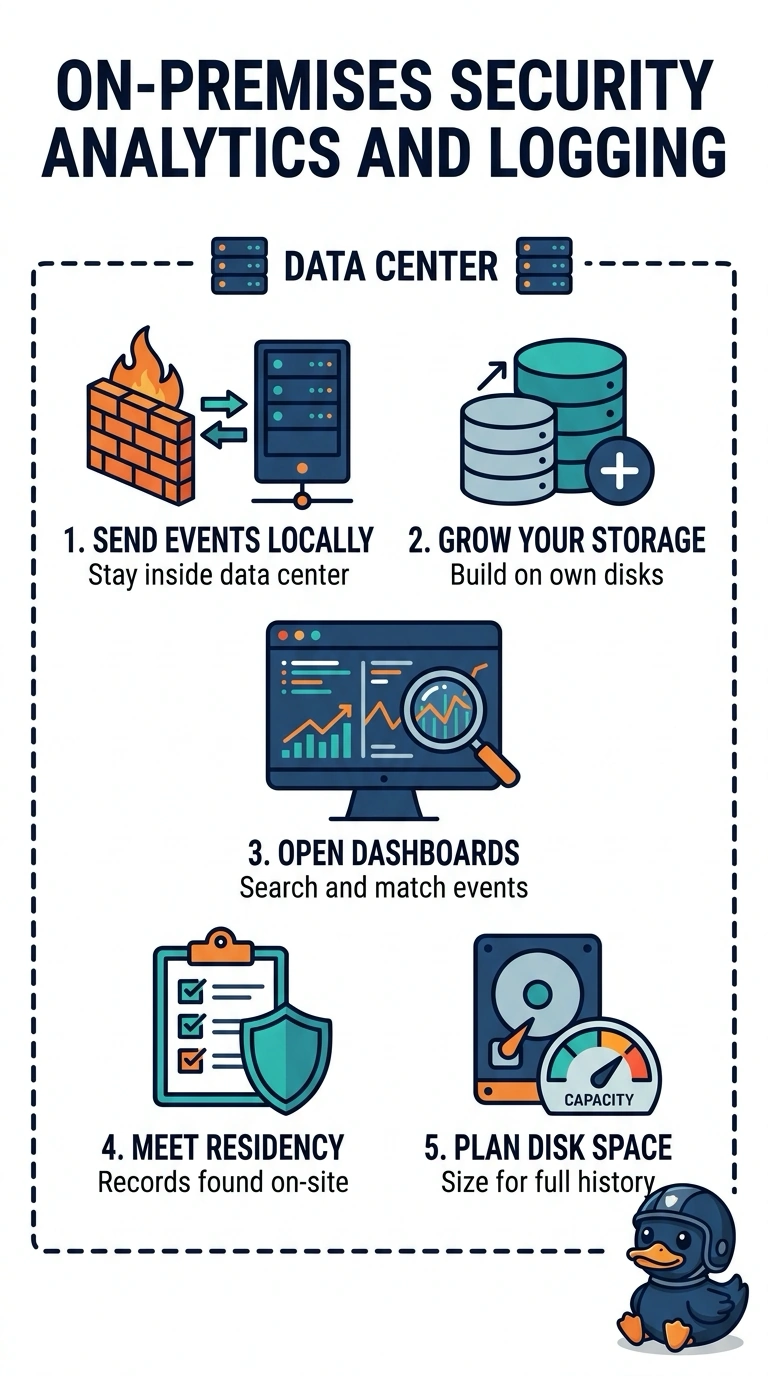
Residency settles this before performance enters the picture. With on-premises Security Analytics and Logging, you keep every record and the correlated dashboards inside the bank’s data center—like keeping the safe in your own basement instead of renting one across town.
Full Explanation
The on-premises Security Analytics and Logging option meets both requirements: it keeps every firewall event record and the analytics dashboards inside the bank’s data center, while providing the cross-device correlation investigators need. On-premises logging for one year with only priority events does not preserve every record; filtering out other events conflicts with the requirement to retain the full event history. Cloud logging for one year can provide cross-device dashboards, but a local cache does not make the provider-hosted authoritative records reside in the bank’s data center. On-premises logging for all firewall events for one year does preserve the records locally, but device-native dashboards generally show separate device views rather than correlating events across devices, so they do not provide the required analytics. Exam caveat: distinguish where records are stored from where analytics run; a local cache or dashboard alone does not establish that all retained records stay on premises. Practical check: verify the deployment’s data-flow and retention settings, then confirm that a sample event from each firewall is retained and appears in a cross-device correlation query.