
Your SOC at a 400-person logistics firm must reconstruct what one suspicious laptop did last Tuesday. The FMC holds connection records showing DNS queries to an unknown host and an intrusion event from the same source. The analyst needs a single time-ordered view linking those records rather than separate exports. Which view in Secure Firewall Management Center should the analyst open to correlate those events by host and time?
Select an answer to reveal the explanation.
Short Explanation
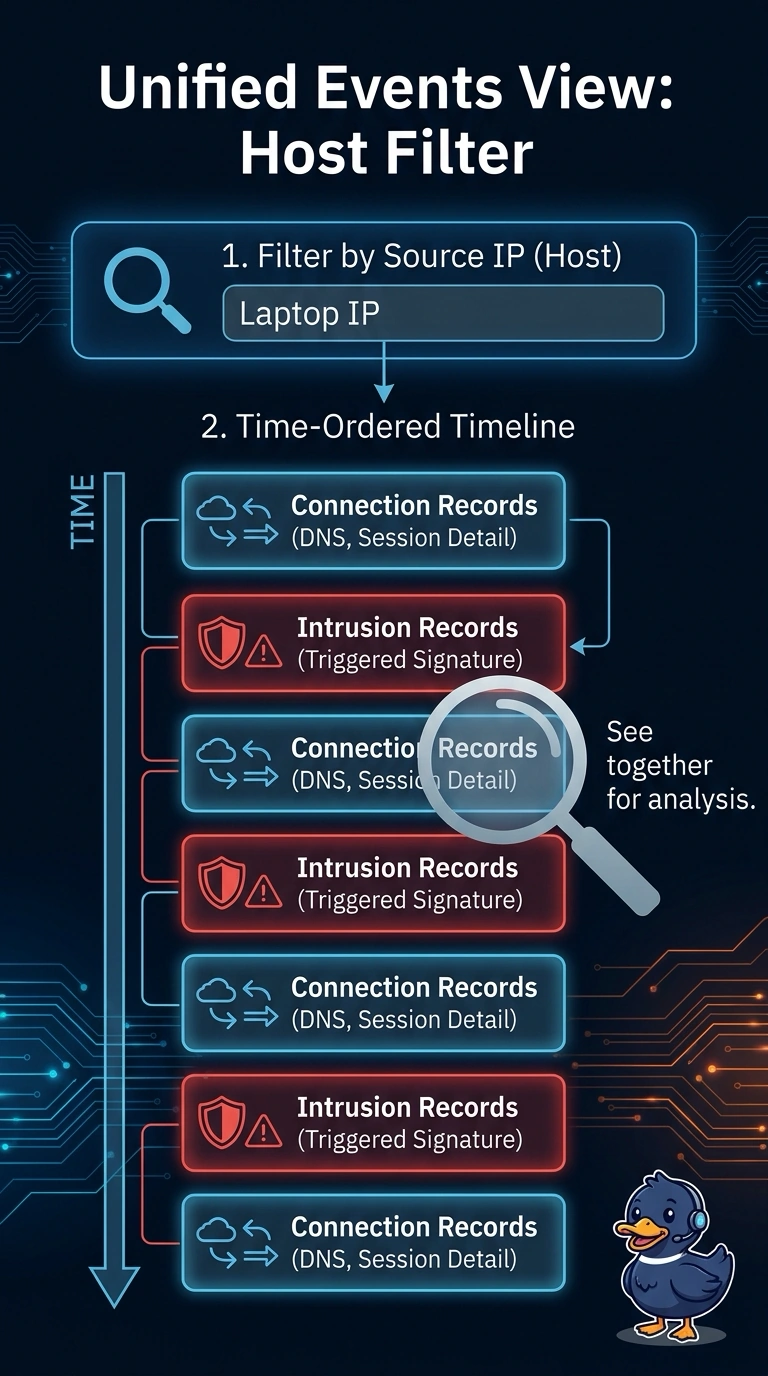
Open the unified events view and filter by your laptop’s IP to see its connection and intrusion records together in time order. It’s like one camera roll instead of separate clips to line up by hand—that’s correlation across event types.
Full Explanation
The unified events view presents supported event types together, letting an analyst review connection and intrusion records within a chosen time range and filter them by host. This gives the analyst one view of the DNS lookup and intrusion event without requiring separate exports. Separate reports do not meet the single-view requirement, while an intrusion events table shows only intrusion records. A security summary dashboard aggregates detections by severity rather than preserving individual event records. Dashboards and reports suit trends and summaries; event views are more appropriate for reviewing individual records. Practical check: filter the unified events view by the host IP, widen the time range as needed, and confirm that records from more than one event type appear.