
RoCEv2 readiness on municipal GPU servers depends on adapter settings. Where should MTU and related adapter attributes be set in UCS?
Select an answer to reveal the explanation.
Short Explanation
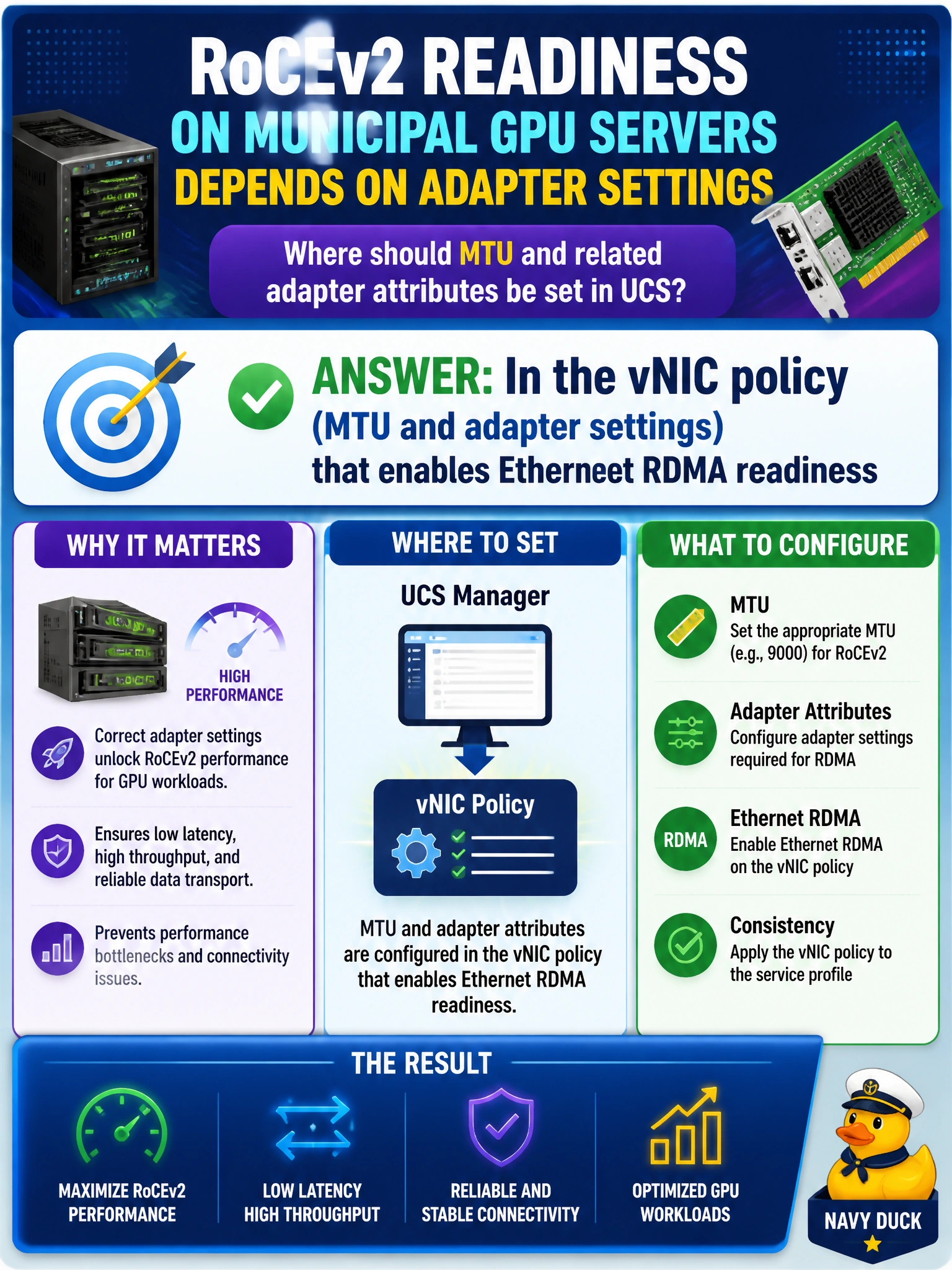
RoCEv2 readiness starts on the vNIC policy—set the big MTU and adapter knobs there. Placement and uplink failover order in your LAN connectivity policy won't set your vNIC MTU. Get the vNIC attributes right before the fabric test.
Full Explanation
RoCEv2 readiness on municipal GPU servers depends on adapter settings that belong in the vNIC policy—MTU and related adapter attributes that enable Ethernet RDMA readiness. Host-side jumbo MTU and RDMA-capable adapter options must match the fabric design or RoCE tests fail regardless of how carefully leaf QoS is built. Domain 3.2.d expects those settings in LAN connectivity/vNIC policy for civic AI hosts. Putting them in the LAN connectivity policy (vNIC placement order) that controls server uplink failover behavior only sets placement and failover order and never configures the vNIC MTU and adapter attributes that RoCEv2 needs. Configuring them in the Ethernet network control policy (CDP and LLDP settings) that governs uplink discovery only controls discovery protocols and likewise leaves Ethernet RoCEv2 MTU and adapter attributes unset on production GPUs. Putting MTU and adapter attributes in the LAN QoS system class (PFC and bandwidth settings) that prioritizes lossless traffic does not configure the vNIC itself and cannot make the adapter RoCEv2 ready. Exam caveat: fabric MTU and vNIC MTU must agree; configuring only one side leaves the path inconsistent and creates silent drops of large RDMA frames. Operational check: set the required jumbo MTU and RDMA-related adapter attributes in the UCS vNIC policy for GPU servers, deploy the policy, verify interface MTU on the host and adjacent leaf, then run RoCEv2 readiness tests before production training.
Prefer to study offline? Printable PDF study book + test engine ($7.50, unofficial). These questions stay free here.