
Branch users at a retailer say Microsoft 365 is slow, and measurements on the store LAN are clean. Which approach shows the SaaS and WAN experience behind that complaint?
Select an answer to reveal the explanation.
Short Explanation
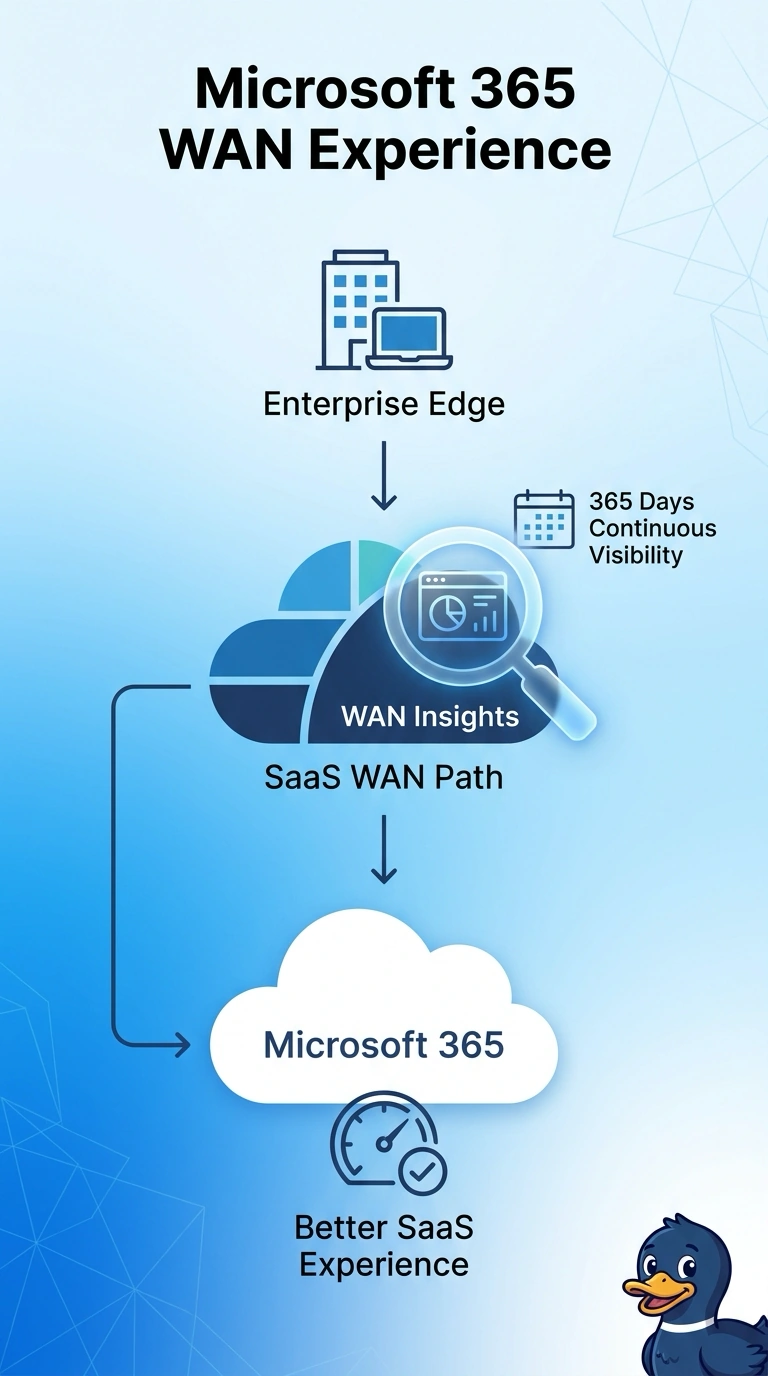
A clear parking lot does not tell you the highway is clear. You use WAN Insights for the SaaS and WAN experience when the store LAN is already clean and Microsoft 365 is still slow. A configuration archive, a single switch poll, or a page load that ignores the WAN path leaves that highway unseen.
Full Explanation
WAN Insights is built to show path and experience toward SaaS and WAN destinations, which is the gap left when branch users report slow Microsoft 365 and the store LAN measures clean. The local network is no longer the open question, so the next view is the path from the branch toward the service. A device-configuration archive stores backups of routers and switches and does not describe live experience on the path to Microsoft 365. An SNMP poll of one access switch repeats a local check that is already clean and stays inside the store LAN. A web transaction that does not inspect the WAN path can show that a page was slow without showing which provider path carried it. The exam trap is treating a page timer, a saved configuration, or one local poll as a view of SaaS path experience. In production, compare the WAN Insights path and experience for Microsoft 365 from the branch with the clean LAN measurements already in hand. If the LAN stays clean while the SaaS path shows loss or a changed route, the complaint belongs to that WAN view.