
At a university, a dashboard widget stays green while the related alert rule keeps paging the on-call team. What is the right next step for that rule?
Select an answer to reveal the explanation.
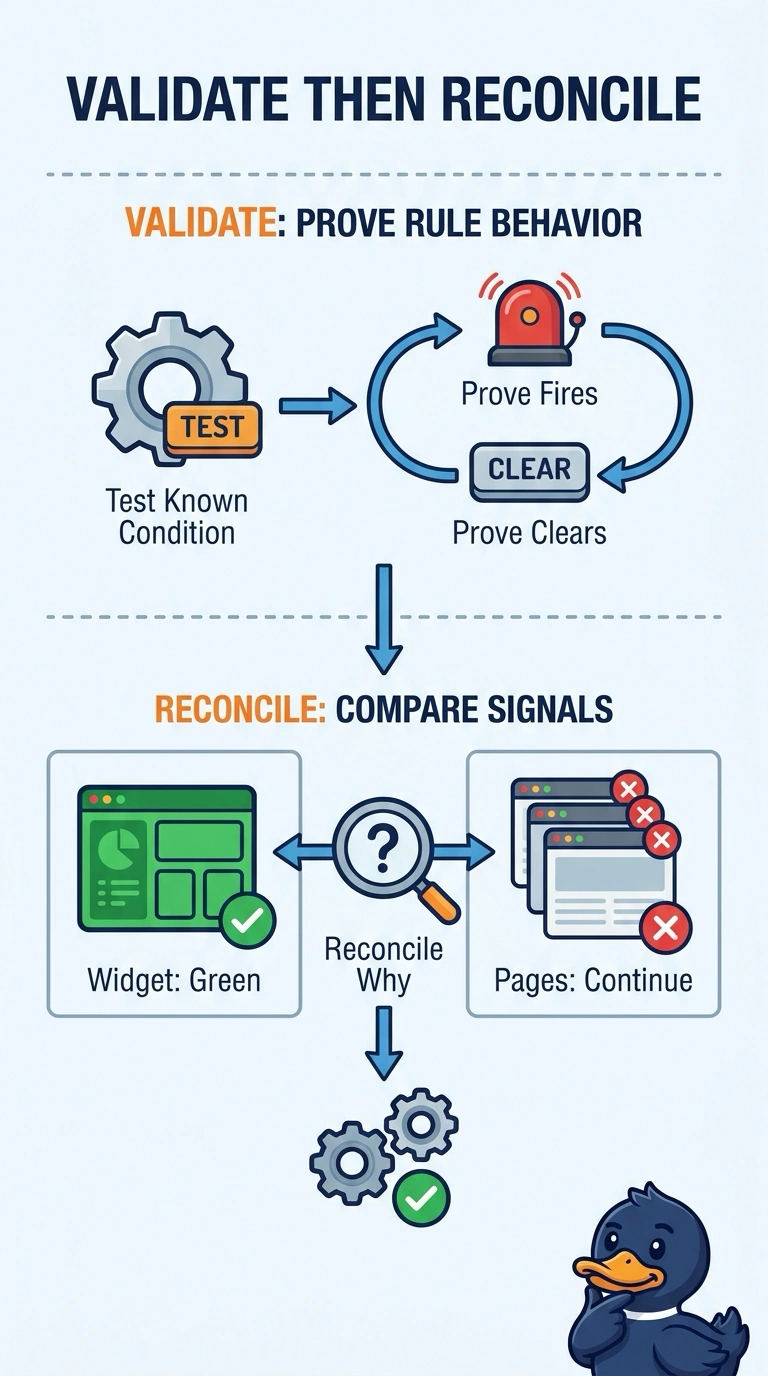
Short Explanation
A green light on the lobby sign does not mean the fire bell in the stairwell is lying, or the reverse. You have to prove the rule fires and clears against a known condition and then reconcile why the widget stays green while pages continue. Lowering every threshold, deleting the rule after one page, or trusting a saved rule leaves that mismatch unexplained.
Full Explanation
A green widget and a paging rule are two views that currently disagree, so neither one should be trusted until the rule is exercised on a known condition. Drive the condition the rule claims to watch, confirm that a page fires, remove the condition, and confirm that the alert clears. Then compare that proven behavior with the widget. The widget may be looking at a different metric, a different scope, or a different interval than the rule, which is why it can stay green while pages continue. Lowering every threshold until both the widget and the pager stay quiet destroys the signal instead of explaining the mismatch. Deleting the rule after a single page throws away detection because one notification arrived, and it never tests whether the rule clears. Trusting the rule because it was saved ignores the contradiction in front of the university team. A stored rule is not evidence that it fires or clears on the condition the widget appears to describe. Exam caveat: a healthy-looking tile does not validate an alert rule, and a page does not validate a tile. Operational check: trigger one known condition, record whether the page fires and clears, and line that record up with the widget's scope.