
Students at a university report long waits inside the browser, endpoint browser data shows those same waits, and the campus edge routing looks unchanged. Which alert matches the symptom?
Select an answer to reveal the explanation.
Short Explanation
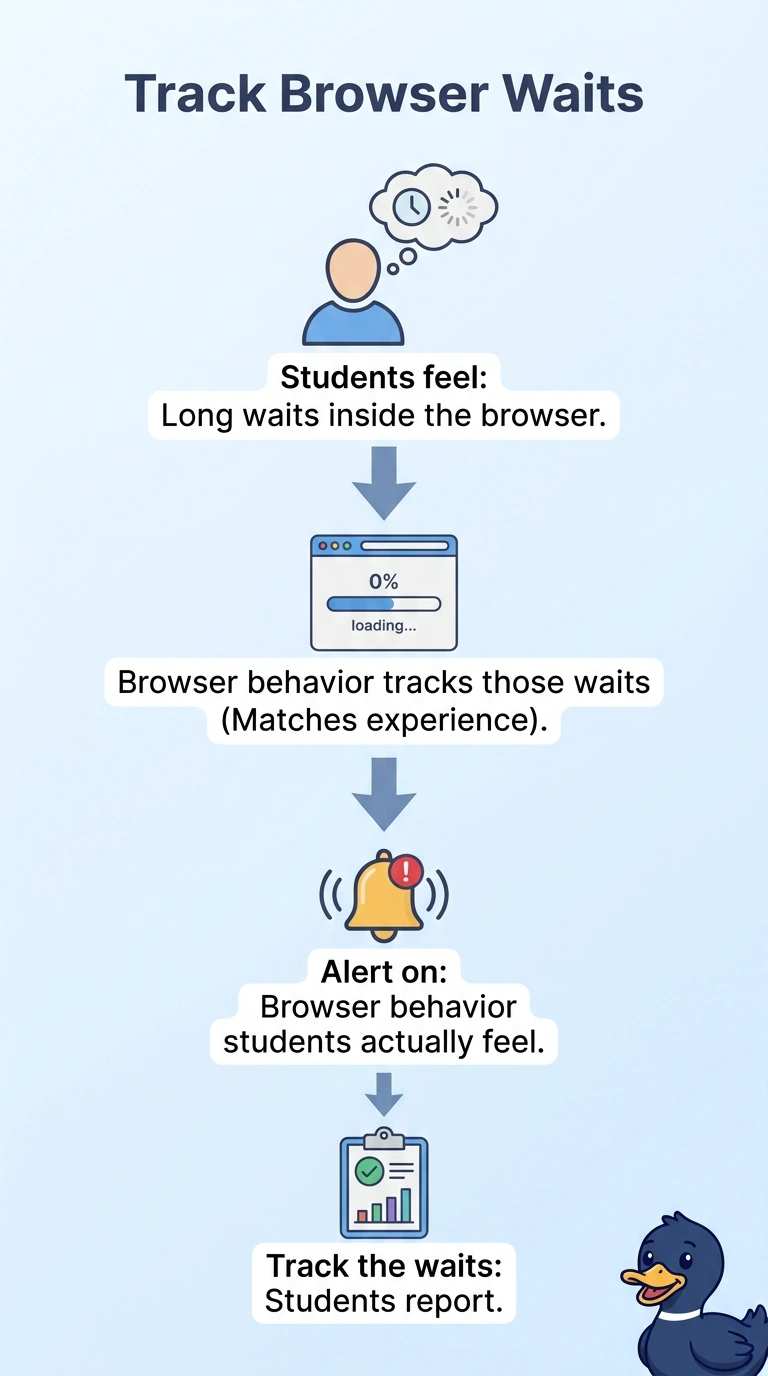
The browser can spin while the building lights stay steady. You alert on browser behavior, because the long waits show up in the browser data and the campus edge looks unchanged. A BGP-state alert, a core SNMP alarm, and a weekly executive mail aren't watching the page the students feel.
Full Explanation
Students report long waits in the browser, endpoint browser data shows those same waits, and campus edge routing looks unchanged, so the matching alert is on browser behavior. The symptom lives in the browser the students are using, and the edge routing did not move with it. A BGP-state alert on the campus edge watches routing sessions that stayed steady, so it is aimed at the wrong object. An SNMP interface alarm on a core router does not inspect the browser and will not describe the waits. A weekly executive mail about campus uptime does not watch the page the students are waiting on. An edge session, a core interface, and a weekly summary can all remain quiet while the browser data is the signal that changed. The browser data already shows the waits the students reported, so the alert has a user-experience signal to use. Exam caveat: unchanged edge routing plus long browser waits is a browser-behavior alert, not a routing alarm. Operational check: match the reported waits to the browser data and confirm the alert is on that browser signal while edge routing stays unchanged.