
A logistics hub loses the VPN tunnel to the regional warehouse, and the tunnel state stays down. What should page the network team?
Select an answer to reveal the explanation.
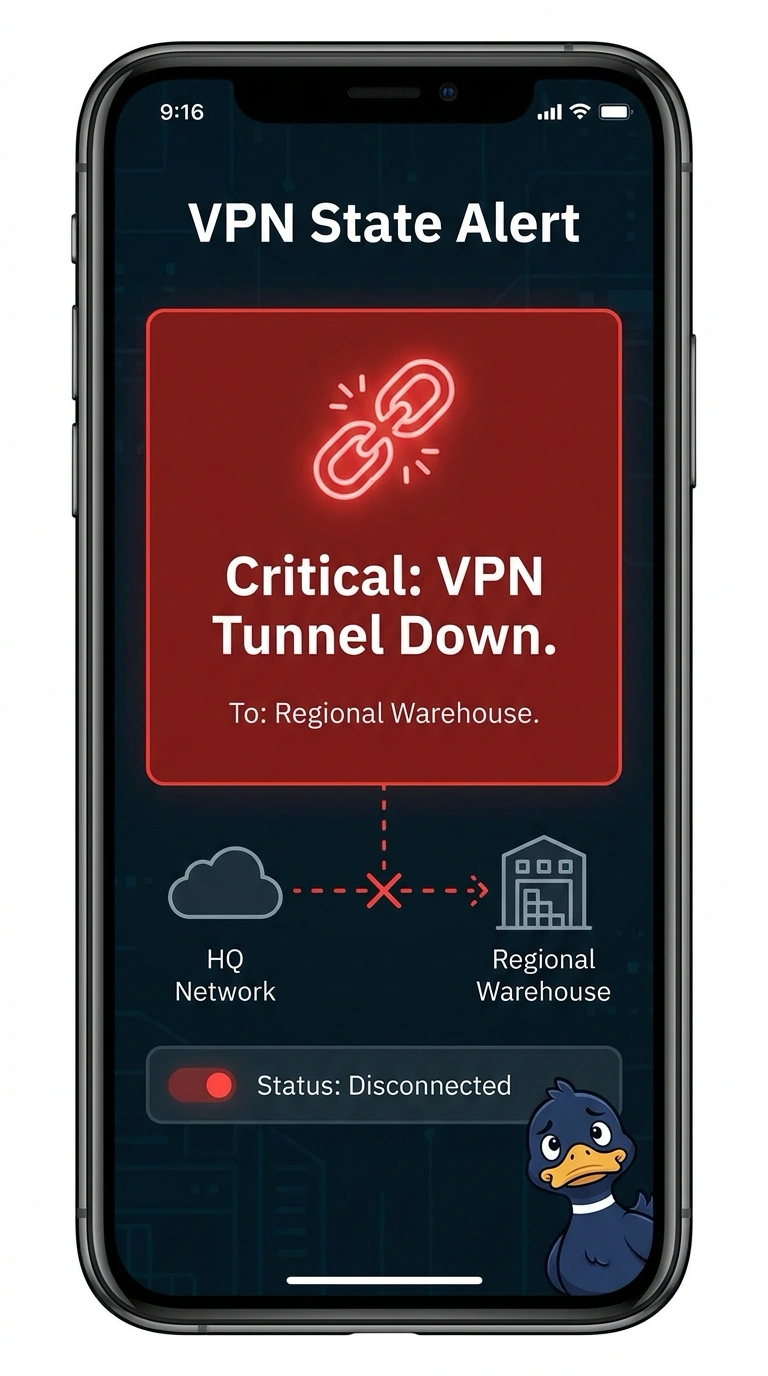
Short Explanation
A tunnel that stays closed is a locked gate, and the alarm belongs on the gate. You alert on the VPN tunnel state so the network team is paged when the hub loses the warehouse. A tablet CPU alert, a dashboard with no rule, or a capacity project that does not page misses the tunnel.
Full Explanation
A VPN tunnel that drops and stays down is a tunnel-state failure, and the page should follow that state. An alert on the VPN tunnel state toward the regional warehouse notifies the network team when the hub loses the tunnel, which is the event in front of them. An alert on CPU use of a tablet used on the dock watches one endpoint. The tunnel can be down while that tablet is idle, and a busy tablet can page while the tunnel is up. A VPN status dashboard that shows the tunnel but has no alert rule shows the state only to someone who opens it. It does not page when the tunnel drops. A capacity project that reviews the tunnels and does not page anyone may recommend a design change later. It does not notify anyone about this drop. Exam caveat: VPN state is the network condition to alert on here, and a CPU rule, a silent dashboard, or a capacity project does not send the page this tunnel event needs. Operational check: during a change window, confirm the alert fires when the tunnel state drops and clears when the tunnel is restored and stays up.