
At a SaaS company, a captcha blocks the synthetic web script, and a teammate wants that captcha disabled in production so the test can pass. What is the right response?
Select an answer to reveal the explanation.
Short Explanation
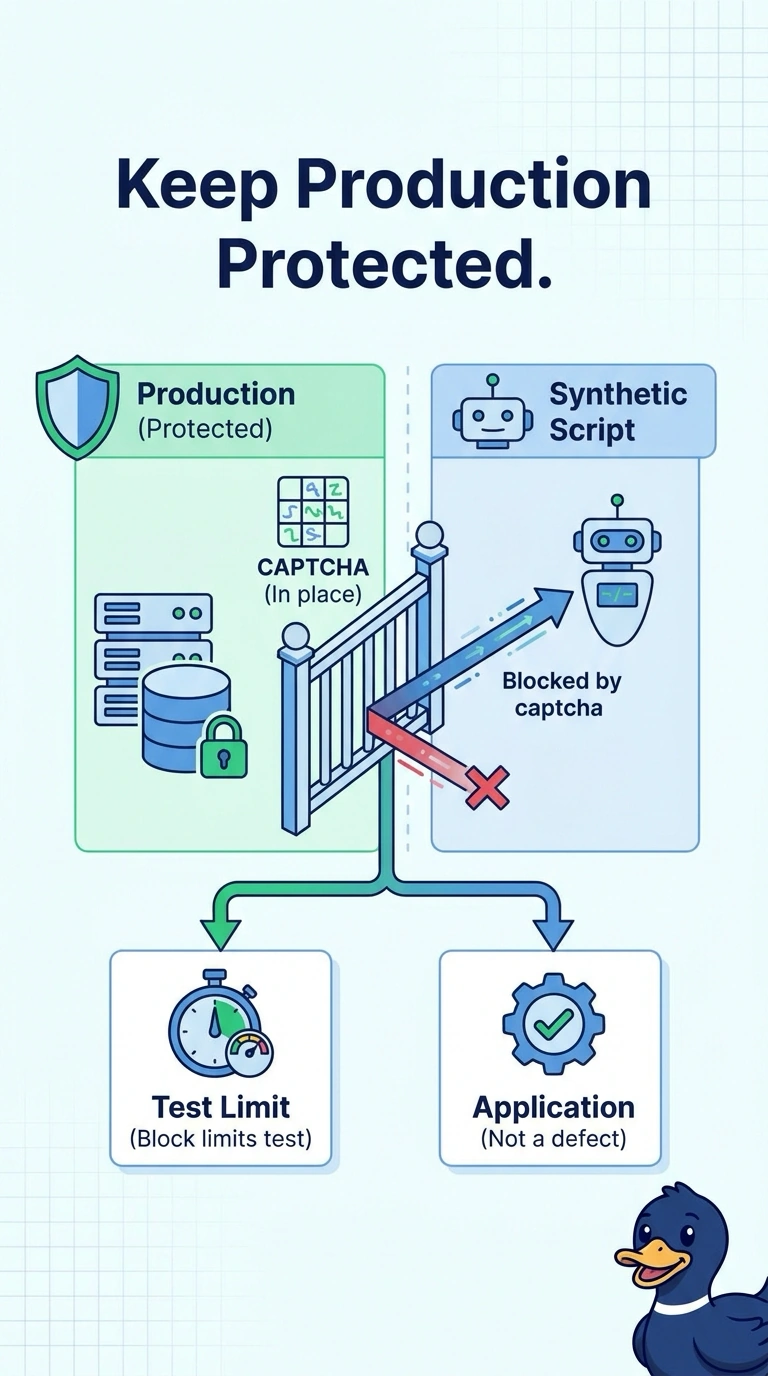
Taking the lock off the front door so a practice visitor can walk in leaves the real door open. You keep the production captcha, because a script blocked by it has hit a limit of the test. Treating a forced pass as proof for every remote user, calling the script a database capture, or using it in place of a real client's waterfall misses that limit.
Full Explanation
The captcha is a production control. The synthetic script cannot complete it, which means this test cannot walk past that challenge. The right response is to keep the captcha and record the script as blocked there. The limit belongs to the test, not to the application. Disabling the captcha so the script can pass weakens production for every remote user, and the resulting green run still is not proof that every real browser succeeded. It only shows a script moving through an application that no longer has the control. Treating the blocked script as a packet capture of the application database invents data the test never collected. The script did not reach the application logic behind the captcha, and a web transaction is not a database capture in any case. Replacing real-client browser waterfalls with the stopped script throws away timing from users who can complete the challenge, and it substitutes a test that ended early. Exam caveat: a synthetic blocker is a coverage gap, not a defect to delete from production. Operational check: leave the captcha enabled and document the script as failed at that challenge.