
A university installed Endpoint Agents on Windows laptops only, then saw the same campus portal fail for Mac users who have no agent. What should be deployed so both groups are measured?
Select an answer to reveal the explanation.
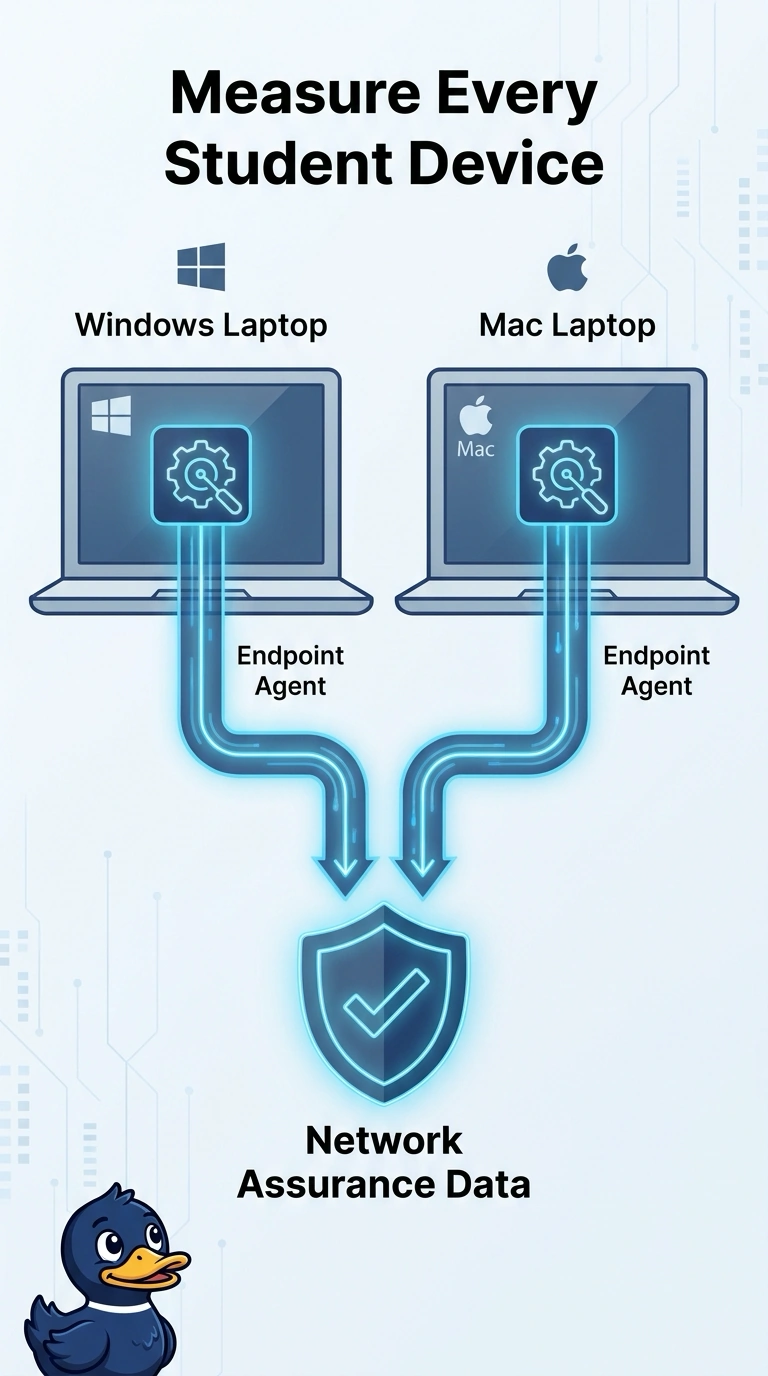
Short Explanation
An Endpoint Agent is a reporter you post on each laptop, not a camera you bolt to the data-center wall. You measured only the Windows machines, so the Mac failures never entered the data. Reimaging without the agent, parking one probe in the data center, or staring at a WAN view still leaves those Macs dark.
Full Explanation
Endpoint Agents run on the user devices you need to see, so a failure that exists only on Mac laptops shows up only if those laptops carry the agent. The campus portal is failing for Mac users who were left out of the rollout, which means the missing measurement is on those devices, not at a single probing point in the data center. One Enterprise Agent on a data-center host can exercise a path from that host, but it does not reproduce the operating system, the local network, or the user session on every laptop. A WAN Insights view of the campus edge describes path and experience toward WAN destinations and does not place an agent on the endpoints that are failing. Rebuilding the operating-system image without installing an Endpoint Agent gives the Macs a clean disk and still no reporter, so the next failure is just as invisible. Exam caveat: the same gap appears for any user platform you skip, including Room OS devices, because an endpoint rollout is per device rather than per closet. Operational check: compare the agent inventory by operating system with the list of users who cannot open the portal, and confirm a failing Mac now has an Endpoint Agent reporting.