
A manufacturer's standard laptop image already includes Secure Client, and the team needs an endpoint view from every plant laptop. Which deployment uses that image the right way?
Select an answer to reveal the explanation.
Short Explanation
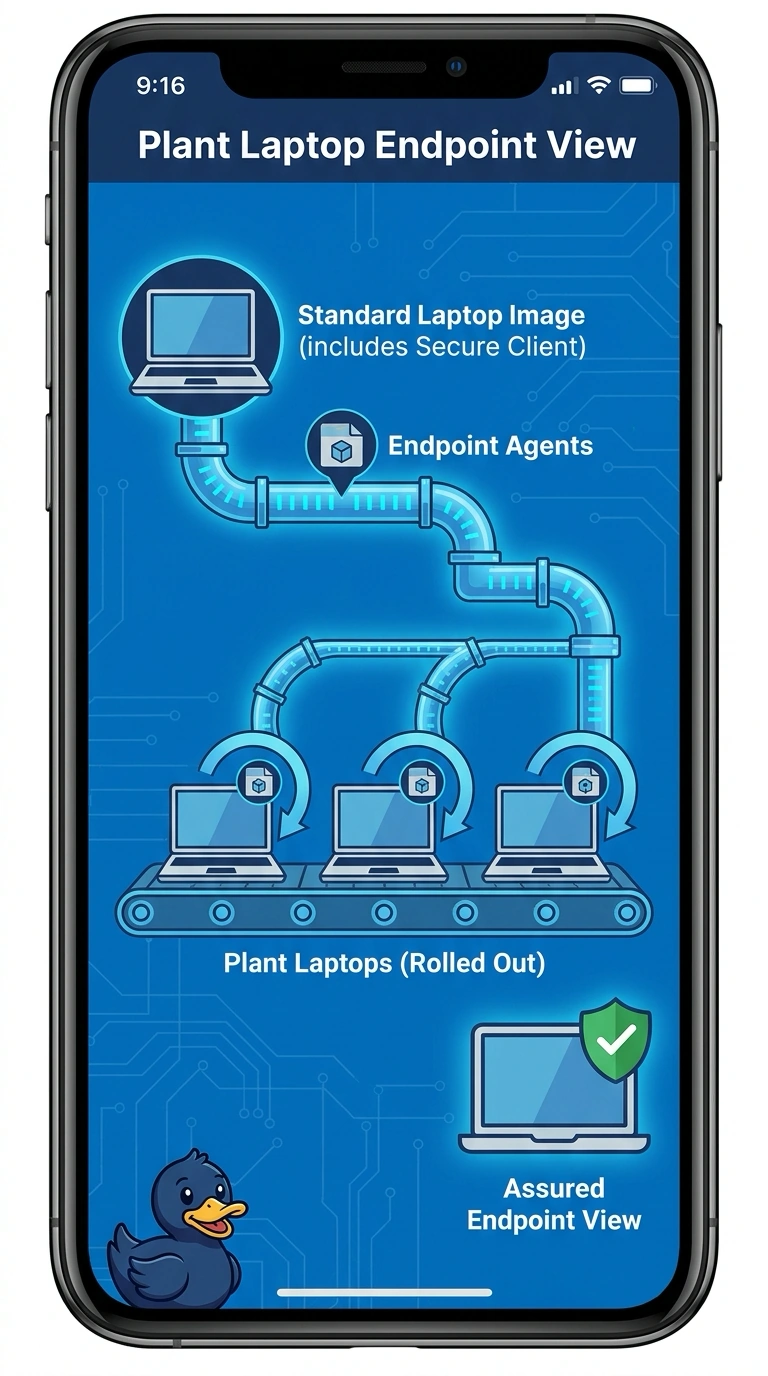
The badge holder is already on every company laptop, so you don't hire one guard to stand in for the whole plant. You deploy Endpoint Agents with the Secure Client image those laptops already include. A lone Enterprise Agent, a WAN Insights view with no endpoint, and a new image that drops the agent all miss the per-laptop view.
Full Explanation
The standard laptop image already includes Secure Client, and Endpoint Agents on user laptops are rolled out with Secure Client, so the matching deployment puts those agents on every plant laptop through the image they already have. That is what produces an endpoint view from each laptop rather than from a single probe. One Enterprise Agent in the data center ignores the Secure Client image and still provides only one network vantage. A WAN Insights view of the plant paths places no agent on the laptops, so the endpoint view is missing even if the WAN path looks described. A new image that removes Secure Client and installs no endpoint agent throws away the existing rollout path and still does not measure the laptops. Exam caveat: an image that already contains Secure Client helps only when the Endpoint Agents are actually rolled out with it across the laptops. Operational check: confirm the plant laptops report endpoint results through that Secure Client rollout and that a data-center Enterprise Agent is not the only source.