
A government agency finds that a split-tunnel VPN on staff laptops sends one required application out the local Internet path instead of through the tunnel. Where should diagnosis start?
Select an answer to reveal the explanation.
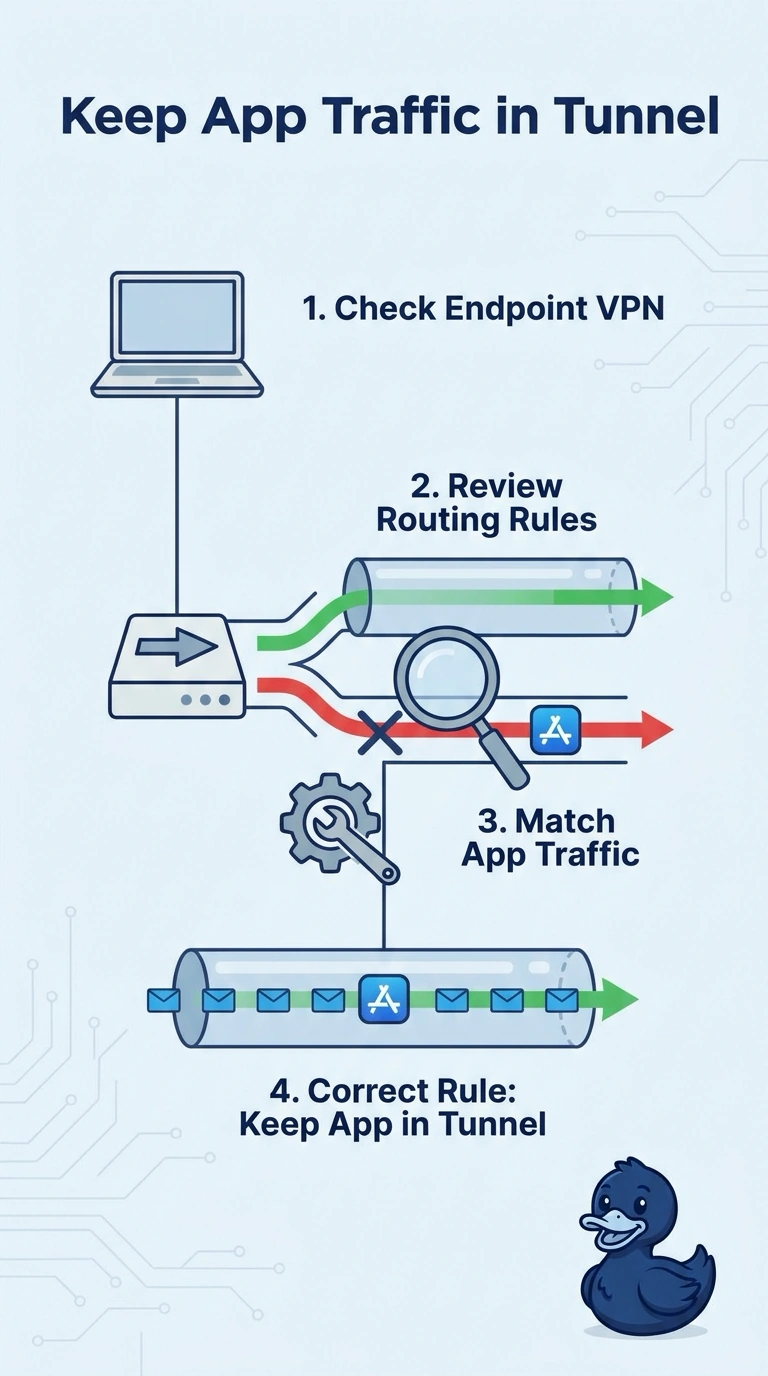
Short Explanation
A split tunnel is a fork painted on the laptop, and this application is taking the public road. You fix the endpoint VPN rules so that application goes through the tunnel. Replacing a WAN circuit or sliding a data-center probe around does not change which way the laptop sends the flow.
Full Explanation
A split tunnel decides on the laptop which destinations use the VPN and which use the local Internet path. When a required application is sent outside the tunnel, the policy on that endpoint is steering the flow the wrong way, so diagnosis starts in the endpoint VPN configuration. Correcting the split-tunnel rules puts that application back inside the tunnel without touching circuits the packet is not using. Replacing the WAN circuit that carries traffic after it has entered the tunnel does nothing for a flow the laptop never puts in the tunnel. A BGP alert on prefixes the agency edge advertises would matter if the tunneled path could not reach a prefix, which is a different fault than a laptop choosing the local exit. Moving a data-center Enterprise Agent closer to the application changes the vantage point of a probe in the data center and leaves the laptop's split-tunnel decision as it was. Exam caveat: one application leaking out does not mean the tunnel itself is down; other traffic can still be inside the tunnel while this application is excluded. Operational check: on an affected laptop, compare the split-tunnel rules for that application with a laptop that sends the same application through the tunnel.