
Cloud OnRamp for Multicloud is connected to a cloud account that does not hold the application VPC. The VPC in the real account never appears. Branches have no route. What should OnRamp use?
Select an answer to reveal the explanation.
Short Explanation
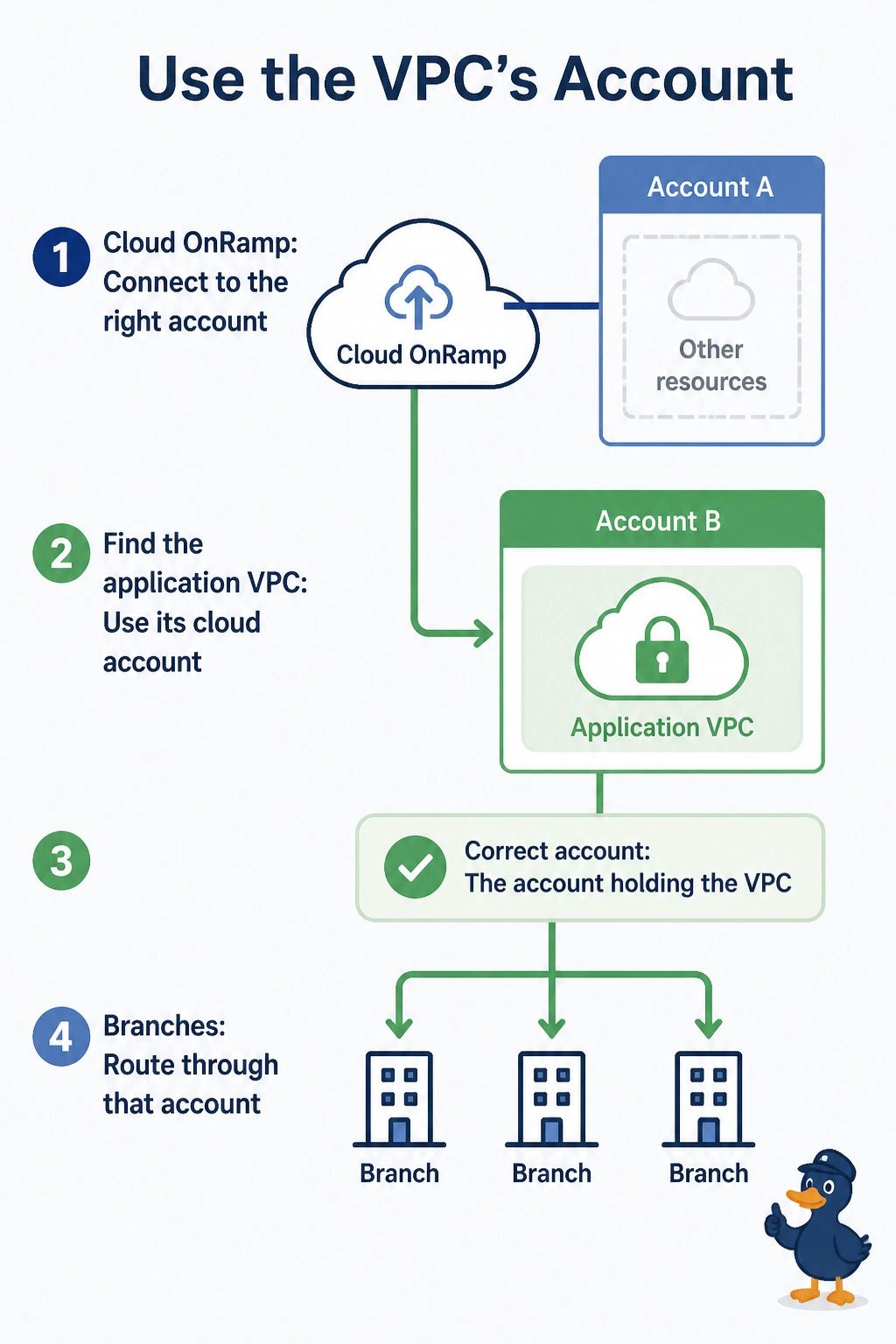
You plugged the gateway into an account that does not own the VPC. You point OnRamp at the account that holds the application VPC. Another pass at the empty account will not make that VPC appear.
Full Explanation
Cloud OnRamp for Multicloud can only see and attach VPCs in the cloud account it is connected to. This connection is to an account that does not hold the application VPC, so the VPC never shows up and the branches never get a route. Connect the account that owns the VPC and attach it. A second attachment to the empty account discovers nothing new. A SIG credential authenticates an inspection provider. It does not list VPCs. VPN 512 does not scan cloud accounts. Exam caveat: the right account still has to grant the access OnRamp asks for. Pointing at the account without that access looks the same as the wrong account. Operational check: the OnRamp inventory should list the application VPC, and a branch should receive its prefix after the attachment.