
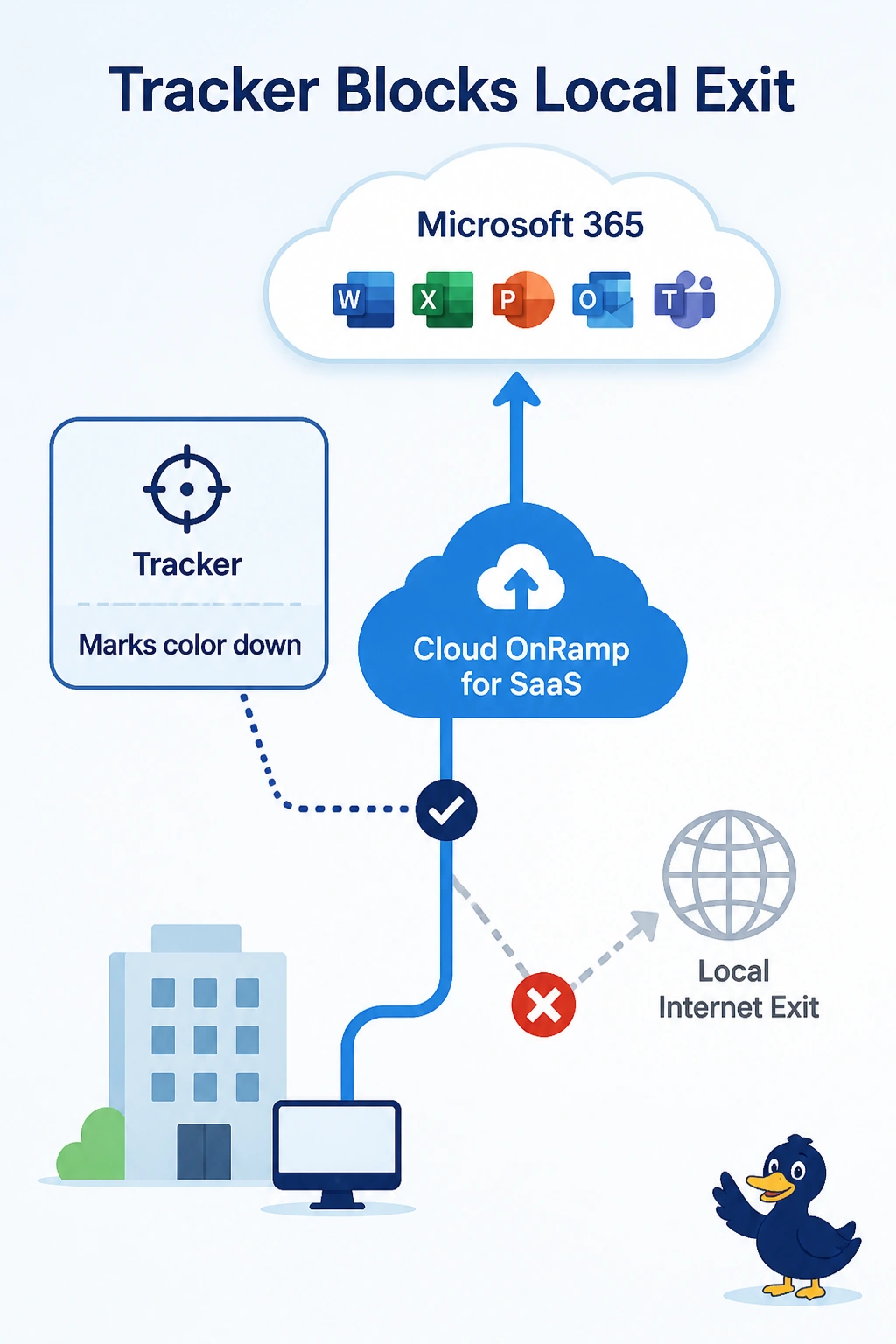
A store interface can reach the internet, and a tracker holds that color down. Cloud OnRamp for SaaS sends Microsoft 365 to the gateway and shows no local probe. What is keeping the local exit out?
Select an answer to reveal the explanation.
Short Explanation
The interface works, and the tracker has hung a closed sign on that color. You clear the tracker so OnRamp can probe the local exit. A gateway score does not erase a local probe on a color that is actually up.
Full Explanation
Cloud OnRamp for SaaS probes local exits that are up. A tracker that marks the color down removes that exit even when a manual test from the interface can reach the internet, so Microsoft 365 stays on the gateway and no local probe appears. Fix the tracker target, or remove a tracker that is watching the wrong host, and let the color come up. A healthy gateway score does not delete local probes. It only wins the comparison after a local probe exists. VPN 512 does not have to be down for a local color to be probed. A voice SLA does not disable OnRamp because a tracker is configured. Exam caveat: if the tracker is correctly marking the color down because the next hop is dead, do not delete it to force a probe. Fix the next hop. Operational check: the color should show up, an OnRamp local probe should appear, and Microsoft 365 should be able to use it when the score wins.