
A clinic enables Cloud OnRamp for SaaS only for a file-sharing application nobody uses. The telehealth application they do use has no probe and stays on a lossy backhaul. What should be enabled?
Select an answer to reveal the explanation.
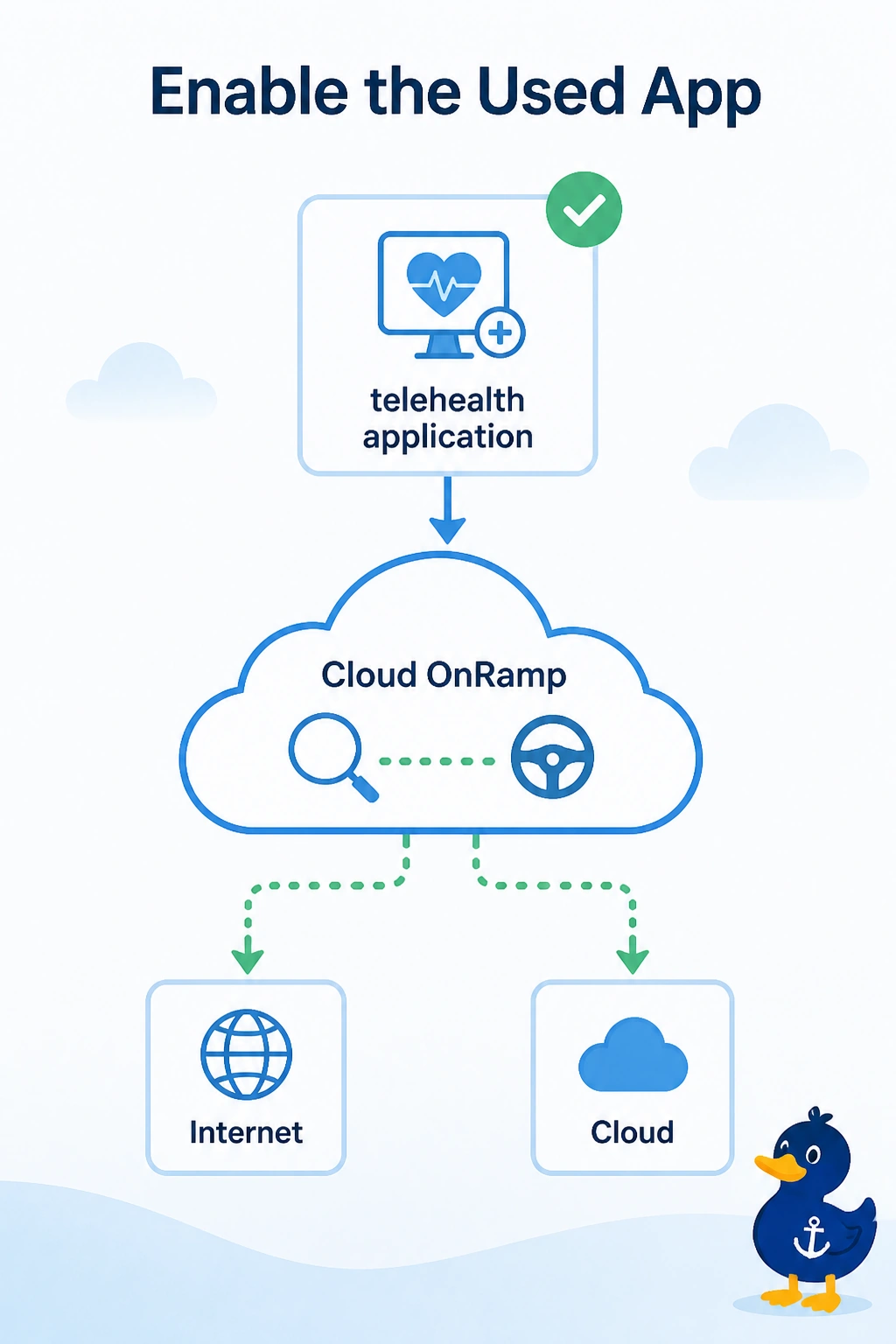
Short Explanation
You’ve identified an application the clinic doesn’t use. Enable telehealth so OnRamp can probe it and steer its traffic. A second copy of the unused file-sharing application won’t help move the traffic people are waiting on.
Full Explanation
Cloud OnRamp for SaaS probes only applications that are enabled. The clinic has enabled file sharing, but nobody uses it; telehealth is the application in use, and because it is not enabled, it has no probe and remains on the lossy backhaul. Enable the telehealth application so OnRamp can probe it and steer its traffic. A second copy of the unused file-sharing application still does not create a probe for telehealth. Shutting down the local exit removes a path OnRamp might use; it does not enable telehealth or make the right application score the backhaul. VPN 512 does not create a probe for telehealth when the application is not enabled. Exam caveat: telehealth must be an application that the OnRamp application list can match. If it is a private host with no application entry, use a data policy toward the chosen exit instead of expecting an OnRamp probe. Practical check: after enabling telehealth, confirm that it shows a probe and can leave the lossy backhaul when another path scores better.