
Cloud OnRamp for SaaS is enabled only for Salesforce. Webex calls from a branch stay on a lossy backhaul even though a healthy local internet exit exists. Why is Webex left on the backhaul?
Select an answer to reveal the explanation.
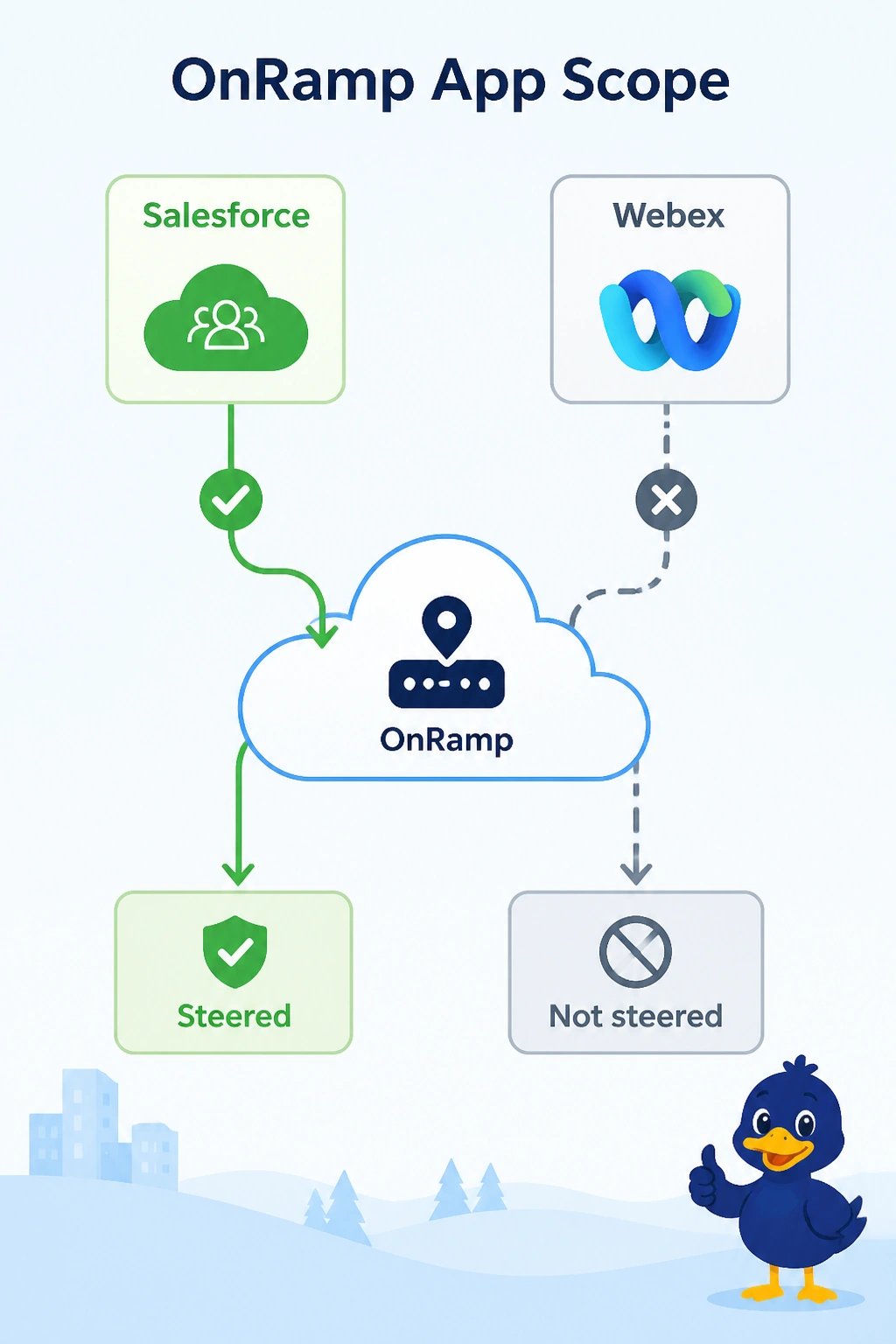
Short Explanation
You’ve enabled OnRamp for Salesforce, but Webex is not an enabled application, so it stays on the lossy backhaul. A healthy local internet exit cannot steer traffic for an application the feature is not watching. The application list is the control.
Full Explanation
Cloud OnRamp for SaaS steers only applications that are enabled. Salesforce is enabled, but Webex is not, so OnRamp does not score a Webex probe or steer Webex calls away from the lossy backhaul, even though a healthy local internet exit exists. Enabling Salesforce does not suppress every other application onto the lossy path; it simply does not control applications that are not enabled. The local internet exit does not have to fail its probe before Webex can use it. For an enabled application, a healthy local path can be a candidate for steering. A zone-based firewall does not enable OnRamp for Webex when Salesforce probes are removed: the enabled application list, not removing Salesforce probes, determines which applications OnRamp steers. Exam caveat: after you enable Webex, a data policy that pins Webex to the backhaul can still override the OnRamp choice, so remove that pin if the local exit should win. Practical check: enable Webex in OnRamp, confirm that a probe uses the local exit, and verify that calls leave the lossy backhaul when the local path is healthier.