
Cloud OnRamp for SaaS is turned on for a retailer's Catalyst SD-WAN network, and one branch has a working local internet exit. Microsoft 365 still follows the data-center default. That application was never enabled in OnRamp. Why?
Select an answer to reveal the explanation.
Short Explanation
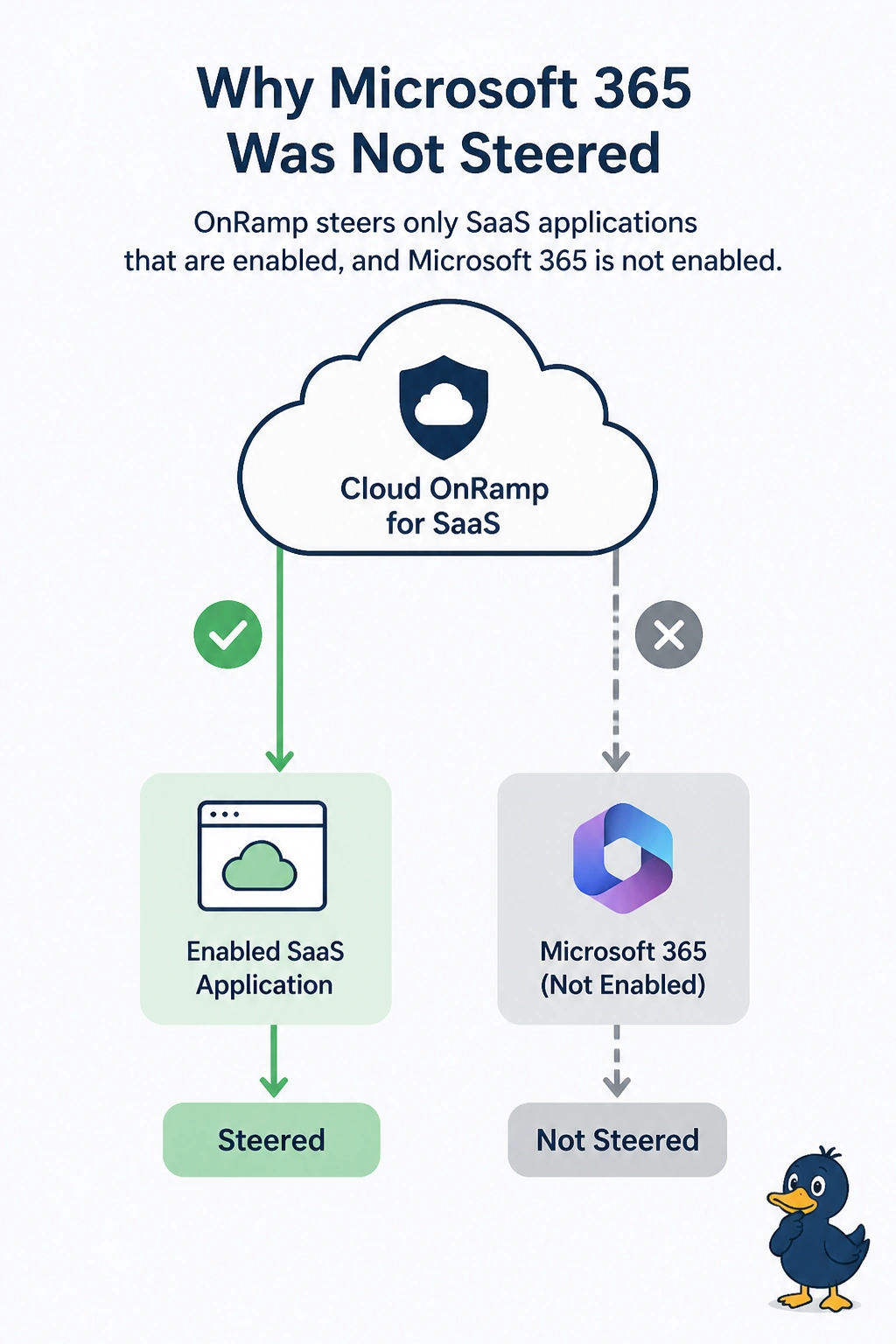
You can have a healthy local internet exit and still leave it unused if Microsoft 365 was never enabled for OnRamp. OnRamp steers only the SaaS applications you enable, so Microsoft 365 keeps following the data-center default until you enable it. Enablement is the missing step, not a change to the local exit.
Full Explanation
Cloud OnRamp for SaaS probes and steers only the applications enabled in the feature. Microsoft 365 was never enabled, so OnRamp does not score a probe for it or steer it away from the data-center default. A working local internet exit can provide a local path, but it is not sufficient when the application is absent from the enabled list. Shutting the local internet exit would remove that local choice; it is not a prerequisite for OnRamp to select it. Removing BFD to the data center would damage overlay reachability, and OnRamp does not require that session to be removed before measuring a path. A zone-based firewall does not automatically turn off SaaS steering just because an overlay tunnel to the data center is up; firewall policy and OnRamp are separate. Exam caveat: enabling Microsoft 365 starts measurement and steering, but a data policy that still pins it to the data center can override the OnRamp choice until that pin is removed. Practical check: enable Microsoft 365 in OnRamp for the branch, confirm a probe appears on the local exit, and verify the application no longer follows the data-center default when the local path is healthier.