
IPsec to an Azure route-based VPN gateway is up, but BGP stays down. The gateway uses its default ASN, 65515, and the campus IOS XE router is also configured with local ASN 65515. What is the fault?
Select an answer to reveal the explanation.
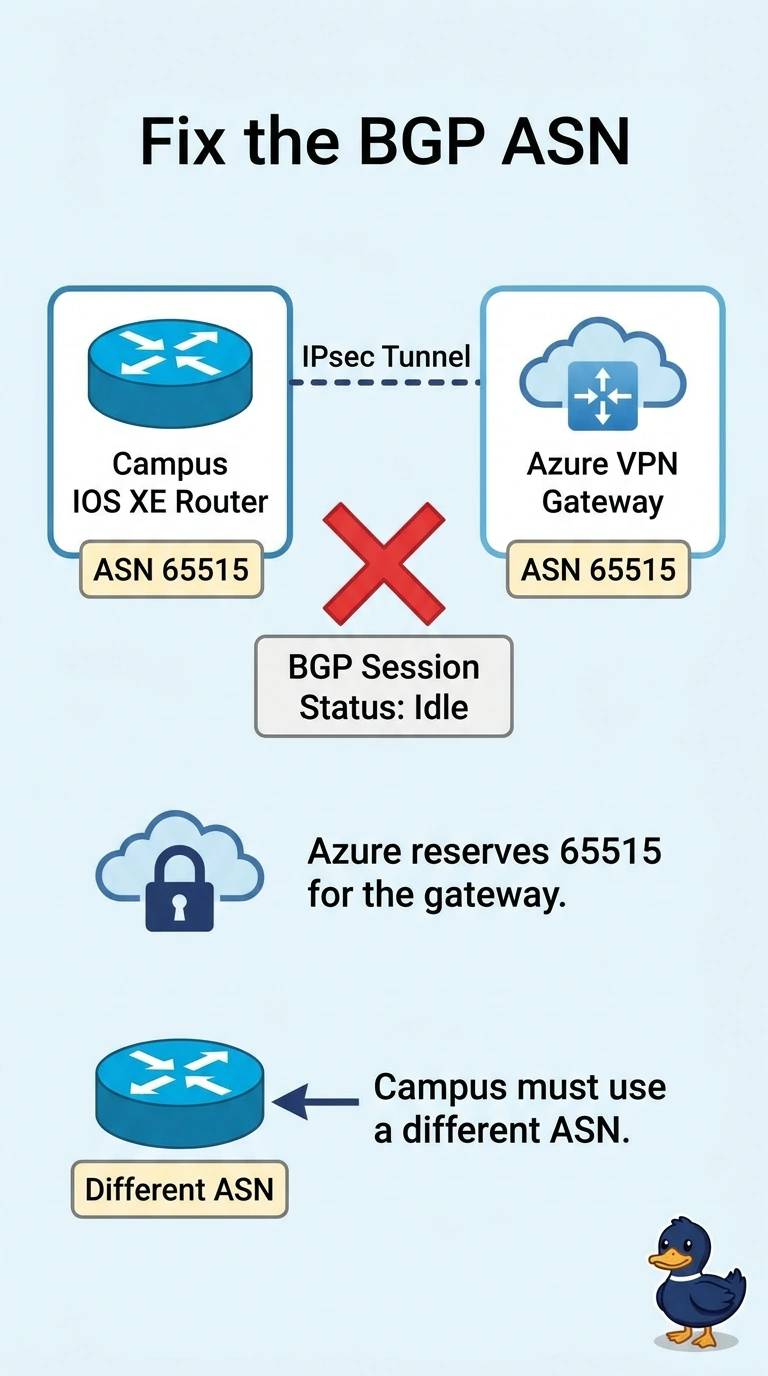
Short Explanation
You and the gateway are wearing the same badge, and that badge is the one Azure keeps for itself. The default gateway ASN is 65515, so your router needs a different ASN. The tunnel is already up, which means IKE is not the reason BGP is sitting down.
Full Explanation
Azure VPN Gateway assigns ASN 65515 by default, and Microsoft lists 65515 as reserved so the customer does not use it. eBGP also requires the two peers to use different ASNs. Here both sides are 65515, so the session cannot establish. The campus router needs a different local ASN, and the local network gateway in Azure must match that customer ASN. The IPsec transform set is not the fault. The tunnel is up and can carry traffic. BGP's failure is at the ASN check, not the cipher. Azure VPN Gateway does not run OSPF, so there is no area 0 to add before BGP will proceed. The hold timer and the IKE lifetime are independent. A legal hold timer is not refused because it is longer than the IKE lifetime, and this session is failing the ASN match first. Exam caveat: you can change the gateway ASN away from 65515, but the customer still must not pick a reserved ASN or the same ASN as the gateway. Operational check: show ip bgp summary should move to Established after the router uses a non-reserved ASN that Azure's local network gateway also has configured.